2-2. Road Safety Warning
This feature may not be available in some countries.
GPS may be aected by weather conditions, satellite signal, and/or surrounding geographical features.
Coated windshields can interfere with GPS signal which may result in poor or blocked GPS reception.
Other electronic devices and/or equipment may interfere with GPS signal if placed too close to the dash
cam.
Cautions
Resetting GPS
┗ Built-in Internal GPS can be reset by selecting “Main Menu > About Device > GPS Info > Reset GPS”
Alert will be displayed on the LCD
screen when approaching nearby
points of interest.
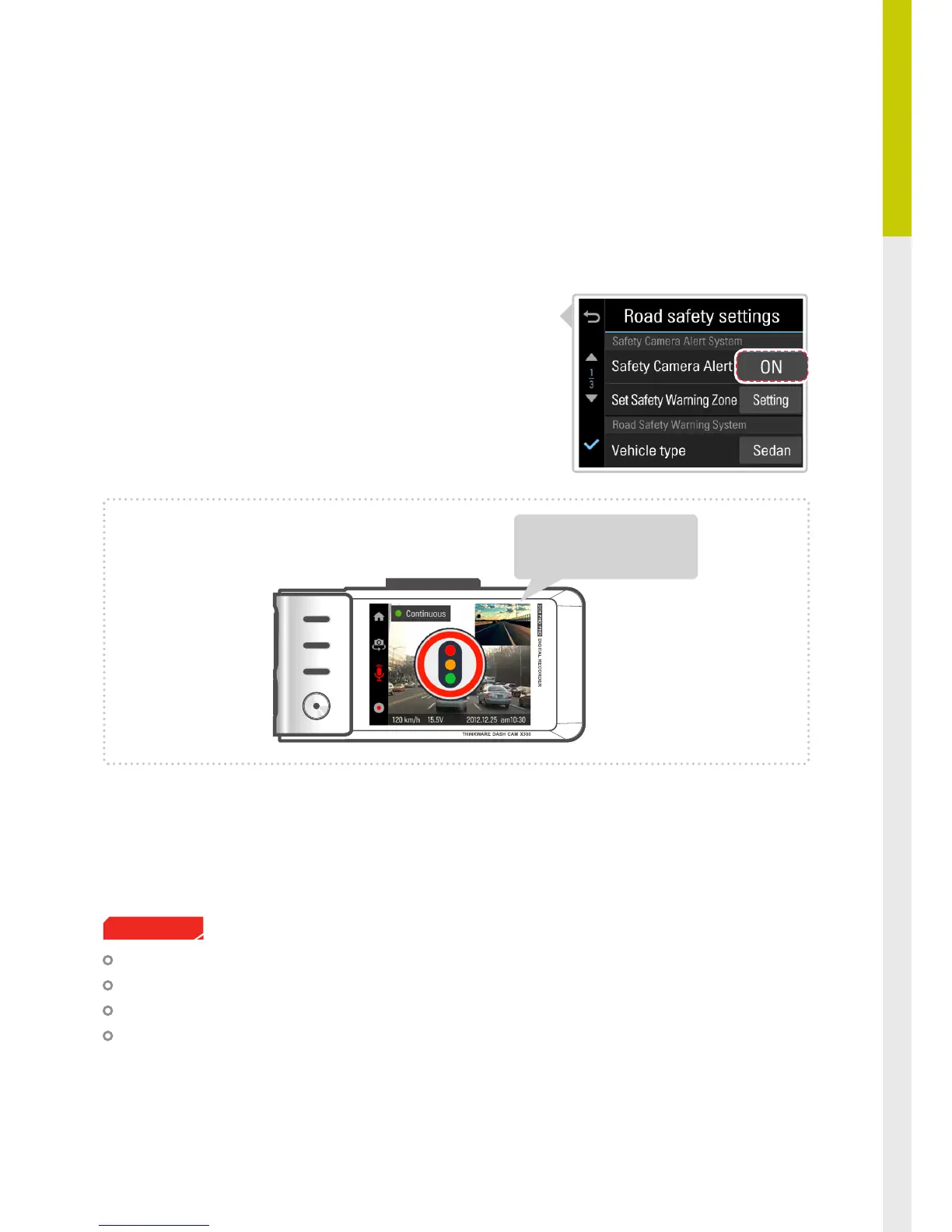
2-2-1. Safety Camera Alert
Safety Camera Alert : Using GPS and database, safety camera alert will warn the driver when approaching
trac enforcement zones such as red light camera, speed camera, average speed
camera, and mobile speed zones.
①
Enable the safety camera alert feature in "LCD Menu >
Settings > Road Safety Settings > Safety Camera Alert"



 To Next Page