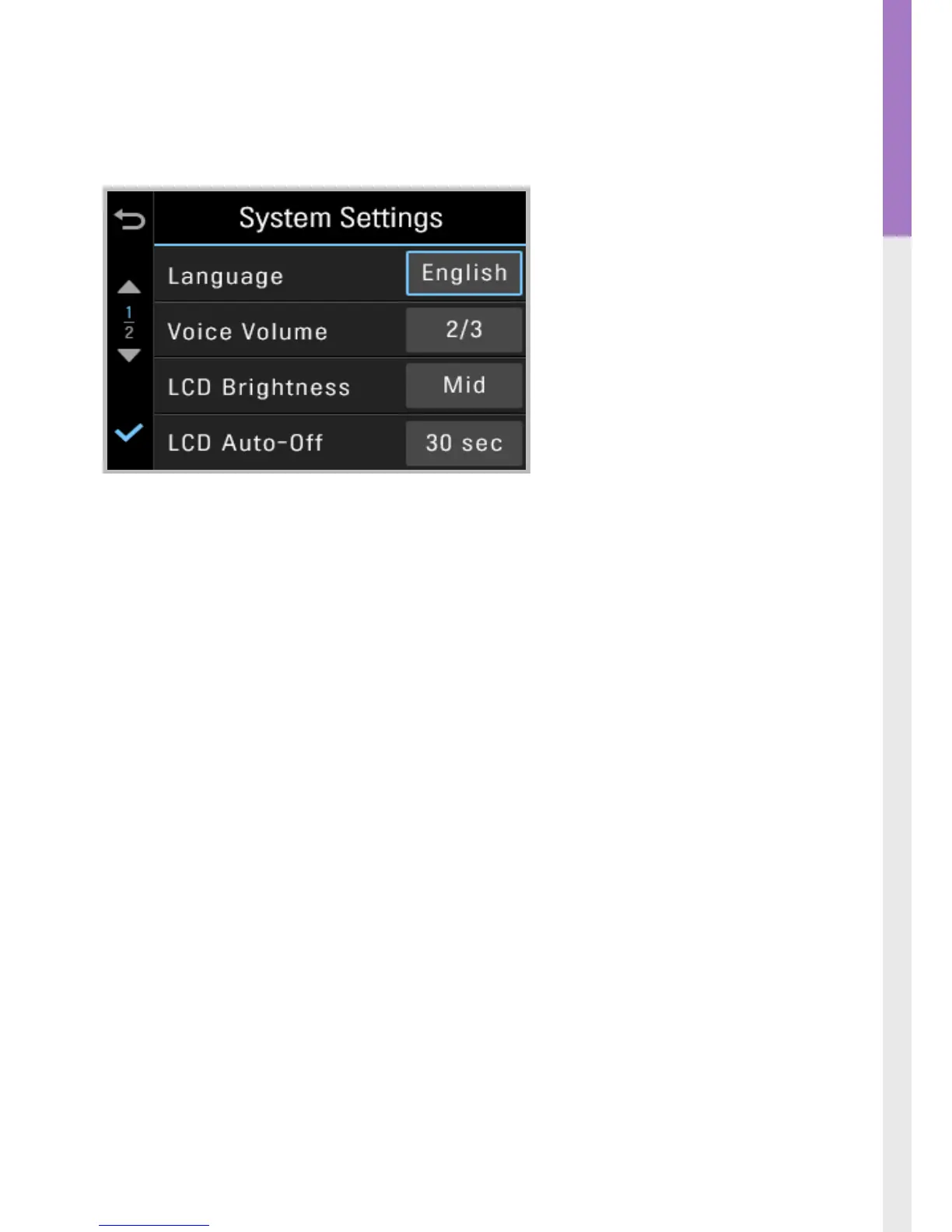
3-9. Settings > System Settings
Language : Sets dash cam system language
Voice Volume : Sets the volume level
LCD Brightness : Sets the brightness of the LCD screen
LCD Auto-O : Sets the time for LCD auto shut o
┗ When LCD is o, pressing any button will turn the LCD screen back on
Security LED : Sets the pattern for security LED
Time Zone : Sets the time zone
Daylight Saving Time (DST) : Sets the daylight saving time
Speed Unit : Sets the unit for the vehicle speed



 To Next Page