12
2. Basic Operations
2-1. Turning the Device Power On/O
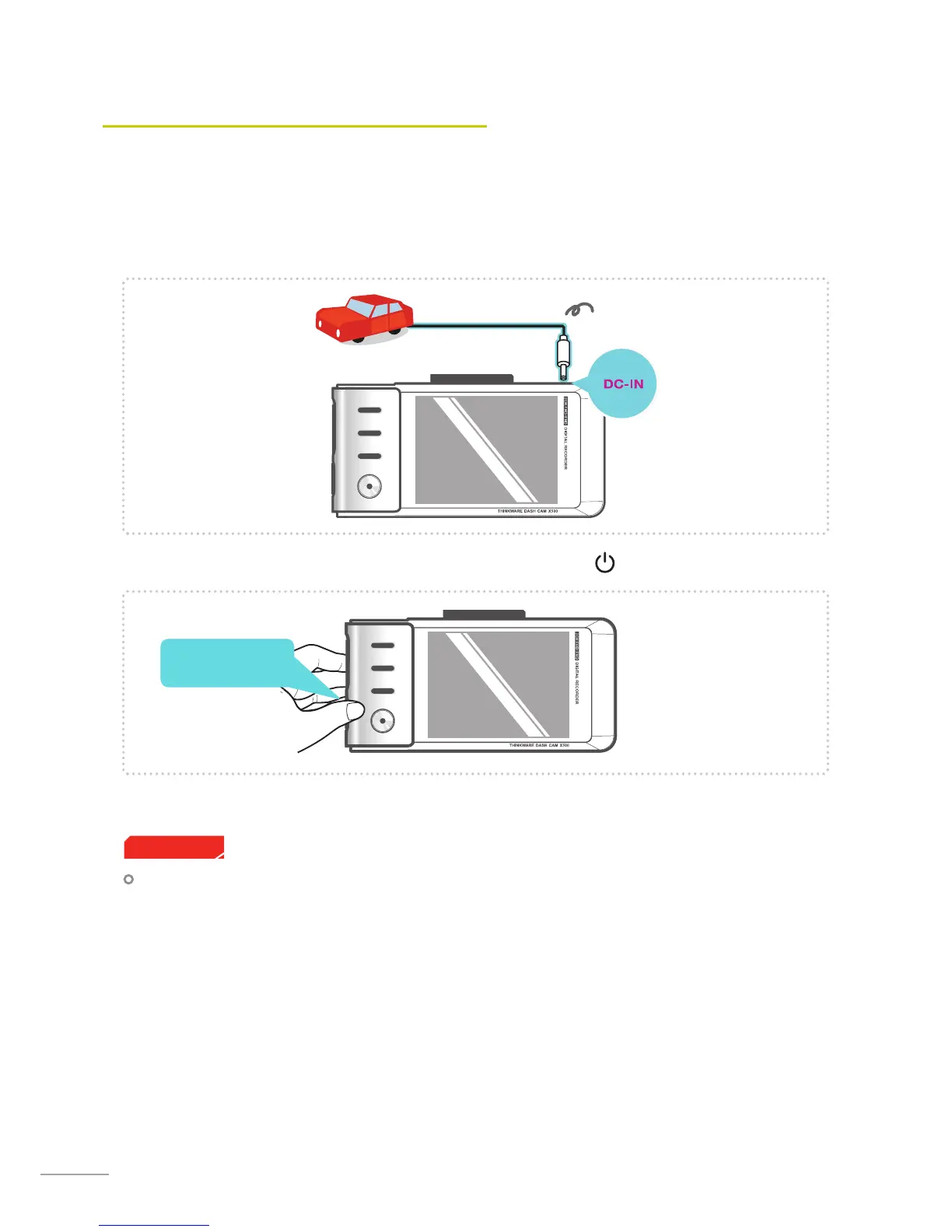
Once connected to the vehicle, the device will automatically turn on and o with vehicle ignition.
To manually turn the device on/o, press and hold the Power button ( ) for 3 seconds.
Press and hold for 3
seconds
Power cable for vehicle
Some vehicles may use a 12V power outlet that stays powered with the engine o. If the dashboard cam-
era stays plugged in, battery drainage may occur. Please consult the vehicle manufacturer to see if your
vehicle uses such power outlets.
Cautions



 To Next Page