EasyManua.ls Logo

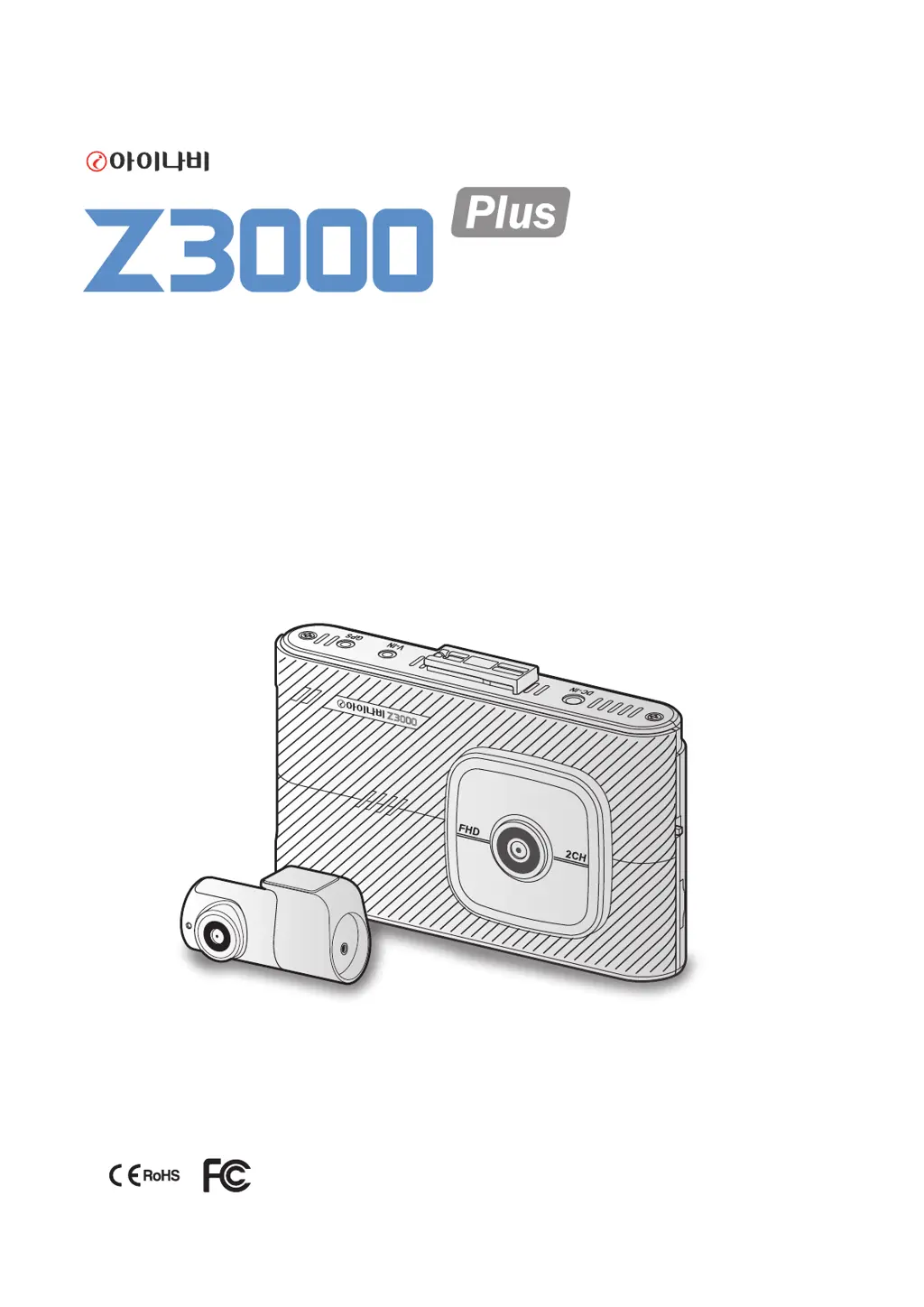
Thinkware Z3000Plus - User Manual

Thinkware Z3000Plus
42 pages
Print Icon
To Next Page IconTo Next Page
Loading...
2Channel Dash Cam
This product records videos while the vehicle is operating.
Read and follow the instructions in this guide to properly use and maintain the product.
User Guide

Questions and Answers

Summary

Before using the product

About the product

Information about the dash cam's recording capabilities and limitations.

About the user guide

Explains the scope and potential inaccuracies of the user guide.

Copyrights

Details copyright information for the guide's content.

Registered trademarks

Lists registered trademarks of THINKWARE and other companies.

Safety information

Safety symbols in this guide

Explains the meaning of warning, caution, and note symbols used in the manual.

Safety information for proper use

Provides essential guidelines for safe operation and handling of the product.

1. Product overview

1.1 Included items

Lists all the standard items included in the product package.

1.2 Part names

Identifies and labels the different parts of the front and rear cameras.

1.3 Removing and inserting the memory card

Instructions on how to safely remove and insert the memory card.

2. Installing the product

2.1 Installing the front camera (main unit)

Step-by-step guide for installing the main front camera unit.

2.1.3 Connecting the power cable

Instructions for connecting the power cable to the dashcam.

2.2 Installing the rear camera

Guide for properly installing the rear camera unit.

3. Using recording features

3.1 Turning the product on or off

Instructions on how to power the dashcam on and off.

3.2 Turning the LCD on or off

How to control the LCD display's on/off function and auto-off settings.

3.3 File Storage Location

Explains how recorded videos are stored in different folders.

3.4 Continuous Recording

Details on how to use the continuous recording mode and its operation.

3.5 Manual Recording

How to manually record videos and store them as separate files.

3.6 Parking Mode

Instructions and options for using the parking mode feature.

3.7 Super Night Vision

How to activate and use the Super Night Vision feature for better night recording.

3.8 Screen Layout

Describes the layout of the Live view and Home screens.

3.9 Playing Videos

Instructions on how to play recorded videos on the product.

5. Settings

5.1 Setting the camera

Options for adjusting camera settings like brightness and rear view reversal.

5.2 Setting recording features

Configuration options for various recording features like sensitivity and modes.

5.3 System Settings

System configuration options including language, volume, and date/time.

6. Accessing the product information

6.1 Understanding the product features

How to view information about the product's features via the menu.

6.2 Viewing the product information

How to access detailed product information like firmware version and memory capacity.

7. Upgrading the firmware

Firmware Upgrade Process

Step-by-step instructions for updating the product's firmware.

8. Using the PC viewer

8.1 System requirements

Lists the necessary system specifications for running the PC viewer software.

8.2 PC viewer for Windows

Instructions for installing, using, and viewing videos on the Windows PC viewer.

8.3 PC viewer for Mac

Instructions for installing, using, and viewing videos on the Mac PC viewer.

9. Troubleshooting

Common Problems and Solutions

Lists common issues encountered and their corresponding solutions.

10. Specifications

Product Specifications Table

Detailed technical specifications of the dash cam product.

Before contacting a service center

Advice on data backup before sending the product for repair.

Thinkware Z3000Plus Specifications

General IconGeneral
Frame Rate30fps
Wi-FiYes
G-SensorYes
BatterySuper Capacitor
Voice NotificationsYes
Video Resolution2K (2560x1440)
StorageMicroSD card up to 256GB
Recording ModesContinuous Recording
Parking ModeYes
GPSYes
ADASLane Departure Warning System (LDWS), Forward Collision Warning System (FCWS)
Night VisionSuper Night Vision
Voltage12V-24V

Related product manuals