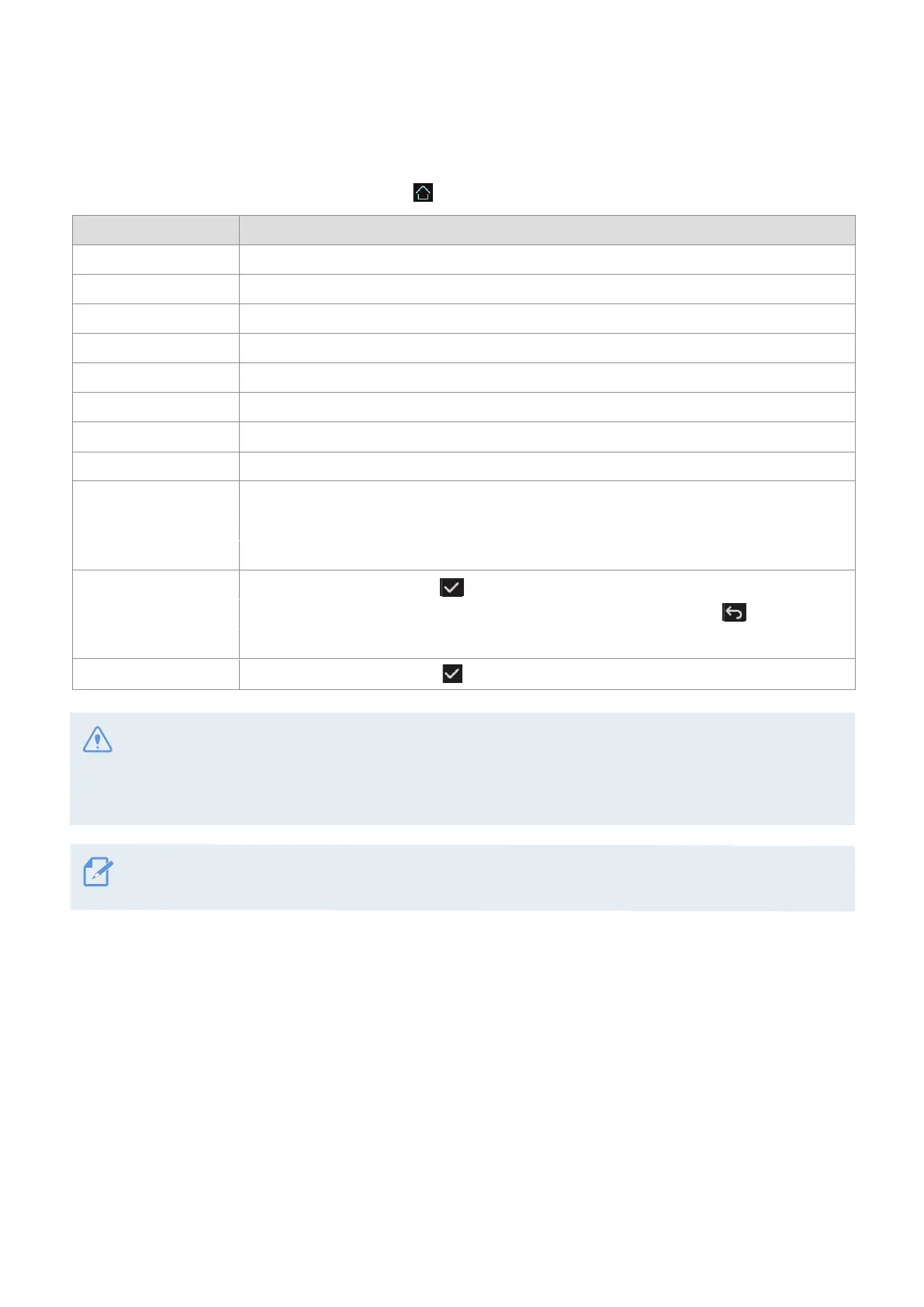
35
If you set this feature to OFF, the screen will be kept on, and the power consumption of the product will
increase.
5.3 System Settings
Menu Description
Language
Press the button to select options:
Korean or English.
Volume
Press the button to select options:
OFF, 1/3, 2/3 or 3/3.
Calibrate Touchscreen
Press [Setting] and select required options.
LCD Brightness
Press the button to select options: Mid, Dark, or Bright.
LCD Auto-Off
Press the button to select options: 10 min, 30 sec, OFF or Clock.
Security LED
Press the button to select options: ON or OFF.
Set Date and Time
Manually set the year, month, and date
Inavi Connected
Press the button to select options:
ON or OFF.
Partition Settings
Format Memory
On the Live view screen, tap the Home button ( )
>
Settings
>
System Settings.
When the partition setting window appears, select partitioning options from Continuous
Recording Priority (Recomm.) / Incident Recording Priority / Parking Recording
Priority / Manual Recording Priority / Driving Recording Only.
Restore Settings
Tap the confirmation button ( ) on the confirmation window.
Tap the confirmation button ( ) to proceed with memory formatting. All the data stored
on the memory will be erased after the formatting. Tap the back button ( ) to cancel
memory formatting.
• Do not disconnect the power or remove the memory card from the product during memory partitioning.
Doing so may cause serious damage to the data stored in the memory card.
• Do not disconnect power or remove the memory card from the product while formatting. Doing so may
cause serious damage to the data stored in the memory card.


 To Next Page