4. Operation
ARV-310 4-18
● Starting Operation
Start the operation through the following procedure:
1) Check that the lid of the unit is closed.
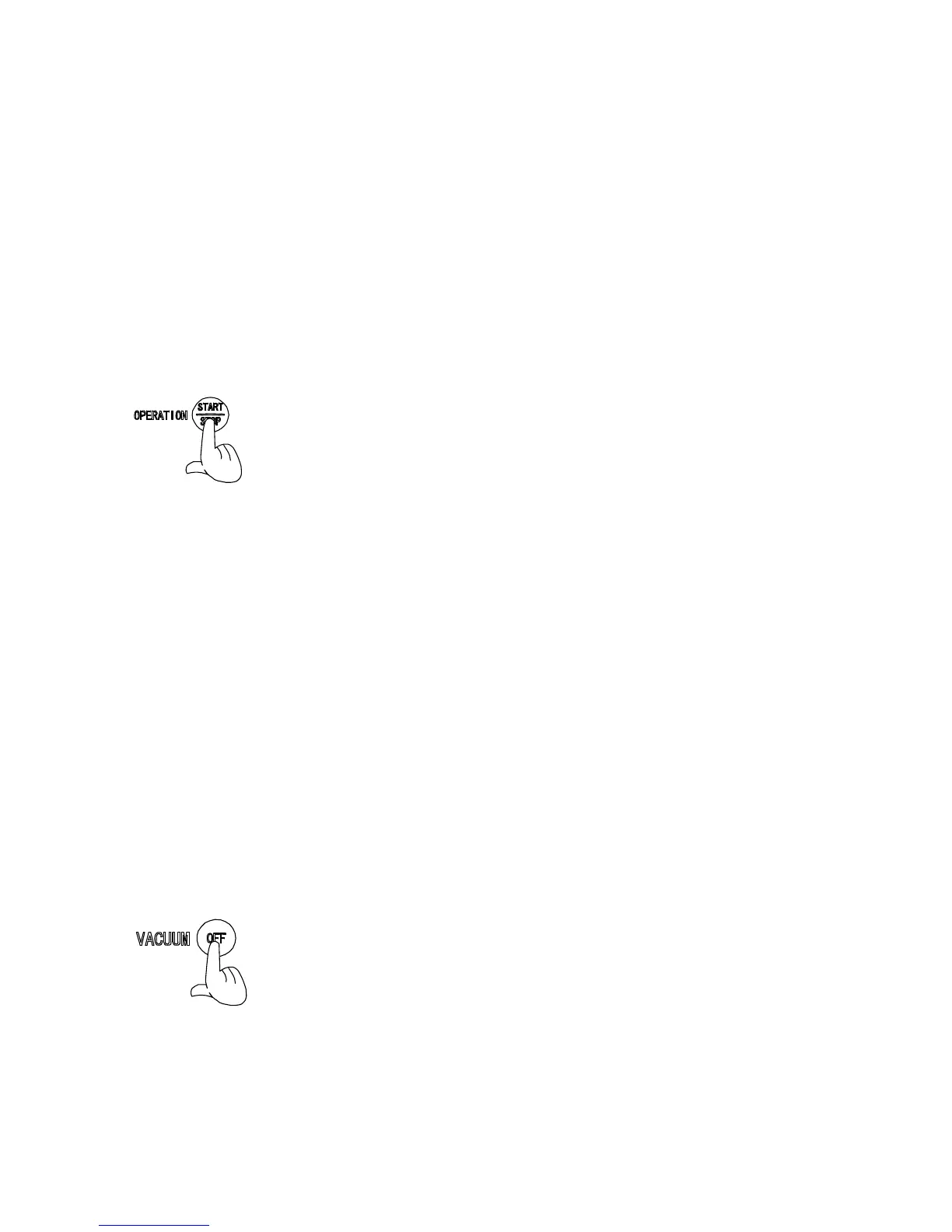
2) Press the OPERATION START/STOP button.
・ Operation starts.
・ When rotating/revolving motion has been set, countdown
of the processing time on the TIME indicator starts and
the motion stops when the indicated number reaches “0”.
・ When vacuum decompression has been set, the vacuum
pump stops after the vacuum decompression pressure vale
reaches the set value, and the air pressure in the vacuum
chamber is released to ambient pressure.
・ When the operation finishes and any motion stops
completely, the buzzer beeps.
● Stopping of Vacuum Pump
Press the VACUUM OFF button to stop the vacuum pump
only.
・ The vacuum pump stops and the air pressure in the
vacuum chamber is released to ambient pressure.


 To Next Page