26
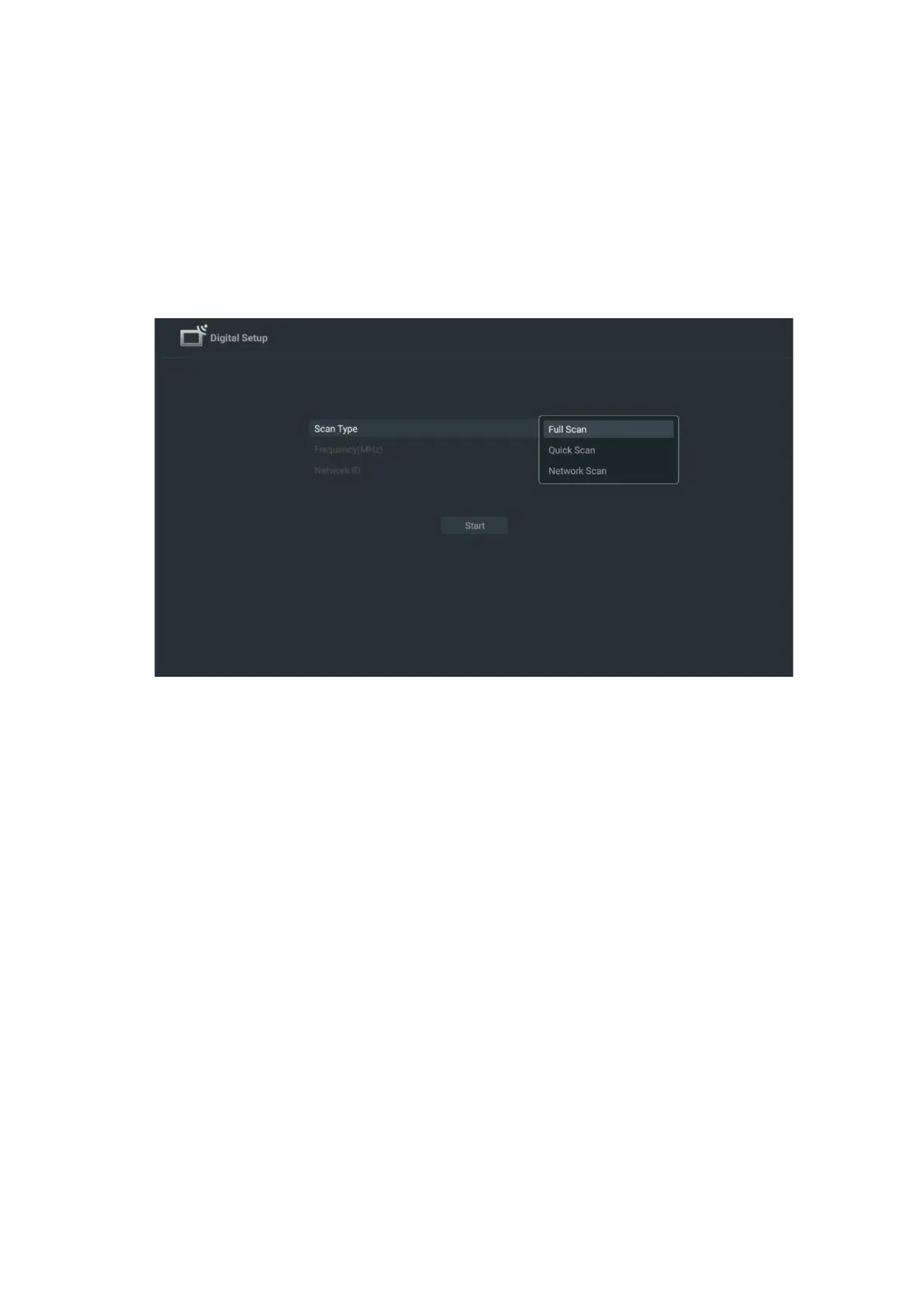
Full scan: An automatic full search searches the entire frequency band; this should be selected if
not all channels were found during a network search.
Quick scan: A quick search will be started, which will bring the channels into a pre-sorted order.
With this type of search, it is necessary to enter the network ID and center frequency.
Network scan: With a network search, a complete and up-to-date channel list of a provider is
transmitted, so the receiver recognises all channels, which is preferable for cable TV operators.
With this type of search, it is necessary to enter at least the network ID.
Select Skip Scan to continue without performing a search.
7.1.3 Satellite
Note for the installation of satellite channels for Thomson TVs installed in Austria or
Germany:
Our Thomson TVs have the Satellite Channels Preset function, which can only be selected and
executed during the initial installation of the TVs. This function is only available if Austria or
Germany was selected as installation countries during the initial installation.
This function will only be performed during the initial installation of the TV when you install the
satellite channels.



 To Next Page