51
Note: The number of channels will be automatically updated according to the made changes.
10.2.1.6.6 Channel MOVE
Rearrange the position of channels in the channel list.
• Select a channel and press OK.
• Select Move in the pop-up menu and press OK.
• Select a channel you wish to move and press OK.
• Highlight a channel underneath which you wish to move the selected channels to and
press OK.
• Press OK to confirm the action.
Note: The numbering of channels will be updated automatically according to the made changes.
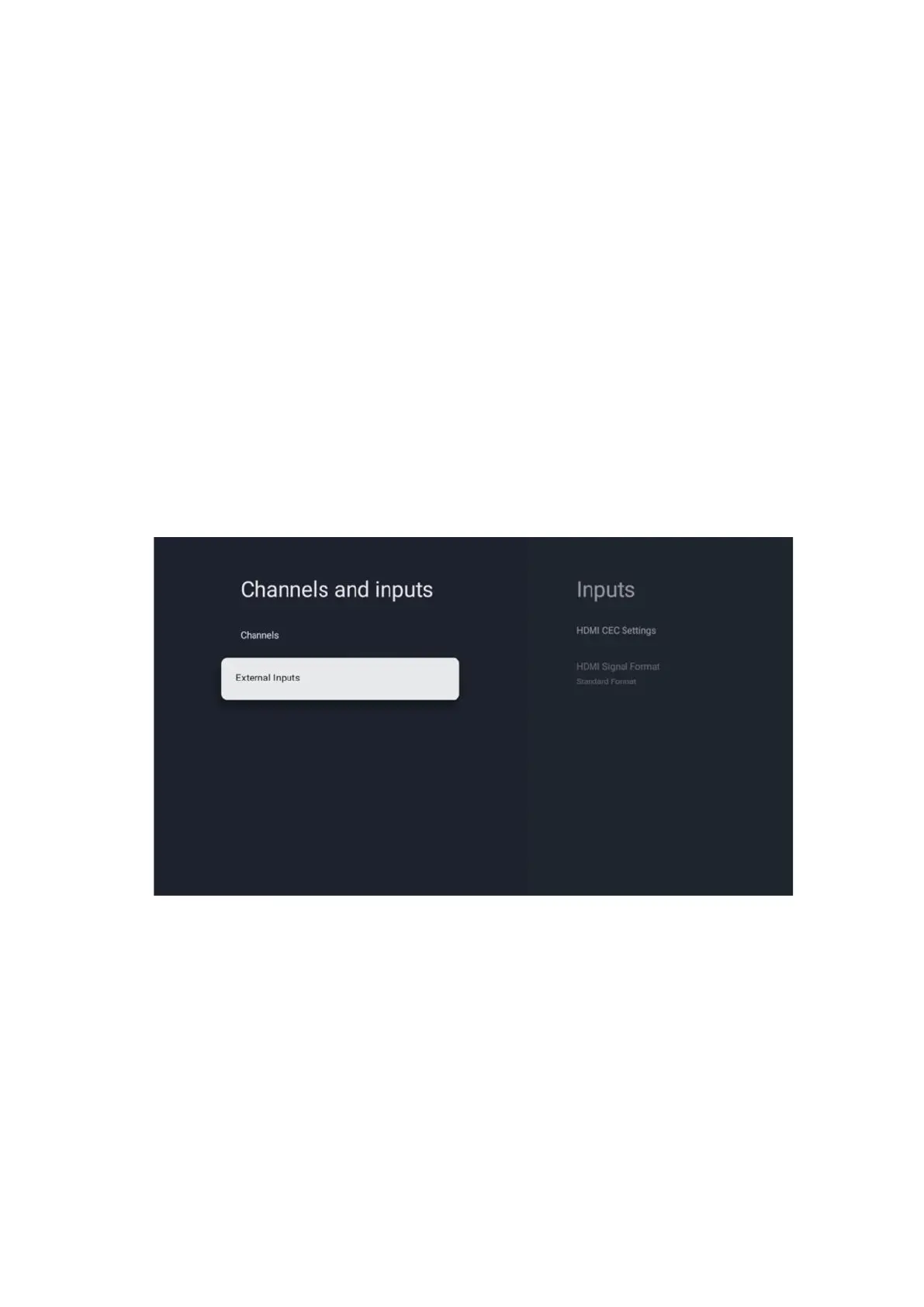
10.2.2 External Inputs



 To Next Page