83
12 Multimedia Player App
If you want to play multimedia content such as movies, music or photos from external storage
devices connected to the USB port, launch the multimedia player app from your Home screen.
Note: Connected USB storage devices, such as HDD/SDD or USB sticks have to be formatted in
FAT32 or NTFS. Devices formatted in exFAT are not supported.
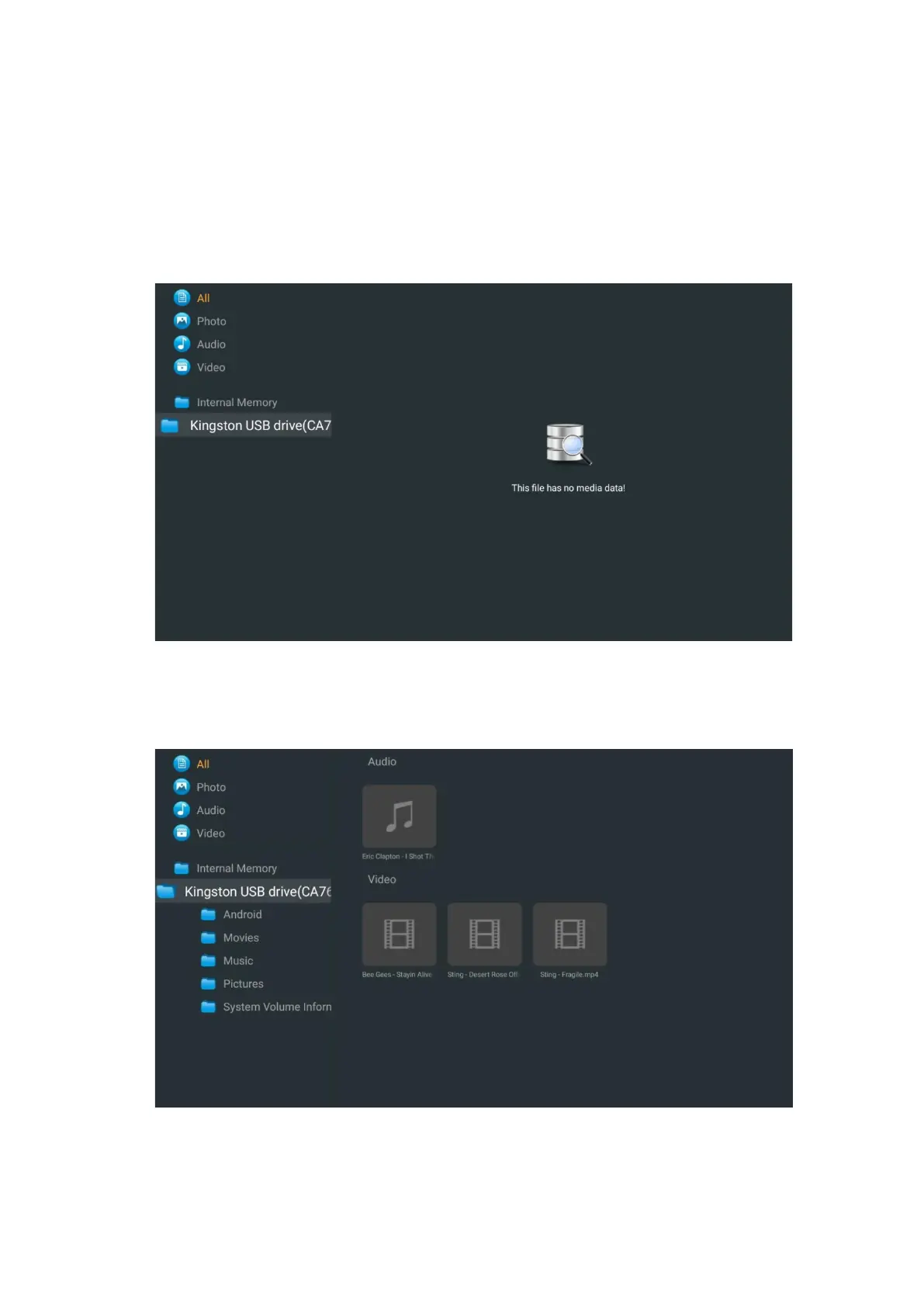
Select your USB storage device on the screen and press the OK button. The stored multimedia
content will be displayed. Select the desired content and press OK to display it.


 To Next Page