56
• Passthrough: The audio signal is forwarded to the AV receiver without TV modulation.
• Auto: The TV audio output is automatically configured according to the connected AV
receiver.
Digital Audio Delay (ms)
Set the delay of the audio output.
Digital Audio Volume
Set the volume level of the audio output.
eARC
• Off: Activate or deactivate the eARC function.
• Auto: The eARC function of the HDMI output is automatically configured according to
the connected AV receiver or soundbar.
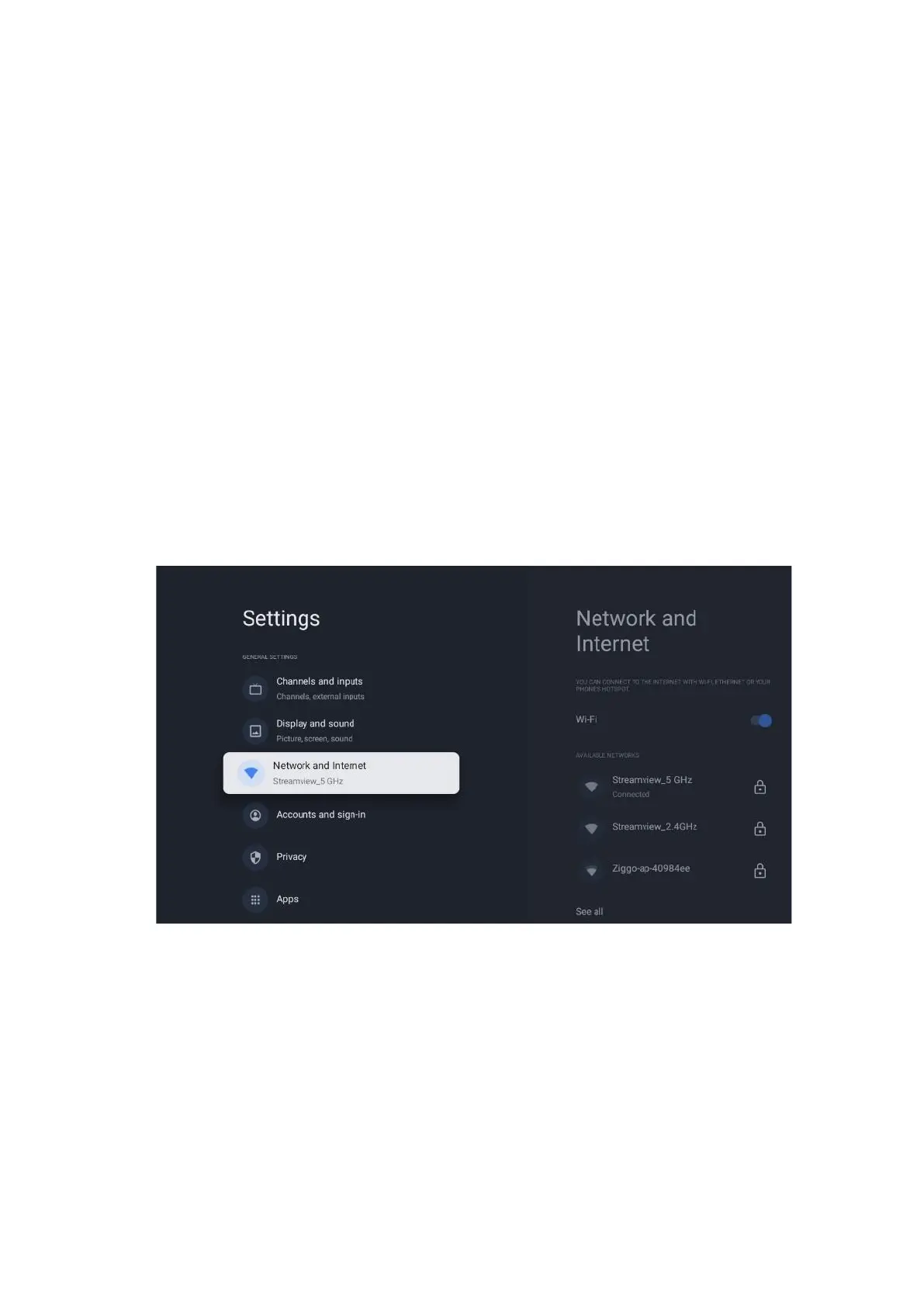
10.4 Network and Internet
You can configure your TV’s network settings using the options of this menu.
10.4.1 Wi-Fi On/Off
Turn the wireless LAN (WLAN) function on and off.
10.4.2 Choose available Wi-Fi network
When the Wi-Fi function is turned on, available wireless networks will be listed. Highlight See all
and press OK to see all networks. Select one and press OK to connect. You may be asked to
enter a password to connect to the selected network in case the network is password protected.



 To Next Page