37
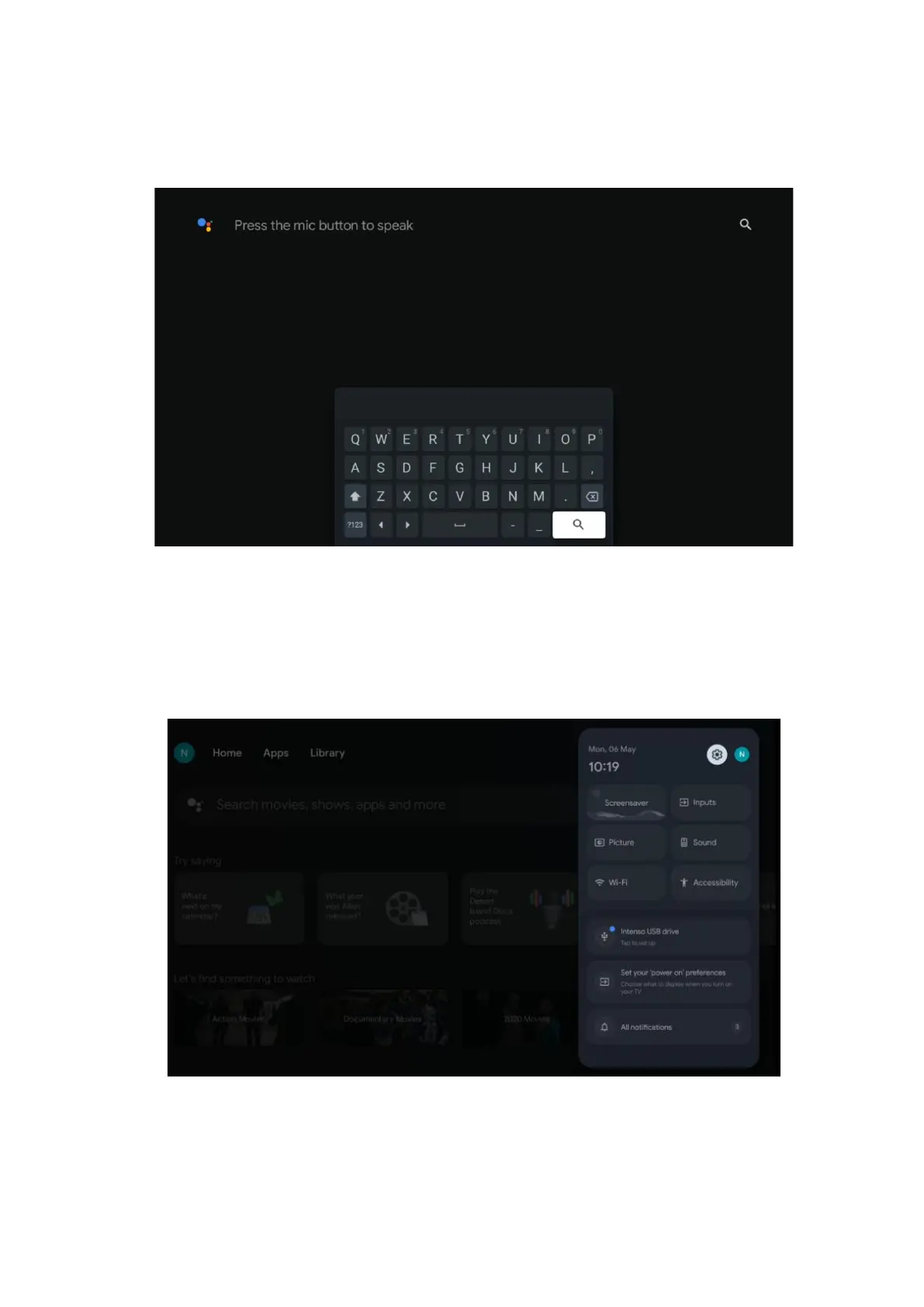
Keyboard search – Select the search bar and press OK. The virtual Google keyboard will appear
on the screen. Type the question you want answered.
9.5 Notification
The notification button appears only when there is one or more unread notifications. To check
them, please, navigate to the Settings icon, which will open the submenu. At the bottom of the
submenu, you will be able to find all the latest notifications.
10 Settings
To see the full list of available settings, navigate to the Home Screen, by pressing the Home
Screen button. Click on the Settings button in the right top corner.


 To Next Page