57
10.4.3 Other options
• Add new network: Add networks with hidden SSID’s.
• Scanning always available: You can let the location service and other apps scan for
networks, even when the Wi-Fi function is turned off. Press OK to turn it on and off.
10.4.4 Ethernet options
• Connected / Not connected: Displays the status of the internet connection via Ethernet,
IP and MAC addresses.
• Proxy settings: Set a HTTP proxy for browser manually. This proxy may not be used by
other apps.
• IP settings: Configure your TV’s IP settings.
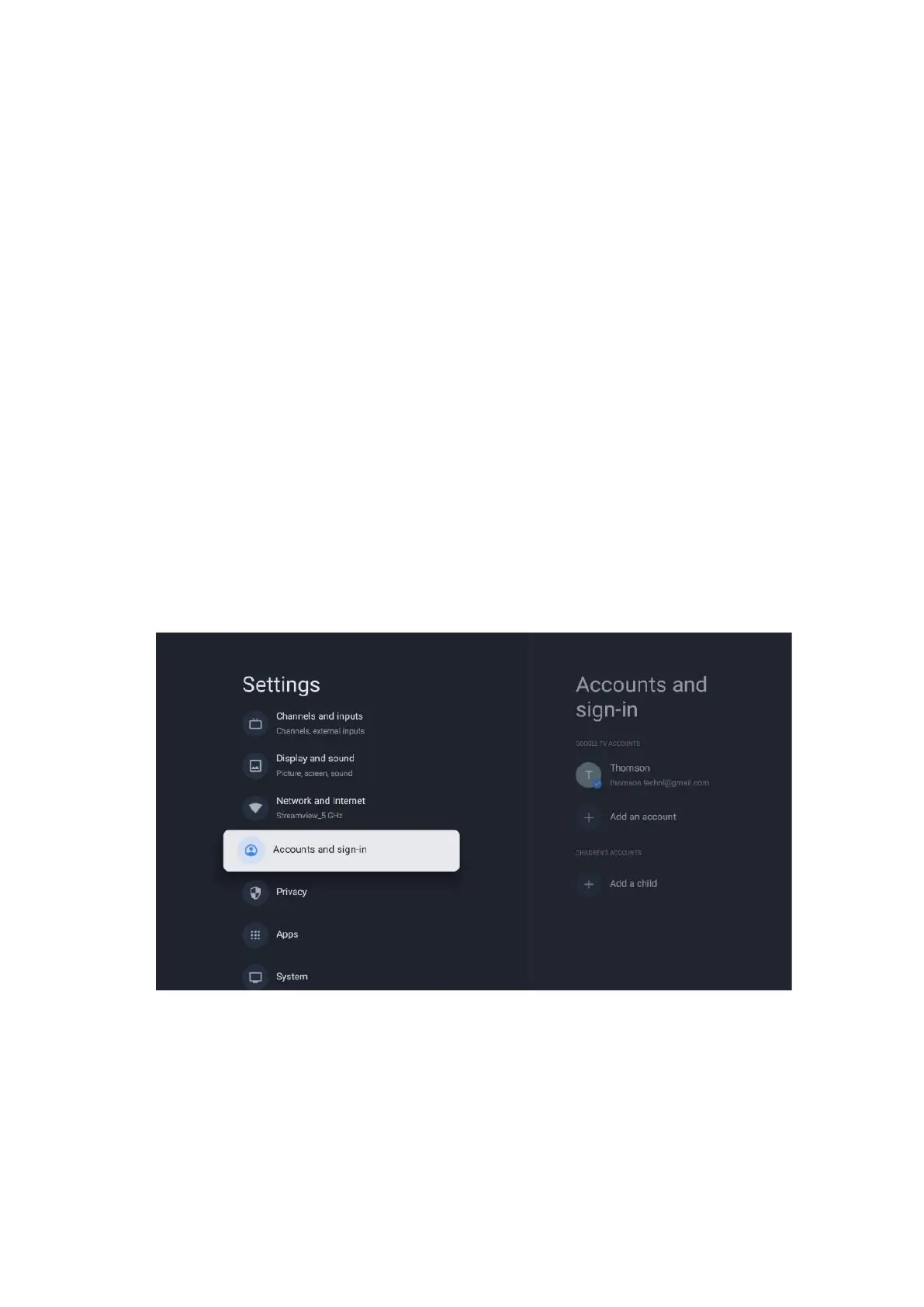
10.5 Accounts and sign-in
• Google TV account: This option will be available if you have signed in to your Google
account. You can lock your account preferences, configure your data syncing preferences,
manage your payments and purchases, adjust Google Assistant settings, enable Apps-
only mode, and remove the account from your TV.
• Add account: Add a new account by signing in to it.
• Add a child: Add a child-friendly account with parental protection.



 To Next Page