29
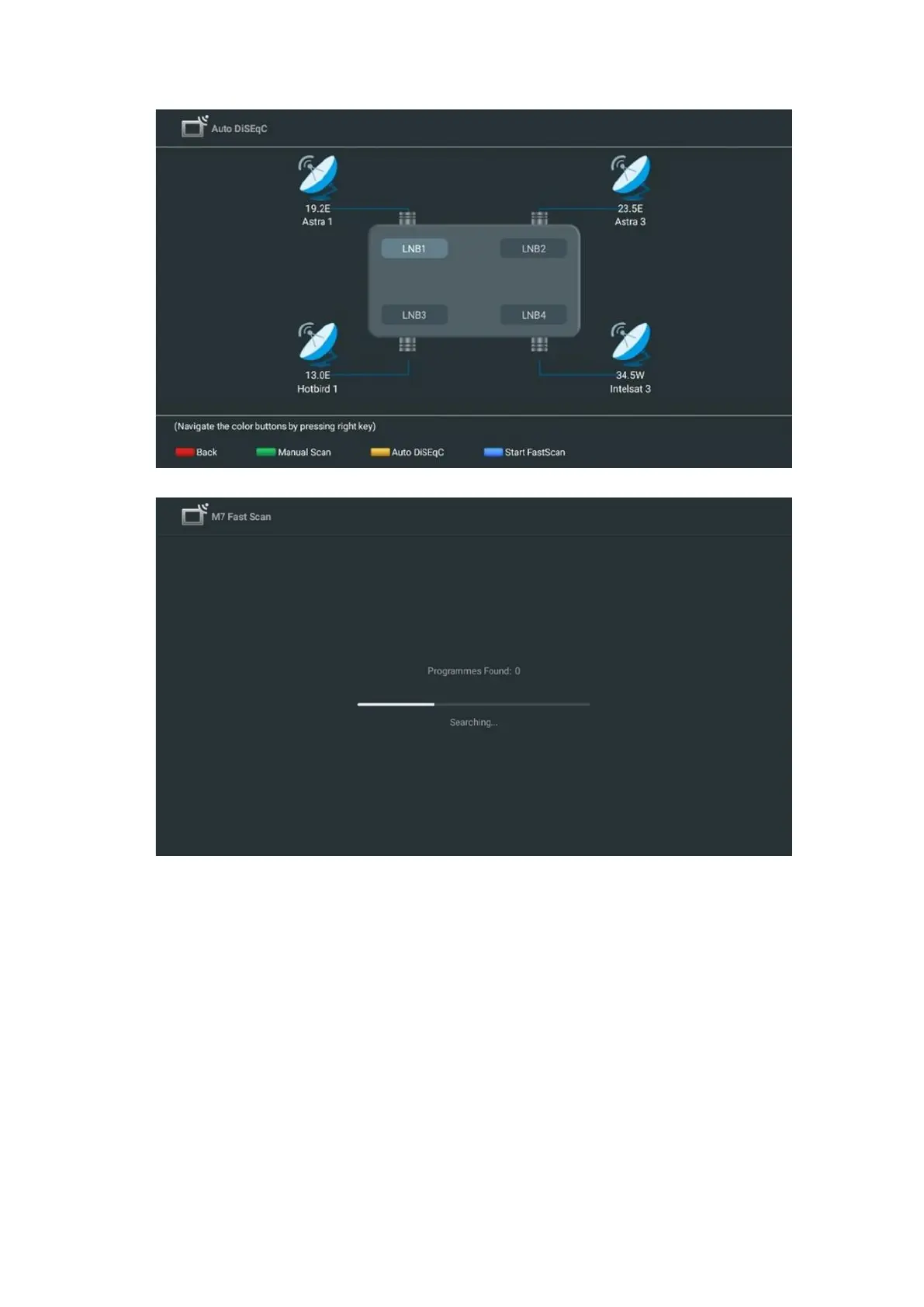
If you want to cancel the ongoing search, press the Back button. The channels that have already
been found will be stored in the channel list. When the initial setup is completed, results will be
displayed. Press OK to finish the setup.
Local satellite operator installation
If available, select an operator from the list for your installation location country. The channels
will be sorted according to the LCN channel sorting of the selected operator.
Others
Select this installation option if you want to program the satellite channels individually.
Your TV screen is divided into three columns. Press the Up/Down and Left/Right directional
buttons on your remote control to move through the columns.



 To Next Page