44
• Audio Type: Select the option Hearing Impaired, if the TV is intended to be used by a
person with hearing problems.
• Audio Format: Select Stereo or Multi Channel, depending on your audio system setup.
• Primary Preferred Language: Set one of the listed language options as your first audio
language preference.
• Secondary Preferred Language: Set one of the listed language options as your second
audio language preference. If the primary selected language in the audio language
option is not available, the audio will be played using this setting.
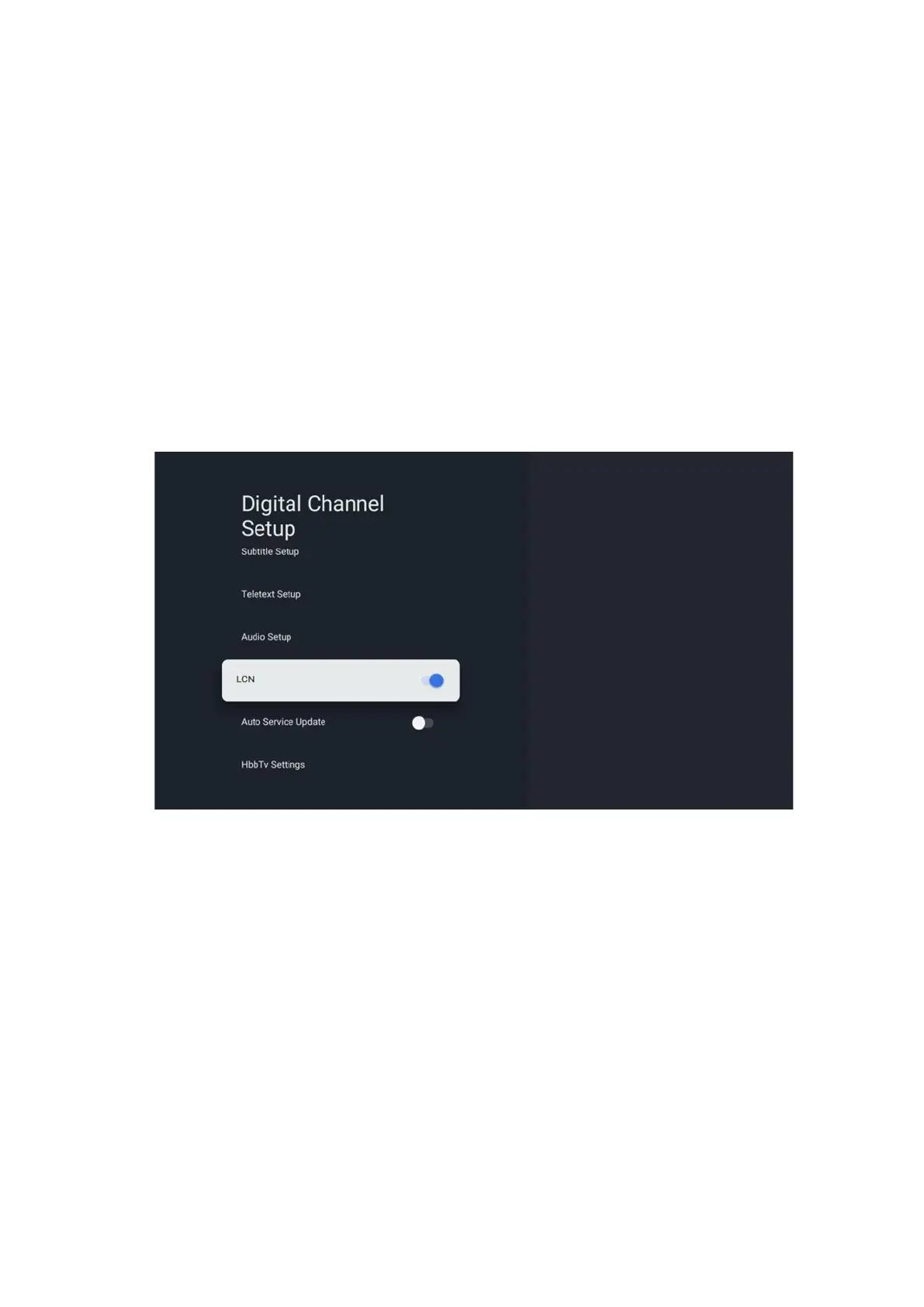
10.2.1.2.4 LCN
Logical Channel Numbering (LCN) in digital television assigns a unique number to each channel
according to the provider’s information.


 To Next Page