MEC 2 MICROPROCESSOR ENGINE/GENERATOR CONTROLLER
PM056 Rev 6 05/10/15 Thomson Technology
13
3. DESCRIPTION
The MEC 2 controller consists of three parts; a Lexan faceplate which is mounted externally on
the enclosure door, a printed circuit board (PCB) which is mounted inside the enclosure door,
and a rear cover for the PCB.
3.1. LEXAN FACEPLATE
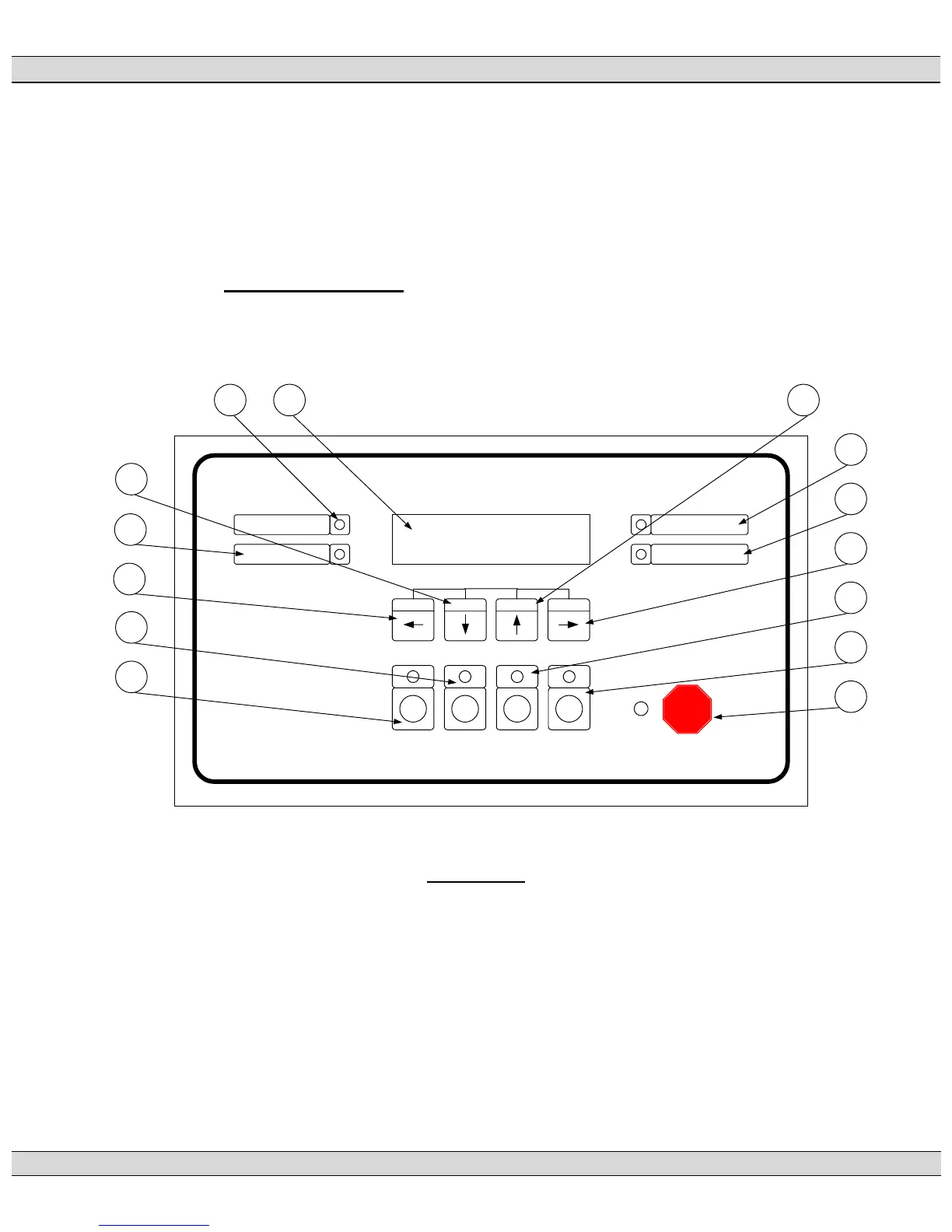
The Lexan faceplate is shown as in FIGURE #10. The Lexan pushbuttons are connected
to the main PCB via plug-in ribbon cable. The main features of the Lexan faceplate are
described as follows with reference to FIGURE #10.
MEC2_03.VSD Rev. 0 00/12/11
DECREMENT INCREMENT
SILENCE RESET
SHUTDOWN
ALARM READY
SPEED SIGNAL
EMERGENCY
STOP
RUN OFF AUTO
LOAD
TEST
EXIT ENTER
14
3
2
13 1
6
7
4
11
12
5
8
9
10
LAMP TEST
MICROPROCESSOR ENGINE CONTROLLER
MEC 2
FIGURE #10
LCD viewing window. The LCD display is mounted on the main PCB that
is visible through the lexan faceplate viewing window.
EXIT pushbutton. The EXIT function is used to scroll backwards through
the status menus or programming prompts to the previous item. The EXIT
function is used to “exit” the programming menu by holding this button down for
approximately 2 seconds while in the programming mode.
DECREMENT pushbutton. The DECREMENT function is used to change
a programming value while in the programming mode. When this pushbutton is











 To Next Page