MEC 2 MICROPROCESSOR ENGINE/GENERATOR CONTROLLER
PM056 Rev 6 05/10/15 Thomson Technology
52
9.2. BASIC PROGRAMMING OPERATION
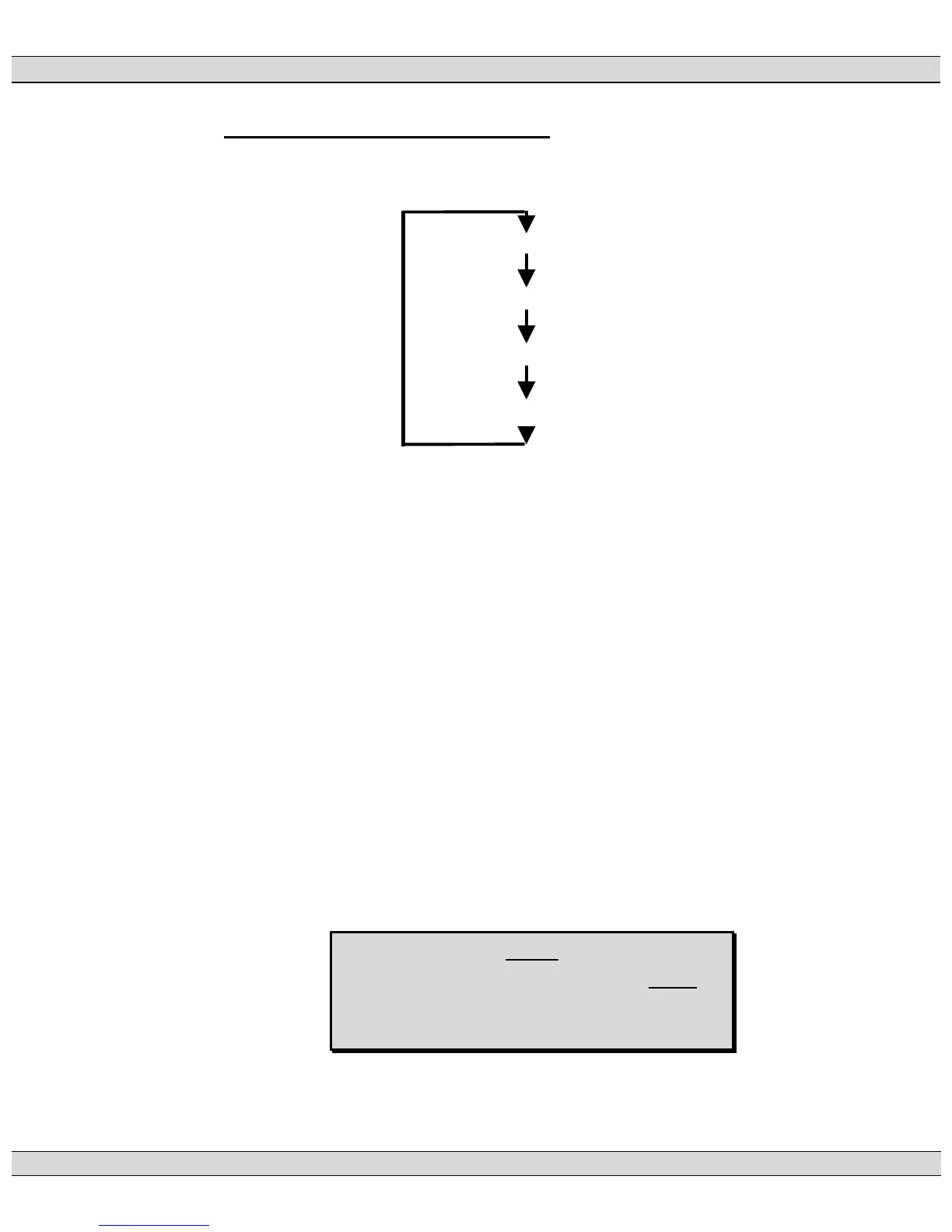
Once the correct password number is entered, the user may choose one of four
separate programming menus as shown below:
MAIN MENU LOOP
ANALOG FAULT MENU LOOP
DIGITAL FAULT MENU LOOP
CALIBRATION MENU LOOP
The MAIN MENU message will be displayed immediately upon entering the
programming mode. To select the desired programming menu, press the INCREMENT
pushbutton to scroll through the available menu types and once displayed, press the
ENTER pushbutton to select the specific program menu.
When the programming mode is accessed, the programming parameters will be
displayed in the same order as the Programming Sheets. To skip over parameters that
do not require changes, push and hold the ENTER pushbutton until the desired function
is displayed. The EXIT pushbutton may be used to scroll backwards through the
programming parameter loops.
To change a programmed parameter, use the INCREMENT or DECREMENT
pushbuttons to scroll through the available options or to adjust a value up or down to the
desired number. When the desired option or number is displayed, press the ENTER
pushbutton to accept the new value.
NOTE:
If the programming mode is terminated before the
last change had been entered, the programming
parameter will remain unchanged.
To exit the programming mode, press the EXIT pushbutton and hold for two seconds.











 To Next Page