Receiver Descrambler - User Manual (release 7.3.1)
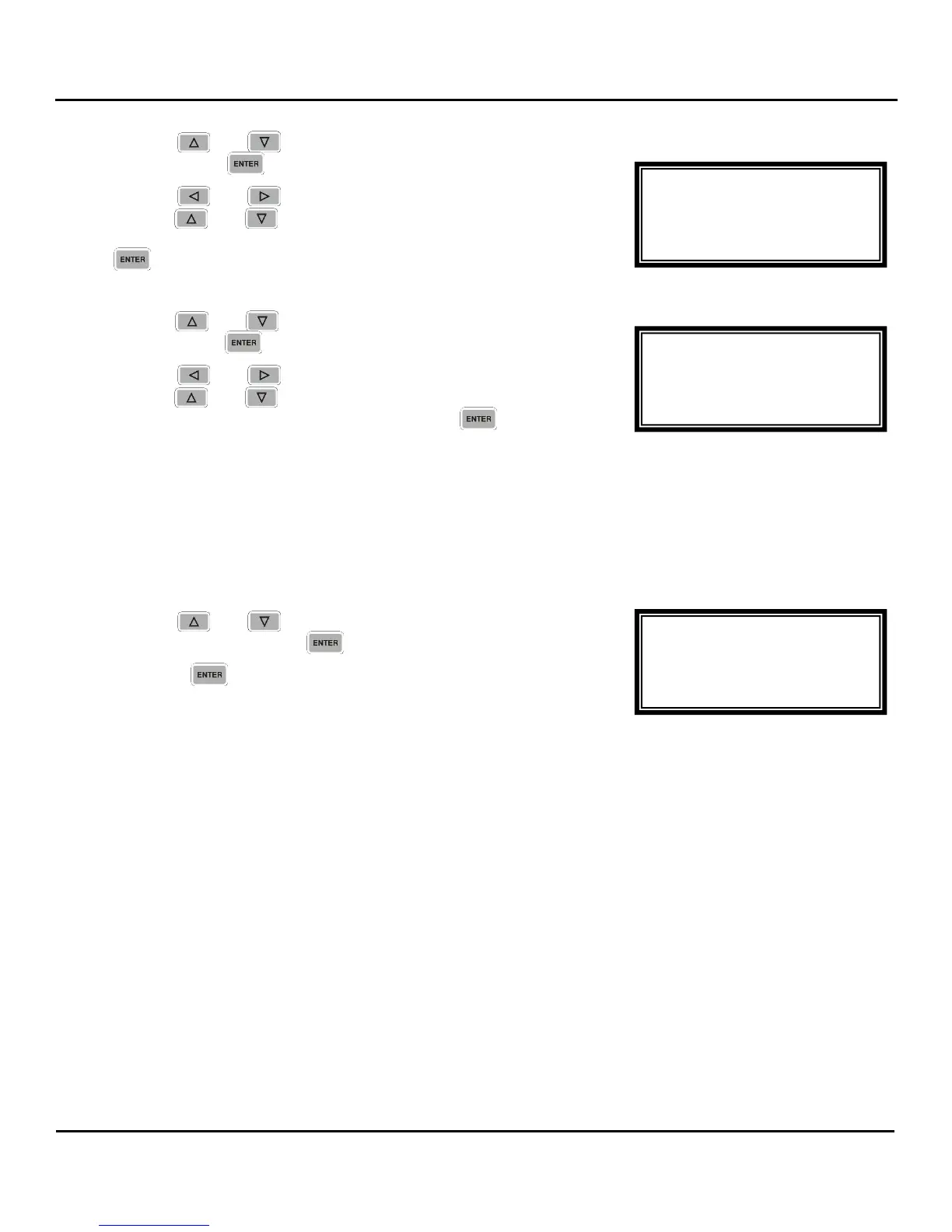
1. Use the and buttons to move the cursor to “Low:”
then press the button.
2. Use the and buttons to select the column to edit and
use the and buttons to set the value of the low
signal alarm threshold (-30dBmV - +40dBmV), then press the
button to save the selection.
1. Use the and buttons to move the cursor to “MER:”
then press the button.
2. Use the and buttons to select the column to edit and
use the and buttons to set the value of the low MER
alarm threshold (0dB – 40dB), then press the button to
save the selection.
Reset FEC Error Counters
The unit counts the FEC errors on the input. These counters can be reset to “0” so that monitoring of the
counts can beginning from a known reference point.
3. Use the and buttons to move the cursor to “Reset
Counters” then press the button.
4. Press the button again to reset the FEC error counters.
VSB/QAM 1-4
Low:+00dBmV
MER:10dB
►Reset Counters
VSB/QAM 1-4
Air/CATV:OffAir
Low:+00dBmV
►MER:10dB
VSB/QAM 1-4
Modulation:8VSB
Air/CATV:OffAir
►Low:+00dBmV



 To Next Page