Receiver Descrambler - User Manual (release 7.3.1)
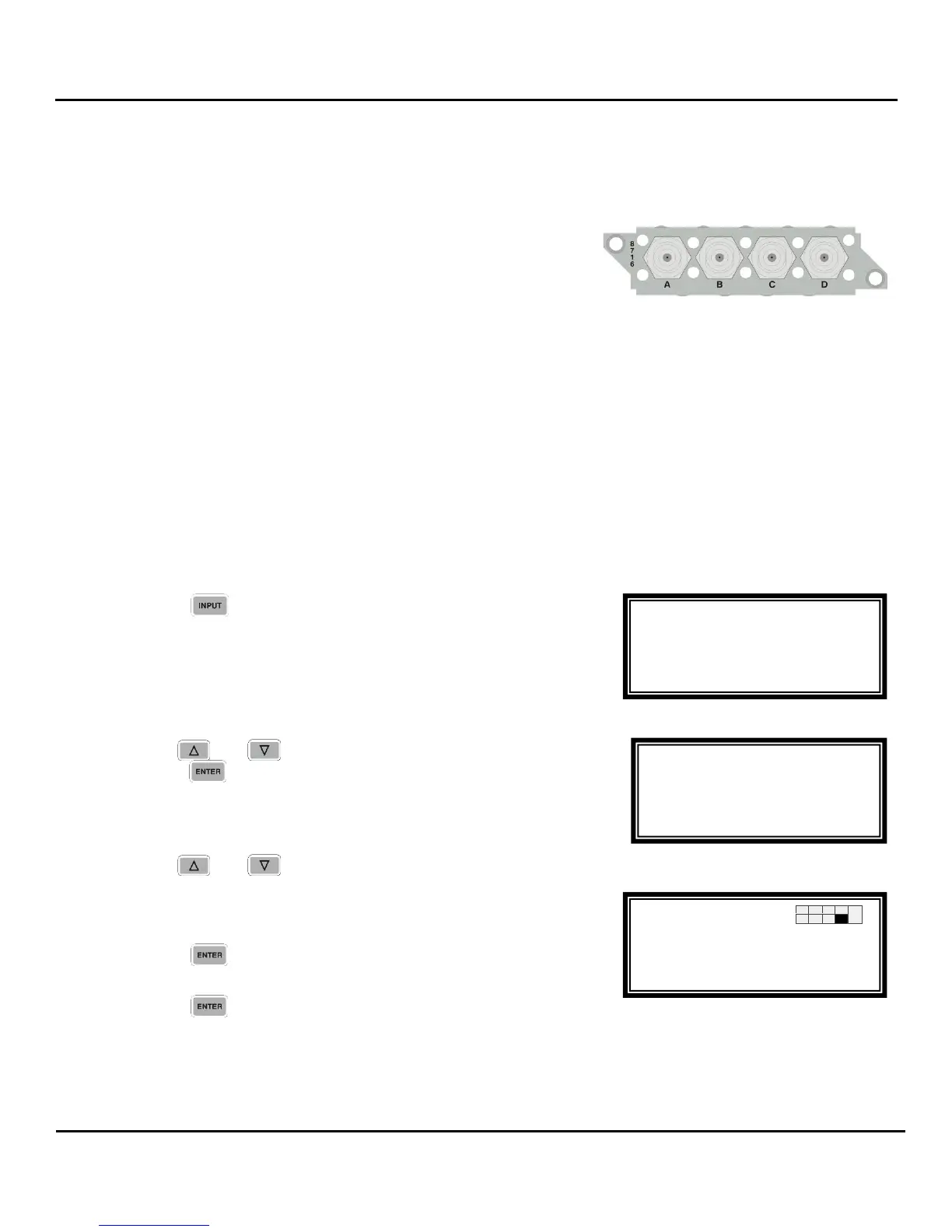
4.6 Quad Input DVB-S/DVB-S2 Receiver with LNB – Option NRD00H12AB
General Information
Install Location: Any slot except 1-1 or 2-1.
I/O: (2) 75 Female F Connectors
Supported Formats: DVB-S/DVB-S2
Description: This input receives a satellite L-band (950 MHz – 2150 MHz) signal for demodulation of KU-
band or C-band DVB-S QPSK signals or DVB-S2 QPSK/8PSK signals. The symbol rate ranges from 1
MSym/s to 45 MSym/s for both DVB-S and DVB-S2. This card provides LNB power and 22 kHz control
tone to the active input. This card has advanced feature options of multistream input, support for VCM,
and support for 16APSK and 32APSK modulation. The “Input” LED will only illuminate if the card
detects frequency, symbol rate, FEC lock (Carrier Lock), and TS sync (Sync Lock). The card provides
A, B, C and D inputs, which may be independently configured, but only one may be active at a time.
Warning: The NRD00H12AA (means revision A) quad DVB-S2 interface board does not support advanced
features. The advanced features modes are only supported from NRD00H12AB (means revision B).
To Edit the Option Card Input Settings
To edit this input card, use the following steps:
2. Use the and buttons to select “Input Modules”, and
press the button.
3. Use the and buttons to move the cursor to the
“DVB-S/S2” card of the specific slot (e.g. 1-4). Notice the
location diagram in the upper right corner of the screen
changes as the cursor moves by each card.
4. Press the button once to display the Status screen for
the DVB-S/S2 card.
5. Press the button again to display the Edit screen for the
DVB-S/S2 card.
Input
ASI/310M 1-3
►DVB-S/S2 1-4
Input
Active Input
Backup Mode
►Input Modules
Input
Active Input
Backup Mode
►Input Modules



 To Next Page