Receiver Descrambler - User Manual (release 7.3.1)
4.12 Panel Lock
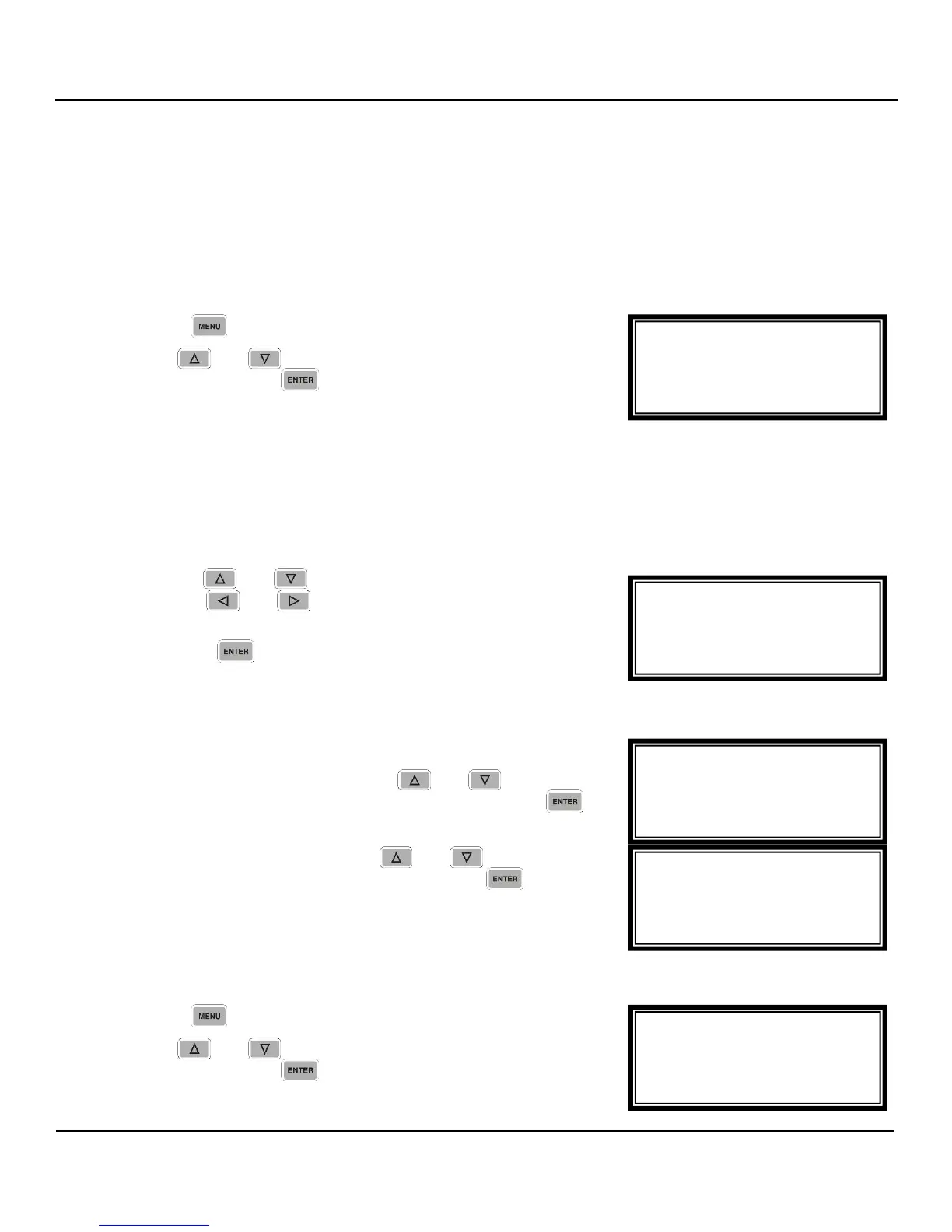
Description: The unit has the option to lock out the front panel with a user defined password. Follow the
steps below to the unit front panel. A Locked front panel prevents the user from changing any of the
settings. All menu status displays are still available.
Locking
1. Press the
button.
2. Use the
and
buttons to move the cursor to “Lock
Panel” then press the
button.
Note: In order to lock the Front Panel, the unit must have a password. When Locking for the first time, user
is prompted to enter a password. The message “No Password set. Please set Password” is displayed
and the unit goes to the Set Password menu.
Set Password Menu
To set the password, use the following steps:
1. Use the
and
buttons to change the character and
then the
and
buttons to move to the next
character.
2. Press the
button when finished, to save the
password. The unit goes to the Lock Menu.
Lock Menu
1. The current password is displayed.
2. To change the password, use the
and
buttons to
move to cursor to the shown password and press the
button. The unit displays the Set Password Menu.
3. To lock the front panel, use the
and
buttons to
move to cursor to “Lock Panel” and press the
button.
Unlocking
1. Press the
button.
2. Use the
and
buttons to move the cursor to “Unlock
Panel” then press the
button.
Menu
Event Log
Network
►Unlock Panel
Set Password ←→
Current Password
xxxxx
►Lock Panel
Set Password ←→
Current Password
► xxxxxx
Lock Panel
Set Password ←→
----------
Menu
Event Log
Network
►Lock Panel



 To Next Page