Receiver Descrambler - User Manual (release 7.3.1)
4.11 Network Setup
Description: The unit can be setup on a network connection to allow remote management and SNMP
configuration. For these features to work, the network settings for the unit must first be configured
properly for the network it is connected to.
Static IP Address
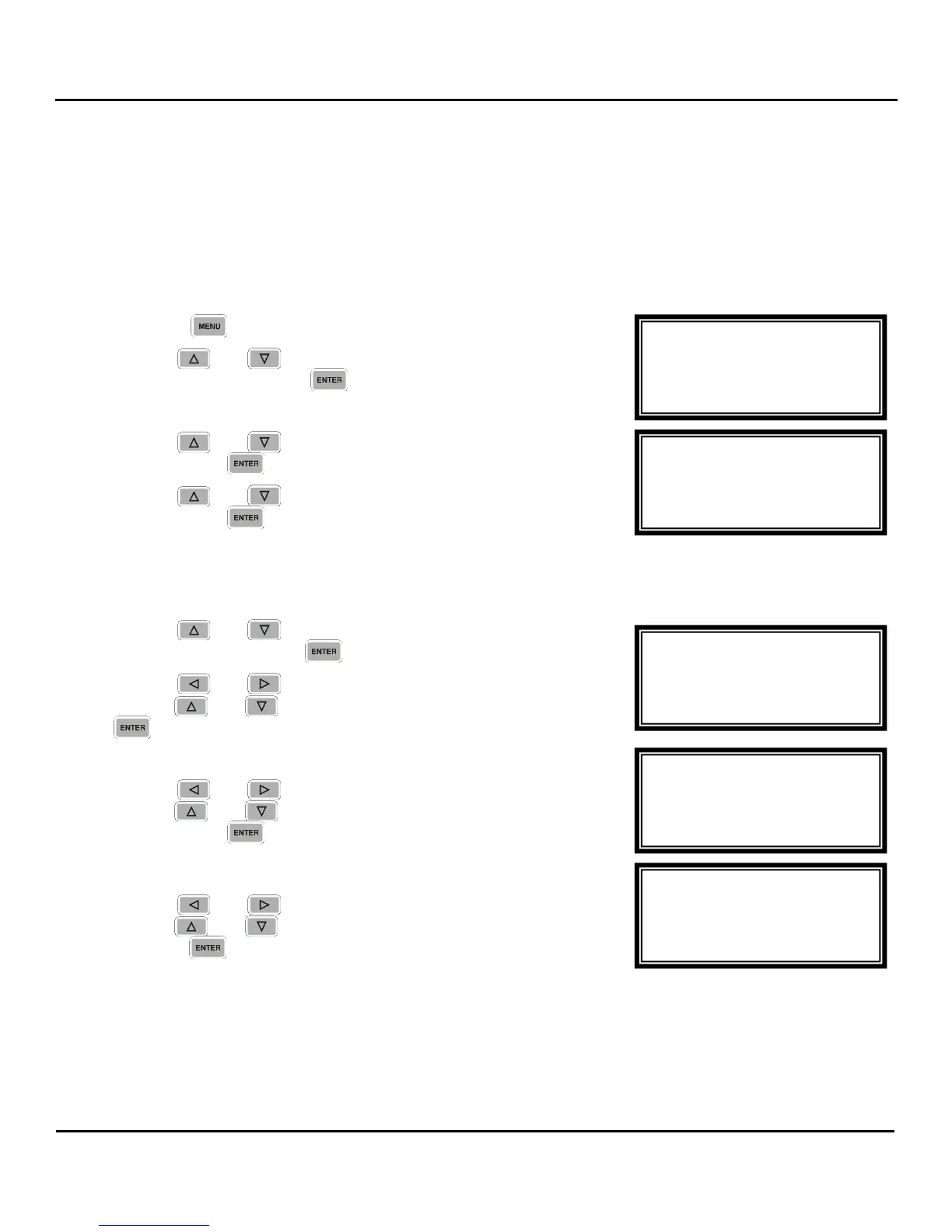
To setup the unit with a static IP address, use the following steps:
1. Press the button.
2. Use the and buttons to move the cursor to
“Network”, then press the button.
3. Use the and buttons to move the cursor to “DHCP:”
then press the button.
4. Use the and buttons to change the selection to, “off”,
then press the button to save the selection.
IP Address/Subnet Mask/Gateway
1. Use the and buttons to move the cursor to “IP
Address”, then press the button.
2. Use the and buttons to select the column to edit and
use the and buttons to change the IP, then press the
button to save the selection.
3. The cursor will now be on, “Subnet Mask.”
4. Use the and buttons to select the column to edit and
use the and buttons to change the Subnet Mask,
then press the button to save the selection.
5. The cursor will now be on, “Gateway.”
6. Use the and buttons to select the column to edit and
use the and buttons to change the Gateway, then
press the button to save the selection.
DHCP
The unit can be configured to use DHCP to obtain an IP address/Subnet Mask/Gateway.
Network ←→
255.0.0.0
Gateway
► 000.000.000.000
Network ←→
10.0.0.50
Subnet Mask
► 255.000.000.000
Network ←→
Dhcp:off
IP Address
► 000.000.000.000
Network
►Dhcp:off
IP Address
0.0.0.0
Menu
Error List
►Network
Password



 To Next Page