Receiver Descrambler - User Manual (release 7.3.1)
4.10 Event Log
Description: The unit has user selectable event logging that it stores to a list. The list includes the date
and time of each event, a short description of the event, and which card was affected by the event. To
configure the unit to log specific events from a predefined list, use the steps below.
Event Log
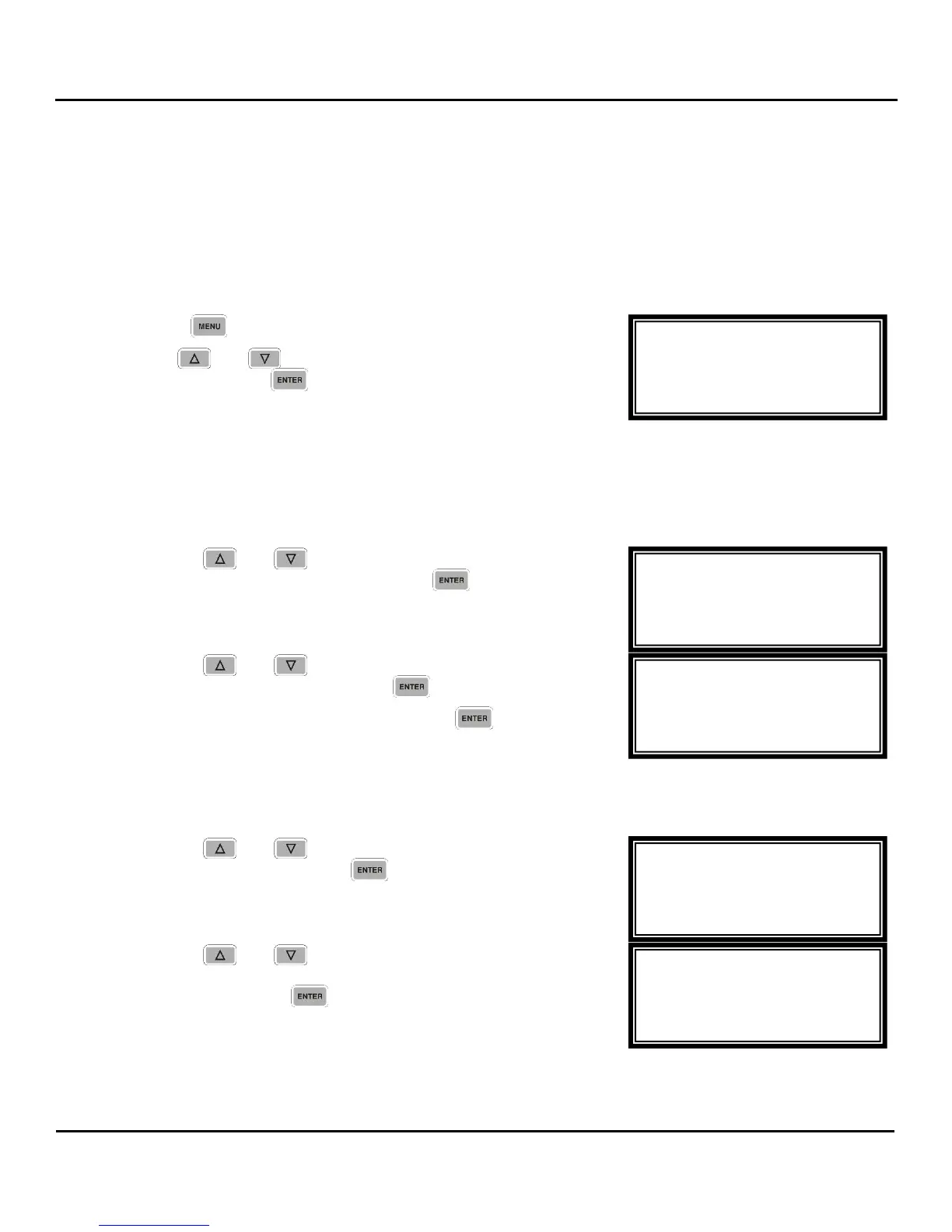
To setup and display the current errors on the unit use the following steps:
1. Press the
button.
2. Use the
and
buttons to move the cursor to “Event
Log,” then press the
button to enter the “event Log
Menu.”
Event Logging Setup
Note: The Event Log List is dependent on the installed options.
To setup which events will log into the Event Log, follow the steps below:
1. Use the
and
buttons to move the cursor to
“Event Logging Setup,” then press the
button.
2. Use the
and
buttons to select which event to turn
enable or disable, then press the
button.
3. Select either “On” or “Off”, then press the
button.
Event Log Display
To display the current errors on the unit use the following steps:
1. Use the
and
buttons to move the cursor to
“Event Log”, then press the
button to choose which
day to view.
2. Use the
and
buttons to move the cursor to
choose either “current”, “day 1 log”, “day 2 log” or “day 3
log”, then press the
button.
Event Log
►current
day 1 log
day 2 log
Event Log Menu
Event Logging Setup
►Event Log
Event Log List
►Vid Not Decode:On
Vid Type:On
Vid Unknown:On
Event Log Menu
►Event Logging Setup
Event Log
Menu
►Event Log
Network
Lock Panel



 To Next Page