Receiver Descrambler - User Manual (release 7.3.1)
5. Use the and buttons to move the cursor to “Phys
Conn:” then press the button.
6. Choose the physical connector using the and
buttons (“Port 1” or “Port 2”) then press the button.
IP
1. Use the and buttons to move the cursor to
“IP:” then press the button.
2. Use the and buttons to select the column to
edit and use the and buttons to change the
IP, then press the button to save the selection.
Destination Port
1. Use the and buttons to move the cursor to
“Dest Port:” then press the button.
2. Use the and buttons to select the column to
edit and use the and buttons to change the
destination port (1025 – 65536), then press the
button to save the selection.
Source Port
1. Use the and buttons to move the cursor to
“Source Port:” then press the button.
2. Use the and buttons to select the column to
edit and use the and buttons to change the
destination port (1025 – 65536), then press the
button to save the selection.
Packets Per Frame
1. Use the and buttons to move the cursor to
“Packets/Ip:” then press the button.
2. Use the and buttons to select the column to
edit and use the and buttons to change the
number of packets per frame (1 –7), then press the
button to save the selection.
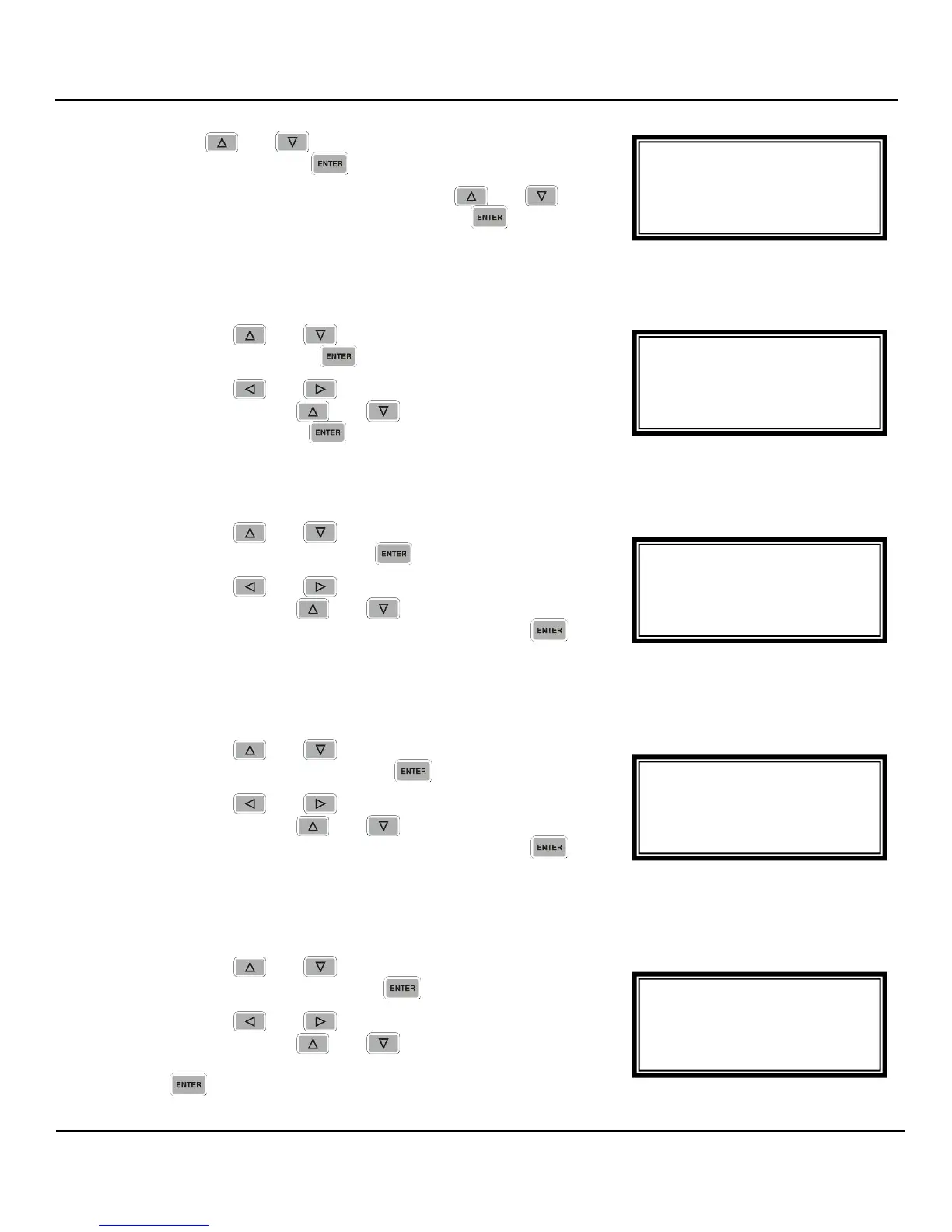
MPEG/IP 1-4
Source Port:01030
►Packets/Ip:7
DiffServ:Default
MPEG/IP 1-4 ←→
IP:239.192.0.1
Dest Port:01030
►Source Port:01030
MPEG/IP 1-4 ←→
IP:239.192.0.1
►Dest Port:01030
Source Port:01030
MPEG/IP 1-4 ←→
►IP:239.192.000.001
Dest Port:01030
Source Port:01030
MPEG/IP 1-4
Receive:Enabled
►Phys Conn: Port 2
IP: 239.192.0.1



 To Next Page