Receiver Descrambler - User Manual (release 7.3.1)
Connection 2
1. Use the
and
buttons to select “Ip2:”, then press
the
button.
2. Use the
and
buttons to change the character and
then the
and
buttons to change the IP address,
then press the
button to save the selection.
3. Use the
and
buttons to select “Port2:”, then
press the
button.
4. Use the
and
buttons to change the character and
then the
and
buttons to change the Port2 value,
then press the
button to save the selection.
RW Community Setup
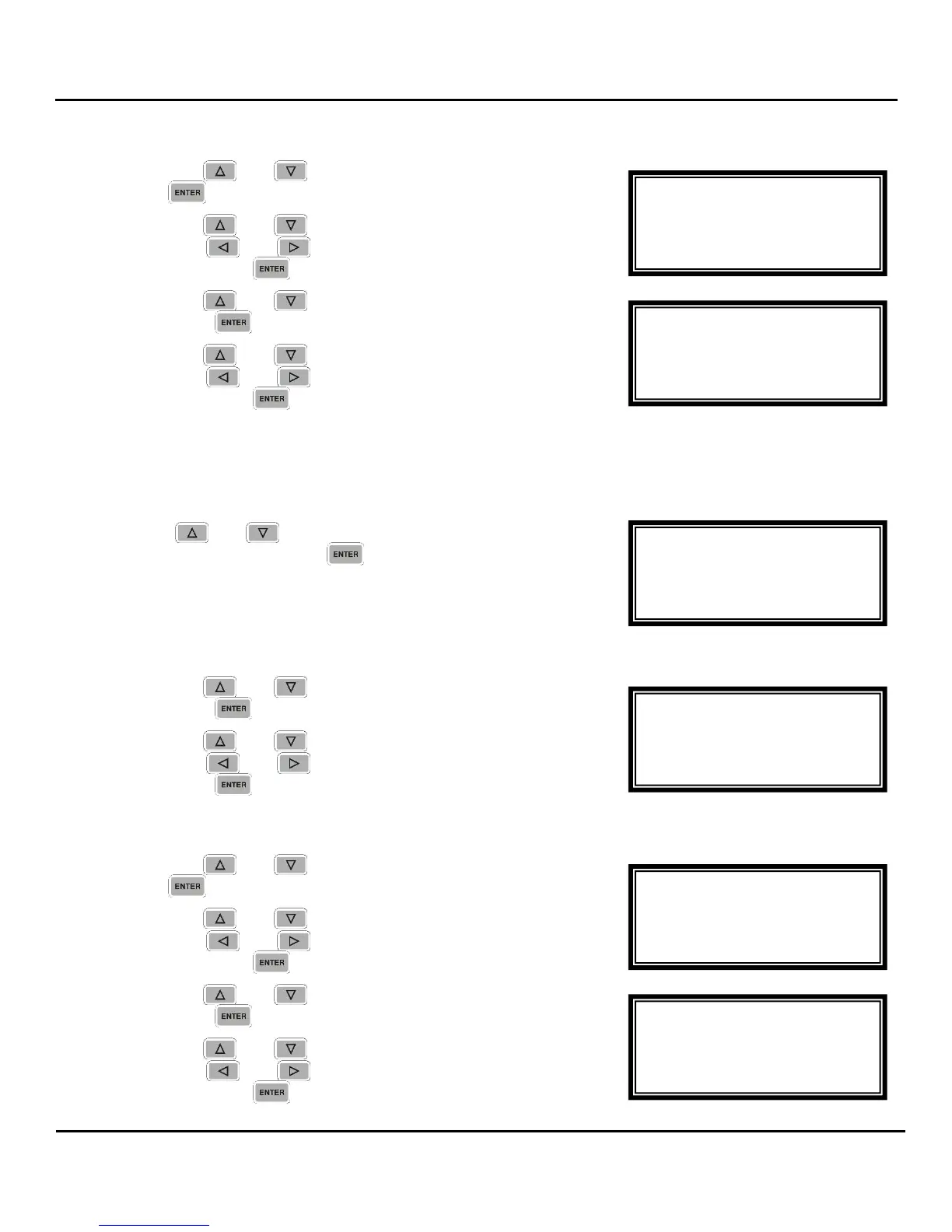
To change the RW Community, follow the steps below:
1. Use the
and
buttons to move the cursor to “RW
Community”, then press the
button.
Name
1. Use the
and
buttons to select “Name:”, then
press the
button.
2. Use the
and
buttons to change the character and
then the
and
buttons to change the Name, then
press the
button to save the selection.
Connection 1
1. Use the
and
buttons to select “Ip1:”, then press
the
button.
2. Use the
and
buttons to change the character and
then the
and
buttons to change the IP address,
then press the
button to save the selection.
3. Use the
and
buttons to select “Port1:”, then
press the
button.
4. Use the
and
buttons to change the character and
then the
and
buttons to change the Port1 value,
then press the
button to save the selection.
RW Community ←→
Name: private
---
Ip1:10.0.15.10
►Port1:0162
RW Community ←→
Name: private
---
►Ip1:010.000.015.010
Port1:0162
RW Community ←→
►Name:private
---
Ip1:10.0.15.10
Port1:0162
SNMP
RO Community
►RW Community
Trap Setup
RO Community ←→
Name:public
----
Ip2:0.0.0.0
►Port2:0162
RO Community ←→
Port1:0162
►Ip2:000.000.000.000
Port2:0162



 To Next Page