Chapter 5
Software Upgrade
E-DOC-CTC-20050429-0103 v1.0
103
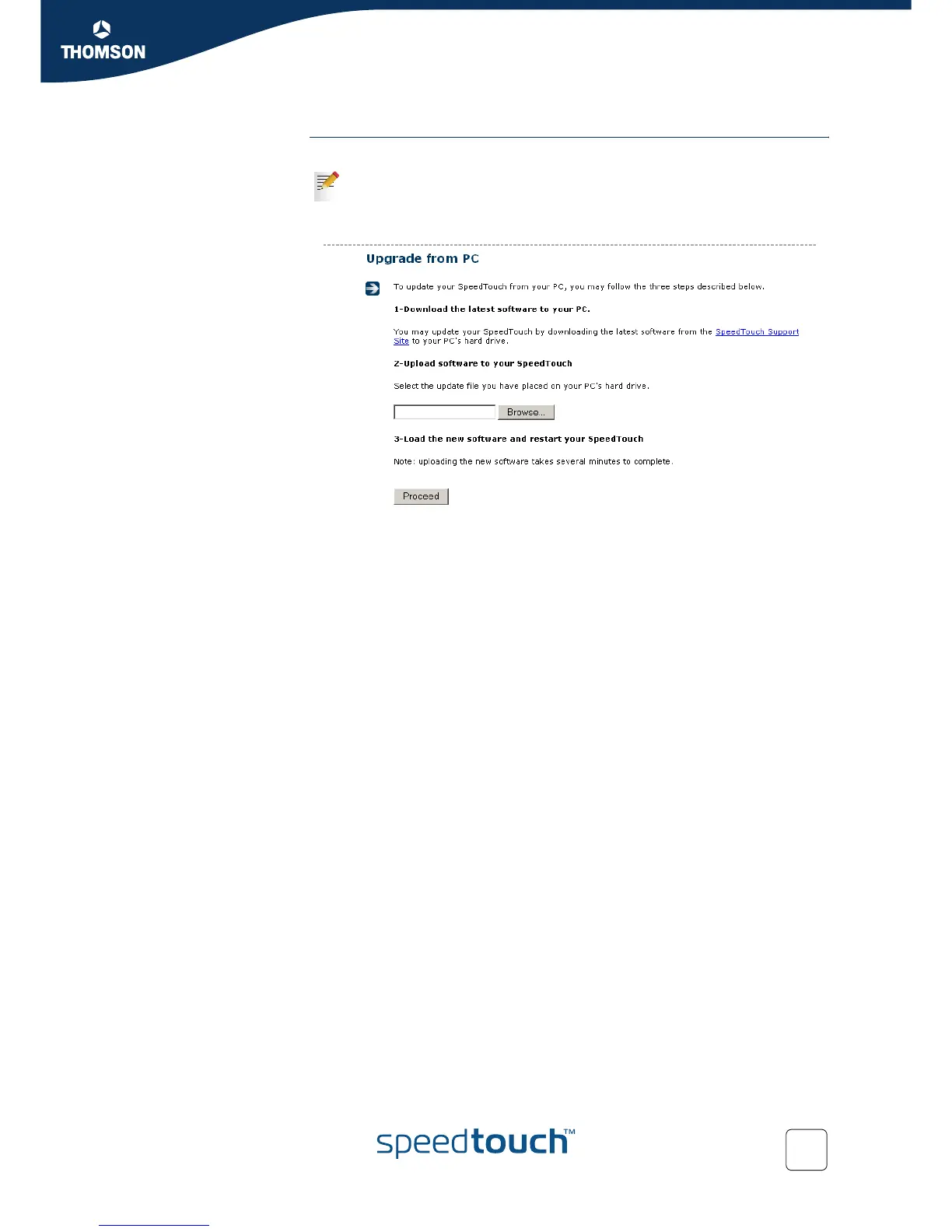
From a PC You can upgrade your SpeedTouch™ from a PC.
1 To download the latest software version:
1 Click SpeedTouch Support Site.
2 On the SpeedTouch™ Support Site, download the software. Remember
the location where you save this software.
2 To upload the software to your SpeedTouch™:
1 Click Browse.
2 Select the file and click Open.
3 The new software is retrieved and stored on the SpeedTouch™, without
being activated (passive build).
3 To load the new software:
1 Click Proceed.
2 Your SpeedTouch™ performs firmware switch over (active build will
become passive and vice versa), and automatically restarts and restores
the current configuration and connections.
4 At the end of the procedure, the SpeedTouch™ returns to the Home page.
This procedure is done in steps. You will download the software image to
your PC first. You can choose another moment to upload the software to
your SpeedTouch™.















 To Next Page