Chapter 4
SpeedTouch™ Web Interface
E-DOC-CTC-20050429-0103 v1.0
59
4.3.6 Reset to Factory Defaults
Introduction This page allows you to reset the SpeedTouch™ to return to the initial configuration
of your SpeedTouch™. All your changes will be deleted.
Accessing the Reset to
Factory Defaults page
Proceed as follows:
1 On the left menu, click SpeedTouch.
2 In the Pick a task... list, click Return to Factory Default Settings.
Resetting the
SpeedTouch™ to
factory defaults
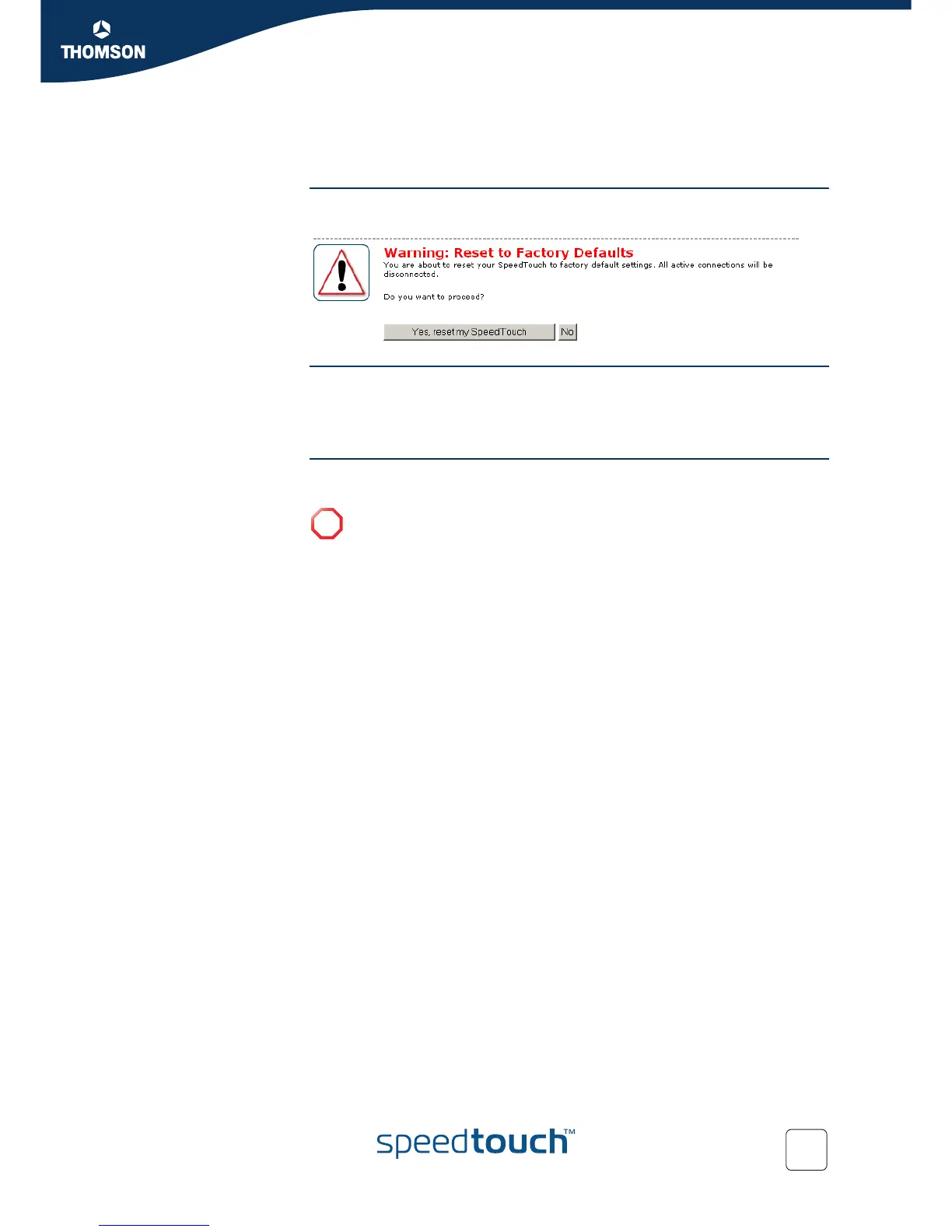
If you want to reset your SpeedTouch™ to factory defaults, click Yes, reset my
SpeedTouch.
!
If you reset your SpeedTouch™ to factory default settings, all active
connections will be disconnected.















 To Next Page