Chapter 4
SpeedTouch™ Web Interface
E-DOC-CTC-20050429-0103 v1.0
57
4.3.4 Configuration
Overview The Overview page displays the current configuration of your SpeedTouch™.
Details The Details page displays more detailed information on the current configuration of
your SpeedTouch™.
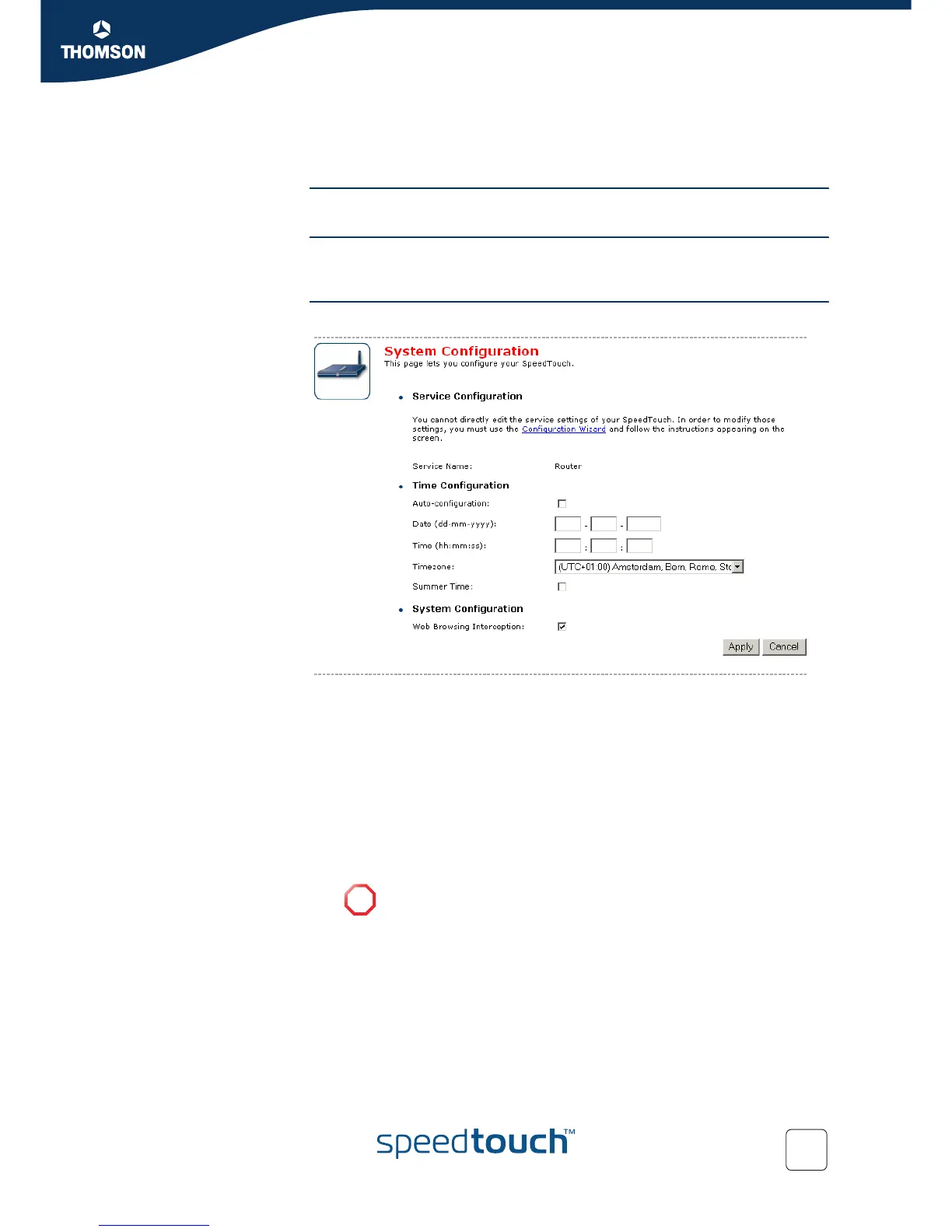
Configure The Configure page allows you to change the current configuration.
If you want to:
Reconfigure your SpeedTouch™:
Click Configuration Wizard under Service Configuration. For more information,
see “4.3.2 SpeedTouch™ Easy Setup” on page 55.
Configure the time settings of your SpeedTouch™:
Select Auto-configuration if you want the SpeedTouch™ to use a time
server to synchronise its clock to a dedicated time server.
Clear Auto-configuration to manually configure the SpeedTouch™ time
settings.
Disable/enable web browsing interception or set it to automatic.
Click Apply to save your settings.
!
If you disable web browsing interception or set it to automatic you will
not be able to use Parental Control.















 To Next Page