Chapter 4
SpeedTouch™ Web Interface
E-DOC-CTC-20050429-0103 v1.0
88
4.6.1 Devices
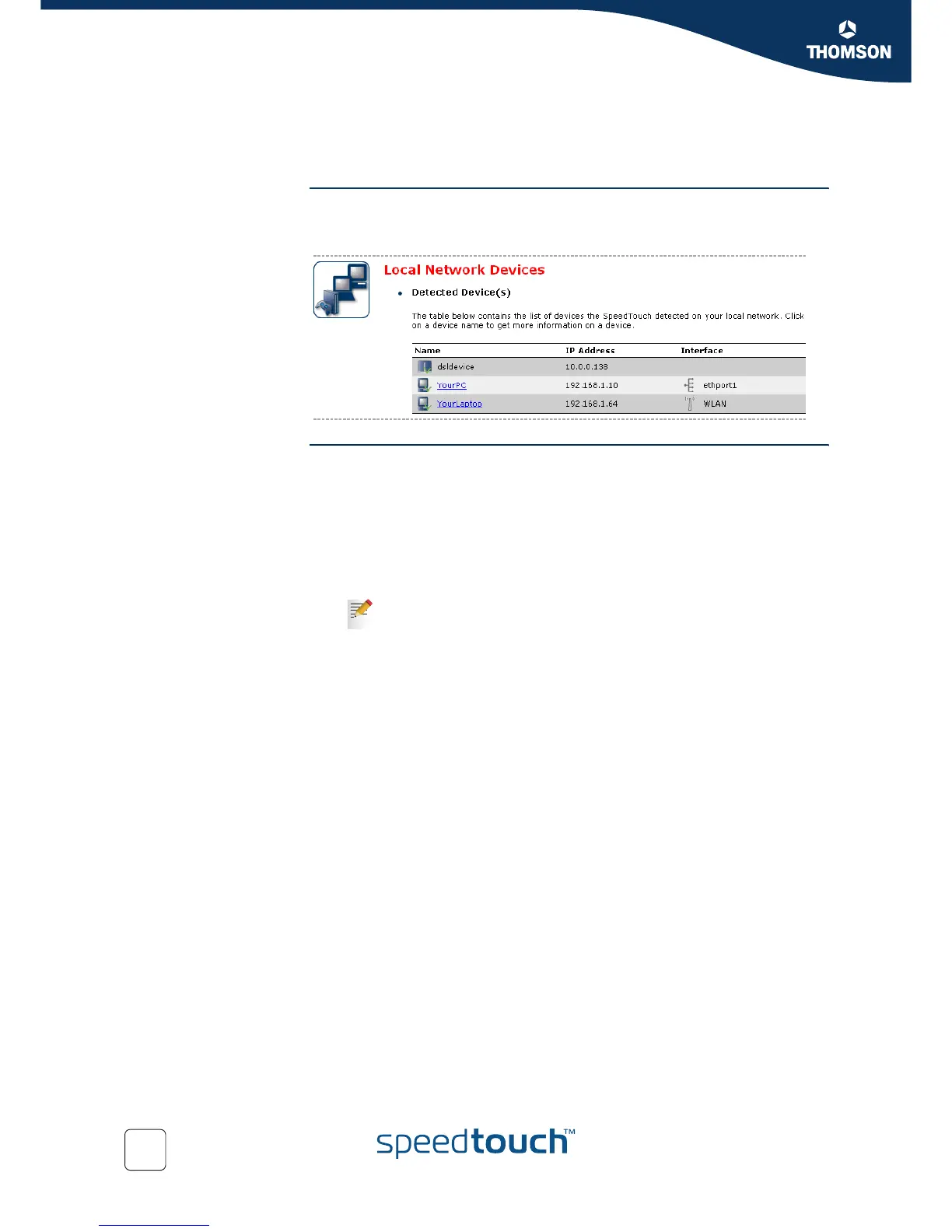
Overview The Overview page gives you an overview of the devices that are currently
connected to the SpeedTouch™ network. Click on a device name to get more
information on a specific device.
Configure The Configure page gives you an overview of the devices that are currently
connected to the SpeedTouch™ network.
To:
Get more information on a specific device, click on the name of the device.
See “4.6.2 Device Settings” on page 89 for more information.
Edit a device from the Detected Device(s) list, click Edit.
Delete a device from the Detected Device(s) list, click Delete.
Once a device connects to the SpeedTouch™ network, it will remain
listed in the Detected Device(s) list until you delete it.















 To Next Page