Chapter 5
Software Upgrade
E-DOC-CTC-20050429-0103 v1.0
102
5.1 Embedded Update Page
Introduction This procedure is OS independent and supports roll-back scenarios. Your
SpeedTouch™ provides storage room for two system software packages: the active
system software the SpeedTouch™ is currently running and a passive package. A
switch over from the one package to the other can be performed.
Procedure Proceed as follows:
1 Go to the embedded web pages.
2 In the menu select SpeedTouch > Update.
3 Choose a way to update your SpeedTouch™. This can be done:
From a remote server
From a PC
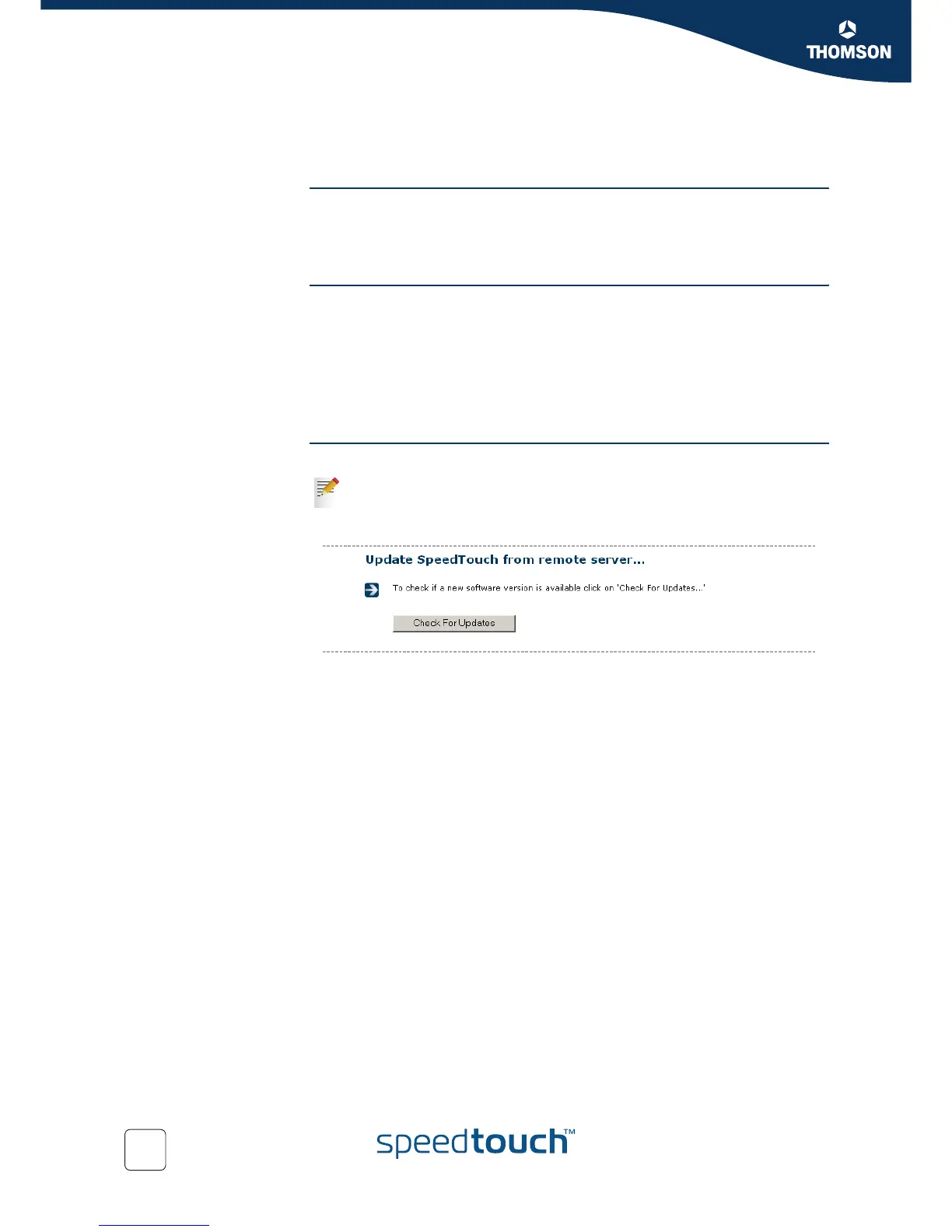
From a remote server You can upgrade your SpeedTouch™ from a remote server.
1 Click Check For Updates.
2 In the Pick a task... list, click Update software.
3 The new software is retrieved and stored on the SpeedTouch™, remembering
the current configuration and connection states. Your SpeedTouch™ will
automatically restart and restore the connections.
4 At the end of the procedure, the SpeedTouch™ returns to the Home page.
This procedure enforces you to upgrade right away, disconnecting all
connected devices.















 To Next Page