Chapter 3
Internet Connectivity Dial-In Clients
E-DOC-CTC-20050429-0103 v1.0
43
3.4 Mac OS X PPPoE Dial-in Client
Prerequisites To be able to use the MS Windows XP BroadBand Connection, your SpeedTouch™
must be configured for either:
Bridging, or
PPPoE Relay
Configuring a
broadband connection
Proceed as follows:
1 On the Apple menu, click System Preferences.
2 In the System Preferences window, click the Network icon.
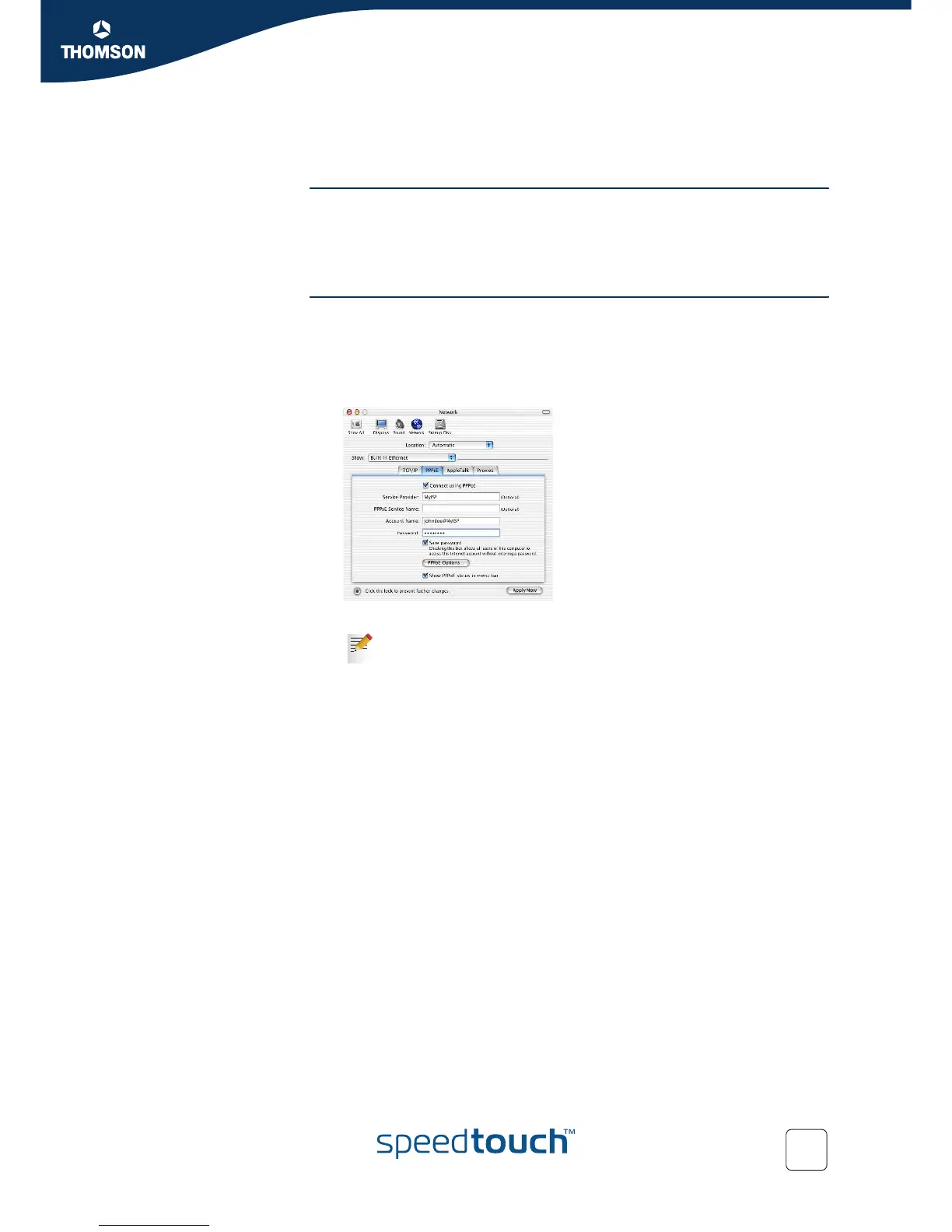
3 The Network window appears. Make sure Built-in Ethernet is selected in the
Show list and click the PPPoE tab:
4 Enter the Account Name and Password provided by your Service Provider.
5 Click Apply Now.
Select Save password in case you want the computer to remember
the password for this account name.
Optionally you can enter a name for this connection in the Service
Provider field. All other fields may stay empty.















 To Next Page