Chapter 2
Local Network Setup
E-DOC-CTC-20050429-0103 v1.0
27
2.2.3 Wireless Security
Introduction Since the SpeedTouch™ wireless environment is a radio environment, precautions
must be taken to ensure that your wireless network is safe from malicious intruders.
To secure your wireless network, following wireless access point settings can be
personalised:
Your Network Name (SSID)
ACL setting
Data encryption
Security settings To personalise the wireless security settings on your SpeedTouch™:
1 Go to the SpeedTouch™ web pages.
2 In the menu select Home Network.
3 Click your WLAN.
4 On the top right, click Configure.
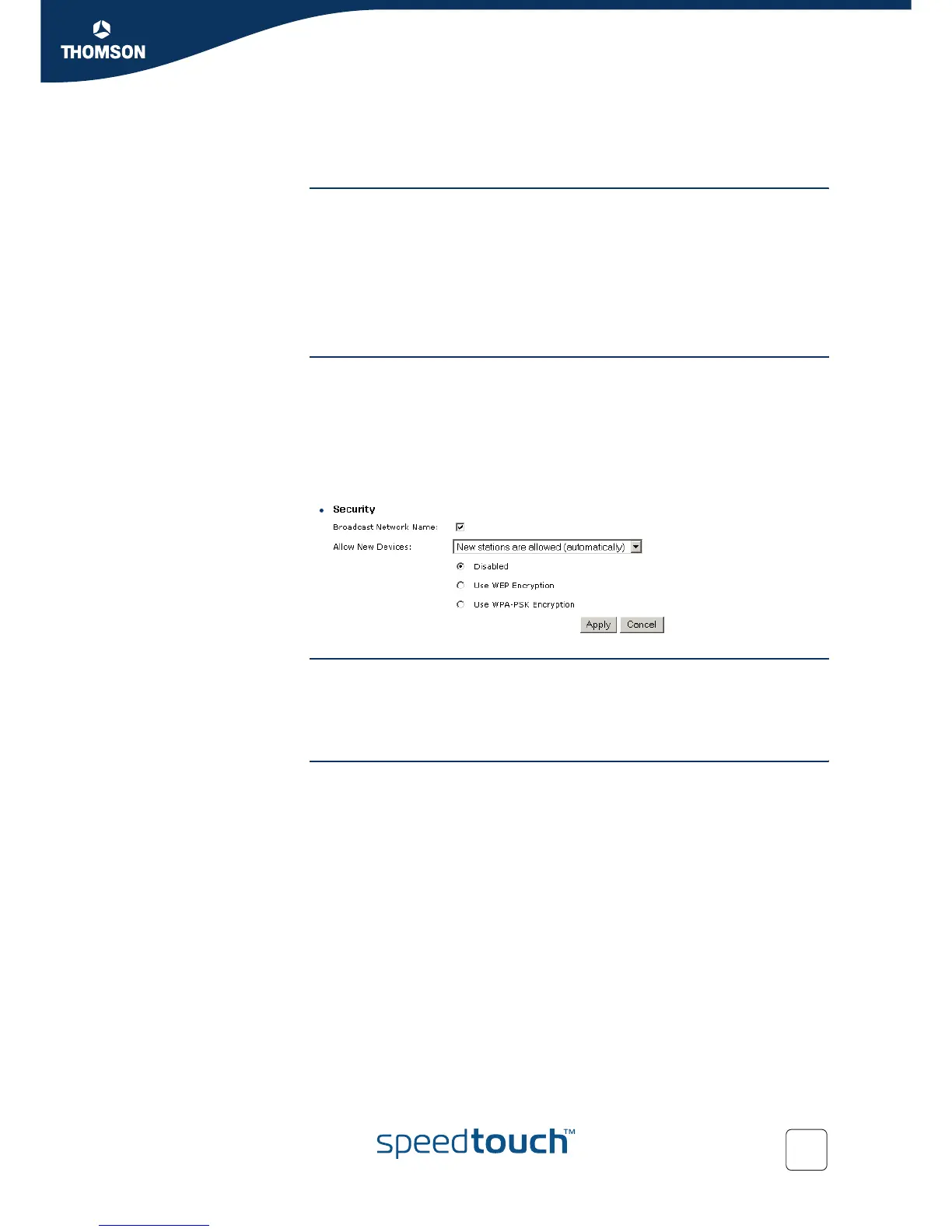
5 On the Wireless Access Point page, you can modify the Security settings.
Network Name (SSID) On the Wireless Access Point page, you can give a new name to your Network
Name (SSID).
Under Security, you can clear Broadcast Network Name (SSID), to prohibit the
Network Name from being broadcasted.
Access Control List
(ACL)
The SpeedTouch™ features a managed Access Control List (ACL) and a physical
registration mechanism in the form of the Association / Registration button on the
front panel of your SpeedTouch™.
On the Wireless Access Point page, you have following options for the ACL: New
stations are
Allowed (automatically): All new stations can access the SpeedTouch™.
Allowed (via registration): Only allowed stations in the ACL have access.You
can add new stations via the Association / Registration button. For more
information, see “ Registering clients via association button” on page 30.
Not allowed: Only allowed stations in the ACL have access.















 To Next Page