Chapter 2
Local Network Setup
E-DOC-CTC-20050429-0103 v1.0
25
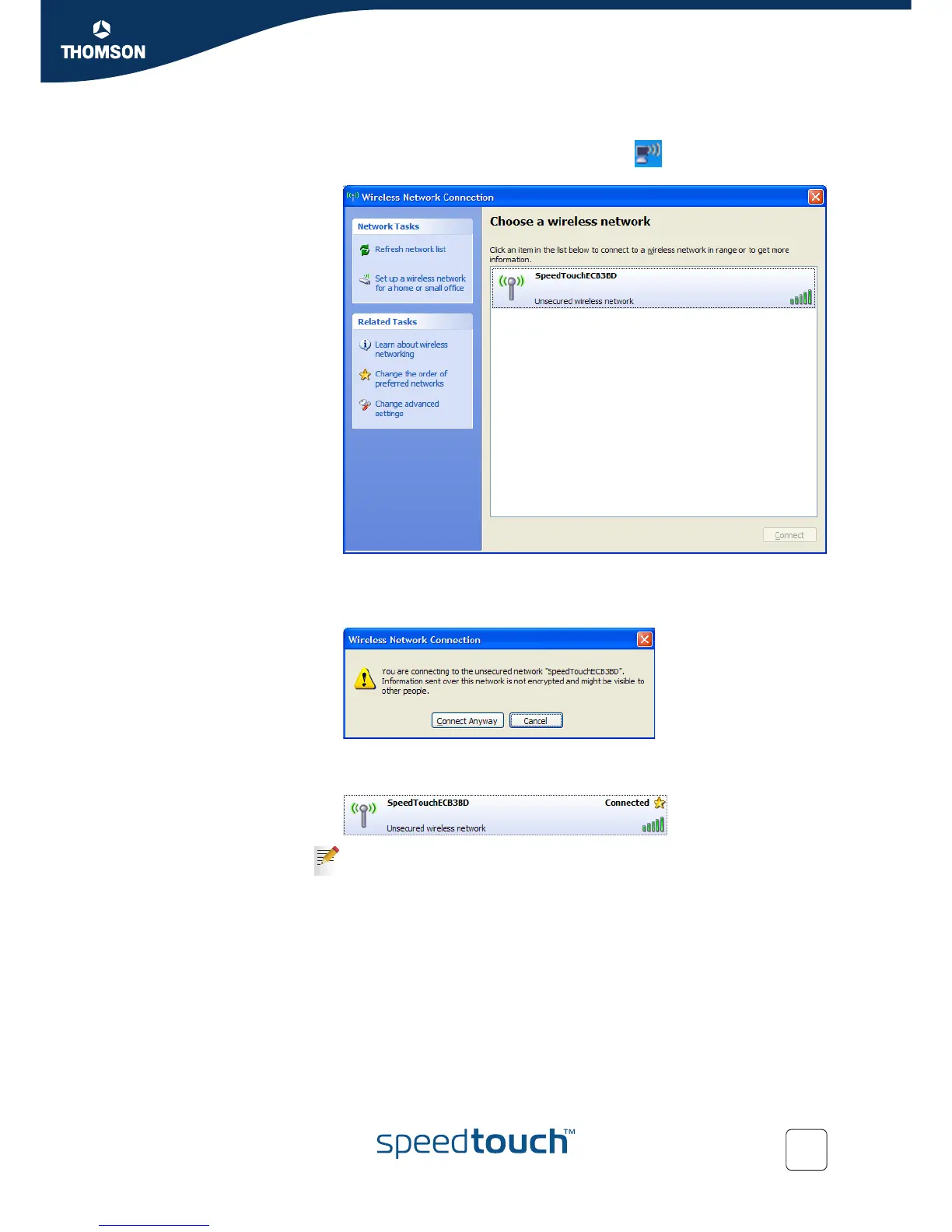
To associate your wireless client to the SpeedTouch™:
1 Click the network icon in the notification area:
2 The Wireless Network Connection window appears:
In the Choose a wireless network list, select the SpeedTouch™ wireless
network and click Connect.
3 Following window appears:
Click Connect Anyway.
4 Your computer is now connected to the SpeedTouch™ wireless network.
For other Operating Systems the wireless client will in most cases be
configured via dedicated client managers.















 To Next Page