Chapter 3
Internet Connectivity Dial-In Clients
E-DOC-CTC-20050429-0103 v1.0
38
Internet connection
status
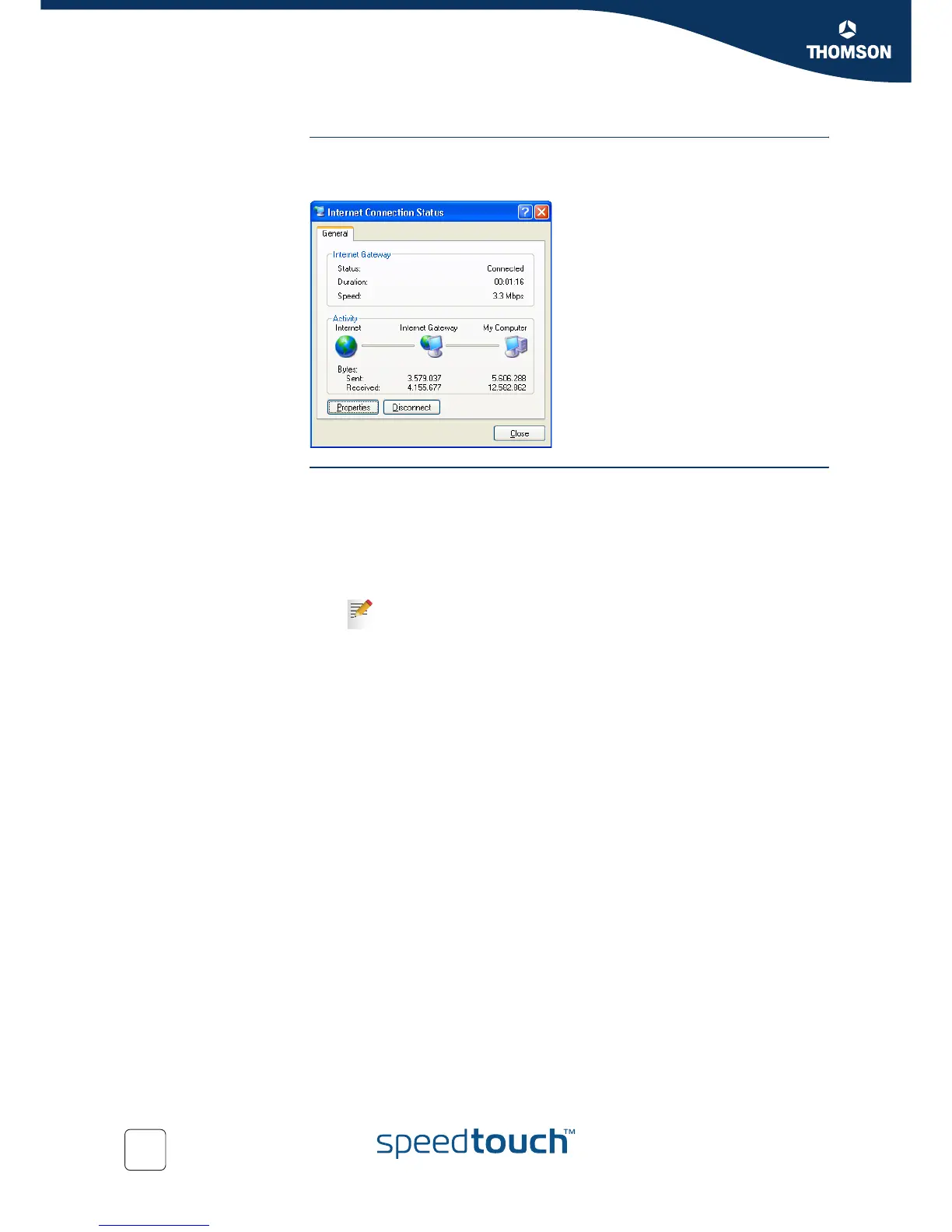
As long as the SpeedTouch™’s embedded PPP dial-in client is connected, you are able
to overview the connection status and some counters by double-clicking the Internet
Connection icon in your PC’s Network Connections window:
Terminating an Internet
session
Proceed as follows:
1 In the Windows task bar, click Start.
2 Select (Settings >) Control Panel > (Network and Internet Connections >)
Network Connections.
3 In the Network Connections window, right-click the Internet Connection icon
and select Disconnect to close the session.
4 As a result the SpeedTouch™’s embedded PPP dial-in client will close the
Internet connection. The Internet Gateway icon displays Disconnected and
your computers are off-line.
You can also double-click the icon. Then the Internet Connection
Status window will appear on which a Disconnect button is available
to close the session.















 To Next Page