21
There are two operating modes:
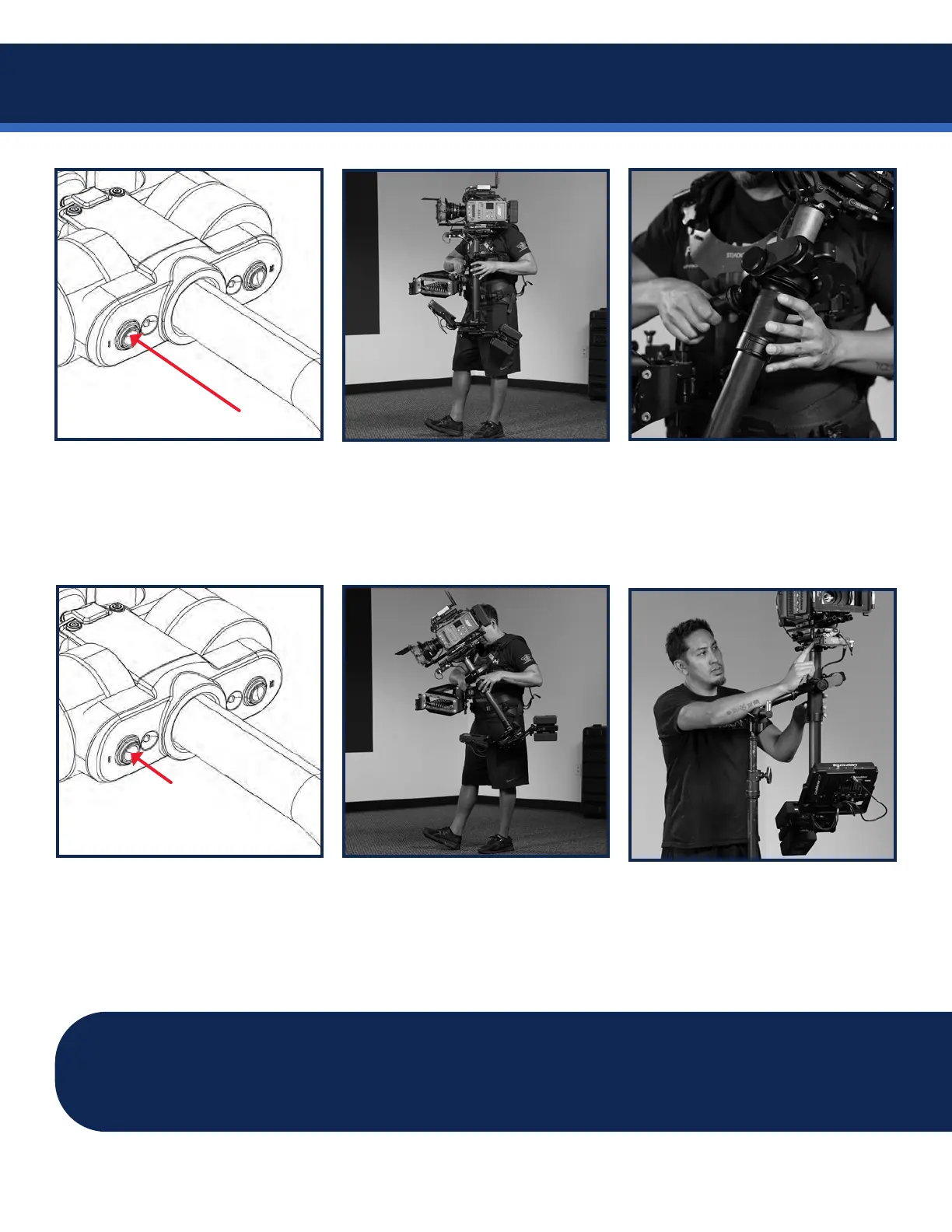
Each 2 second press of the
gimbal mode button toggles from
normal to friction and back again.
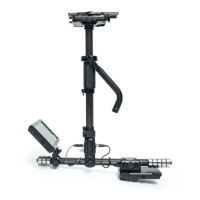
Normal mode simulates a
traditionally balanced Steadicam,
returning to a trimmed tilt angle.
Gimbal shows solid mode LED.
Hold the sled at your desired
tilt angle, and quickly press the
mode button. The new tilt trim is
memorized immediately.
Each momentary press of the
gimbal mode button creates a tilt
trim in normal mode. The mode
LEDwillblinkoncetoconrm.
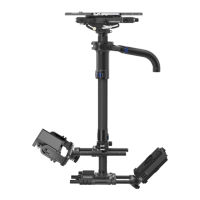
Friction mode holds the sled tilt,
and requires force to change tilt
position,likeatripoduidhead.
Gimbal shows pulsing mode LED.
IMPORTANT: You may swap the gimbal mode and preset buttons for goofy mode, low mode,
or your personal preference. See page 34. After power-up and exiting Pause, the mode button
on the gimbal will be identied by the illuminated LED beside mode button.
Alternatively, you can use the
TRIM button on the top stage to
do the same thing.
Volt modes


 To Next Page