MEP S.p.A.
5--28
53
Use and maintenance manual TIGER 370 CNC--MR
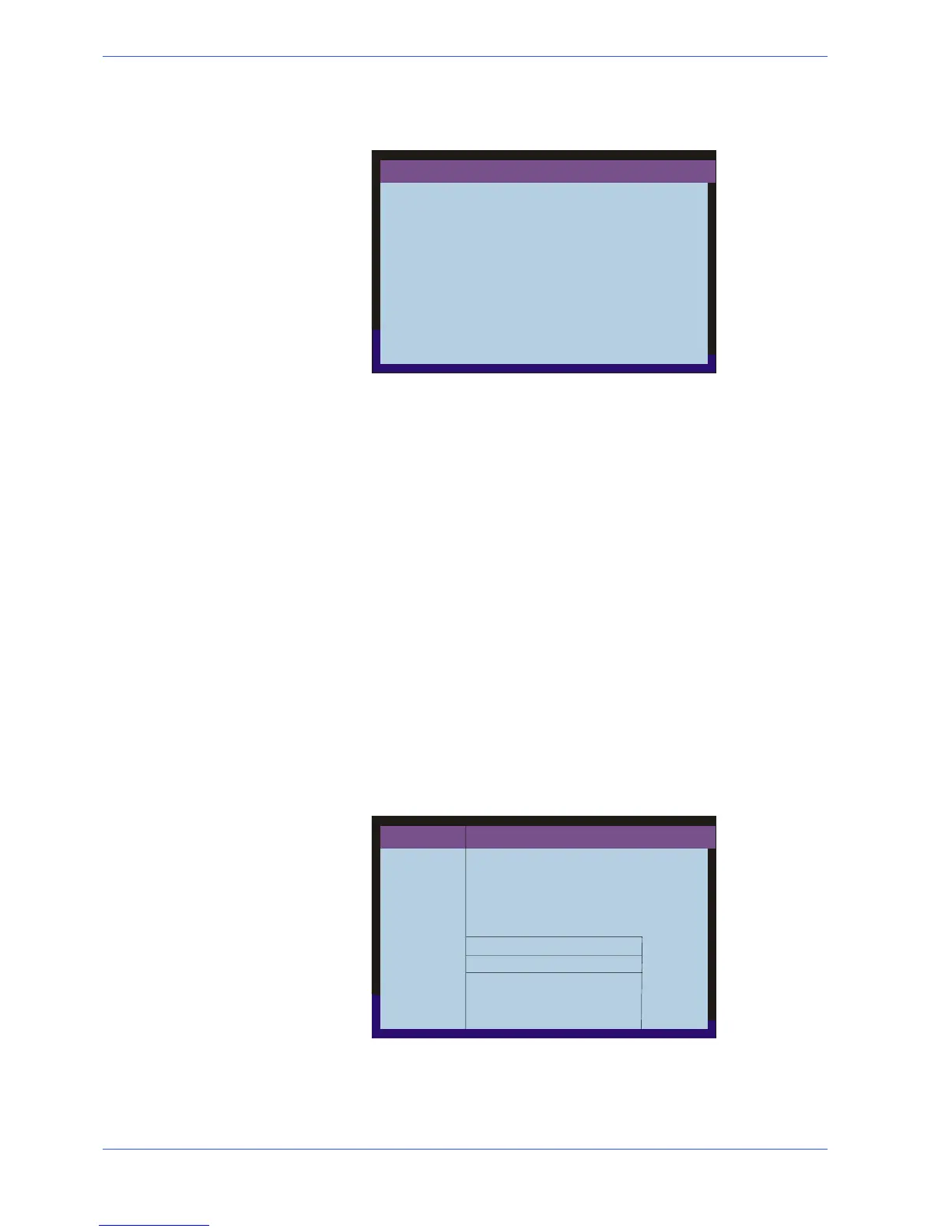
" Pressing the RUN/PROG button again, the PROGRAMMING display screen
returns.
PROGRAMMING
F1 = PROGRAMMING CUTS
F2 = PROGRAMME SELECTION
F3 = DEL. PROG. LOOP
" Pressing the RUN/PROG button, the operating display screen returns, where
no parameter has been changed yet. To activate the new program set, press
CLEAR. With this operation you will obtain two results:
1) the data of the previous program is deleted from the memory;
2) the data of the new program is entered.
" After pressing CLEAR, the display screen will show the data of the new pro-
gram being executed.
Whenever CLEAR is pressed in the automatic operation mode in the multiple
programming, with the machine stopped, the operation in progress is reset.
This means that if the machine has performed some cuts of the first program,
and it is stopped by pressing CLEAR, the cuts already executed are reset.
When the machine restarts it will start from the initial cut and therefore from the
first cut programmed. If the machine is stopped by pressing CLEAR during the
execution of a program after the first, for example the second or third, the di-
splay will return to the first program of the series programmed, resetting the
number of cuts executed in all the programs performed until that moment.
When the machine is restarted, the machine will start from the initial cut, i.e.
from the first cut of the first program.
The second operating mode in Multiple Programming is the Single Cycle.
" The message Single Cycle will replace Continuous Cycle by pressing F7.
AUTOMATIC
X=
θ° =
W=
F = 153
S=
kg= 10
DL= 0
SL= 3
AM= 0.0
A = 0.1
T= 0:0
TT= 0:10
F0 = PGR. SINGLE
F9 = MAIN MENU
F8 = BLADE THICKNESS
F7 = SING/CONT CYCLE
F6 = EXEC. STEP/CONT
CUTS
EXEC.
θ CUTS
PROG.
CONTINUOUS CYCLE
RUN/PROG=PROGRAMMING
PGR. NO MEASUR. CUTS PROG.
10 905,7 2343
OPERATING CYCLE
FCTI
Activating this option the machine will operate as follows: at the end of the cuts
in each program, the machine will stop and wait for a new START command. This
allows replacing the piece collection container, in order to separate pieces of
different sizes. To return to the Continuous cycle mode press F7.
N.B.


 To Next Page