5--29
54
Multiple programming cuts
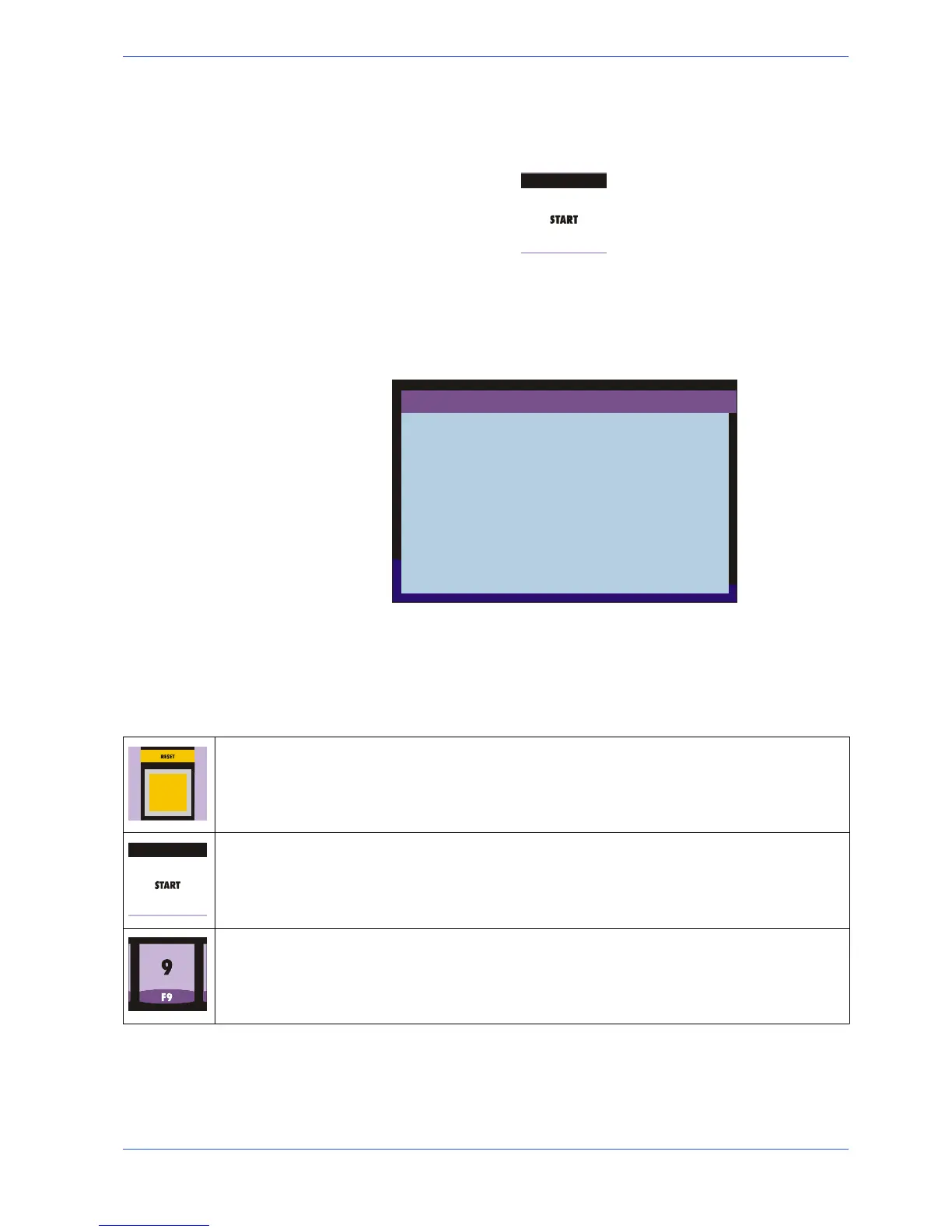
Press the START button to re---start the cutting cycle.
" When the START button has been pressed, the display reads AUTOMATIC
EXECUTION. In this mode, al l manual commands are blocked. The com-
mands available when the machine is cutting are: EMERGENCY --- RUN/
PROG --- STOP.
" Press STOP with the machine cutting;
STOP
F9 = OPERATING SCREEN
START = CONTINUES CYCLE
RESET = CYCLE START
" after pressing STOP the machine stops with the last operation in progress. In
other words, if the machine was cutting, it stops with the blade on the cut and
waits for the next instructions. This control is important for the use of the
machine: for example, when the machine is started without having set the pro-
gram to be executed, or when the cut or supply are not correct, or whenever it
is necessary to momentarily stop the machine.
BEGIN CUT = Pressing RESET the display returns to the operating screen and the machine re-
turns to the cutting start position. This is to correct the necessary parameters and restart the cycle.
CONTINUOUS CYCLE = If during the cut or material supply something falls into the machine,
a t ool or cloth or something else, it i s necessary to stop the machine by pressing STOP to draw it
out. Press START to activate the machine again.
WORK SCREEN = In case of doubts concerning the program in progress, after pressing ST OP
and the machine is stopped, it is possible to return to the operating screen by pressing F9, leaving
the program in progress. After verifying the doubts, press F9 to return t o the STOP screen and
decide whether to restart the cycle by pressing START or sto p it by pressing RESET.


 To Next Page