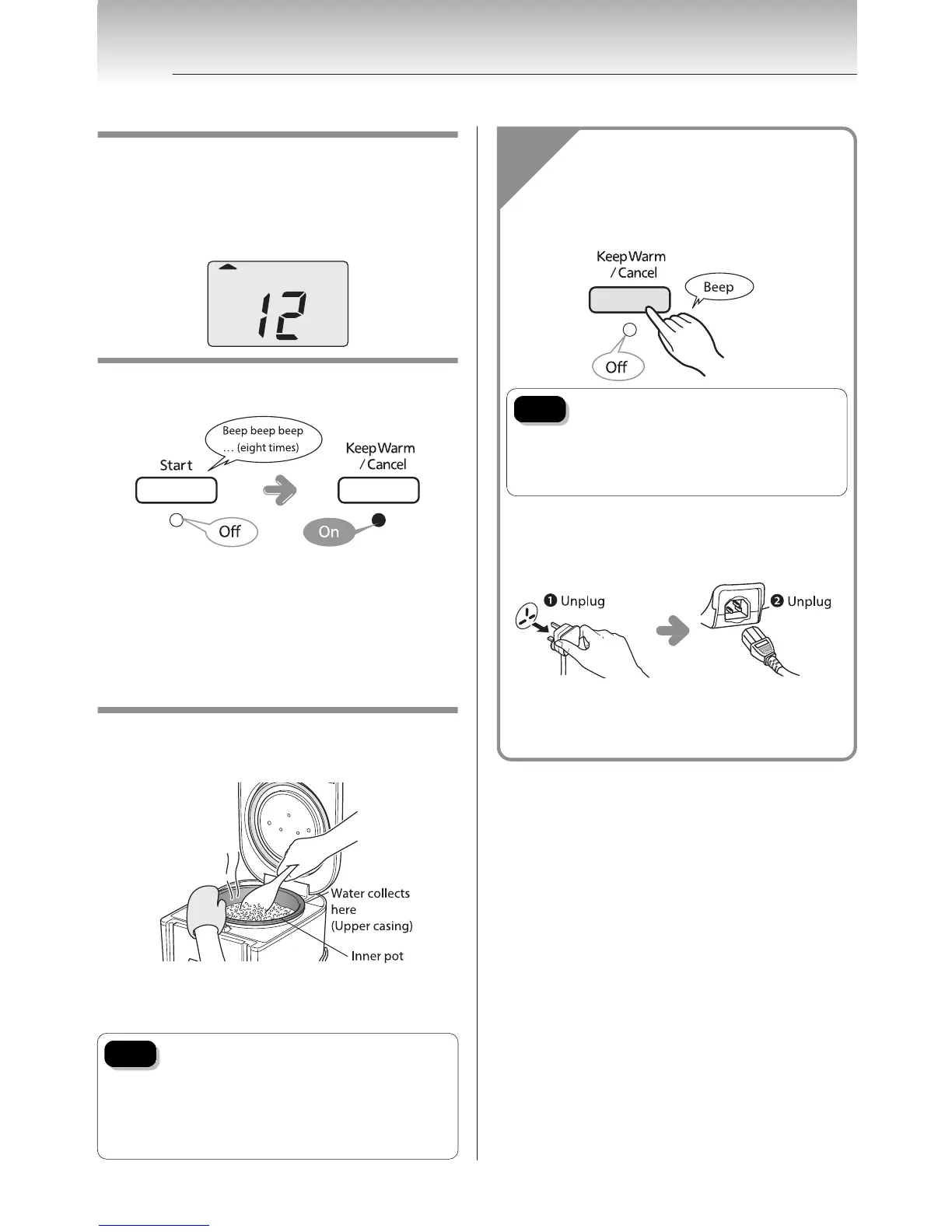
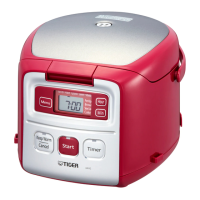
When the steaming process starts…
The time until steaming is complete is shown on the
display in 1-minute increments.
Steaming times vary depending upon the selected
menu. During steaming the time remaining is displayed.
When cooking is complete.
The Keep Warm function starts automatically.
y If you added ingredients under the "Porridge" menu,
or a longer cooking time is required, etc., you can set
the desired additional cooking time. Simply press the
[Hour] and [Min] keys once the Keep Warm light turns
on, and then press the [Start] key. The cooking time
can be extended up to 15 minutes in increments of 1
minute, a maximum of 3 times.
y Stir the rice well before reheating.
Stir and loosen the cooked rice.
Be sure to stir and loosen the rice as soon as cooking is
complete.
Due to the shape of the inner pot, the rice is slightly
sunken at the center when cooking is finished.
Hold the inner pot firmly with an oven mitt etc.
Note
Be sure to wipe off any hot water that
collects on the upper casing or that runs
onto the outside of the rice cooker when
you open the lid immediately after
cooking or while the Keep Warm function
is on.
When you are done using the rice cooker…
1
Press the [Keep Warm/Cancel] key.
Note
If you disconnect the power plug
without canceling the Keep Warm
function, the next time you turn on
the rice cooker, the Keep Warm light
turns on and you cannot cook.
2
Disconnect the power plug, and
remove the plug from the rice
cooker.
3
Clean the rice cooker (see p.30 to
31).
5
Once the Rice Is Done Cooking
16


 To Next Page