Setting the present time
The time is displayed in a 24-hour format.
Ú The time cannot be set during cooking, when the Keep Warm function is on, when the Timer function is in use, or
during reheating.
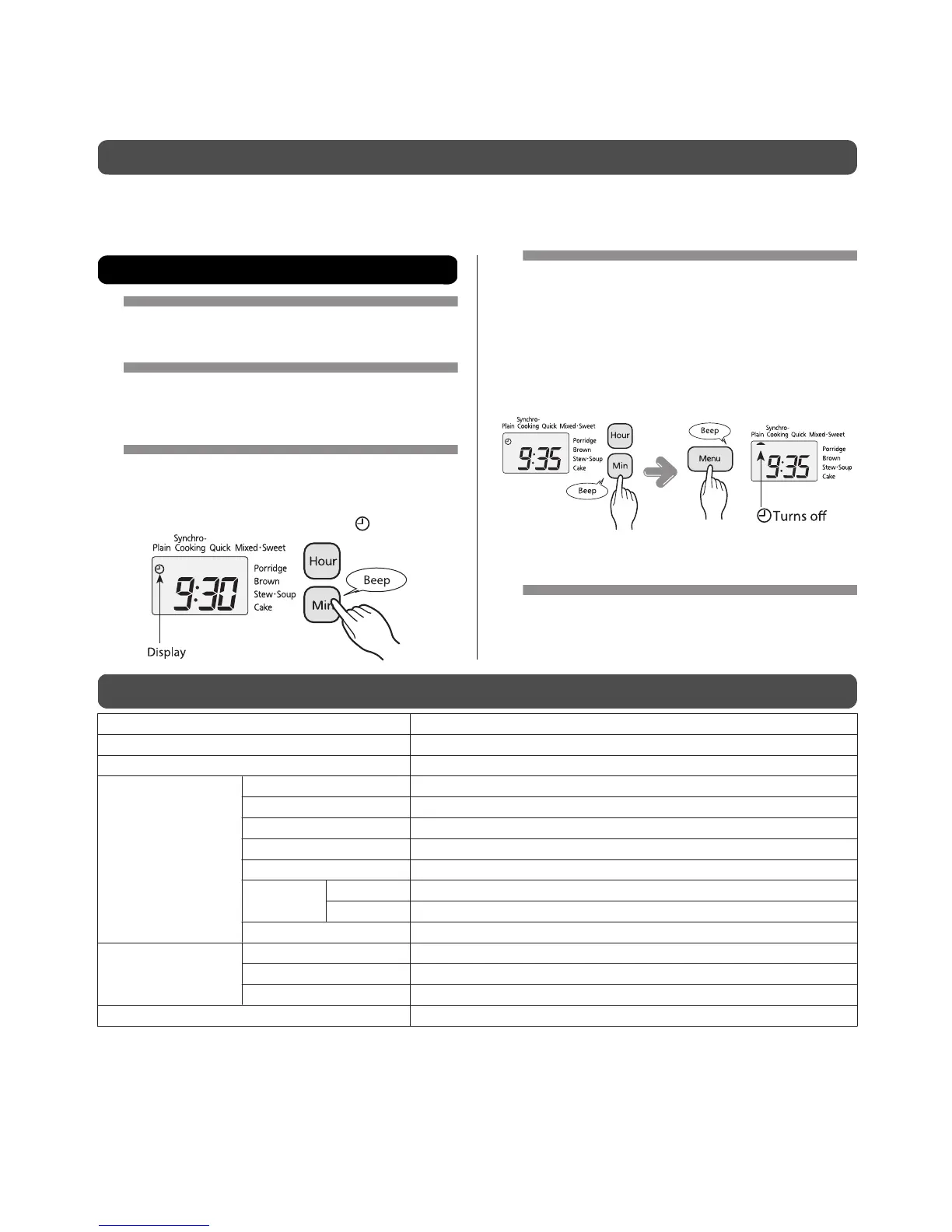
Example: Changing the present time from "9:30" to "9:35"
1
Open the panel cover.
2
Insert the power plug to an
outlet (see p.12).
3
Display the time setting
mode.
Press the [Hour] or [Min] key to display .
4
Set the present time.
y Set the hour with the [Hour] key and the minute with
the [Min] key.
y Hold down the corresponding key to change the time
more rapidly.
y When you have finished setting the time, press the
[Min] key.
Ú To cancel setting the time, press the [Keep Warm/
Cancel] key.
5
Close the panel cover.
Specifications
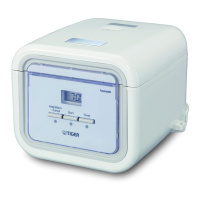
Unit Size 0.54 L (3 cup) type
Power source 220 - 230V 50/60Hz
Rater power (W) 385 - 420
Cooking capacity (L)
Plain 0.09 to 0.54 (0.5 to 3 cups)
Synchro-Cooking 0.09 to 0.18 (0.5 to 1 cup)
Quick 0.09 to 0.54 (0.5 to 3 cups)
Mixed 0.09 to 0.36 (0.5 to 2 cups)
Sweet 0.09 to 0.36 (0.5 to 2 cups)
Porridge
Hard 0.09 to 0.135 (0.5 to 0.75 cup)
Soft 0.09 (0.5 cup)
Brown 0.09 to 0.36 (0.5 to 2 cups)
Outside dimensions*
(cm)
Width 22.0
Depth 27.3
Height 19.1
Weight* (kg) 2.9
y Depending on the room temperature and usage, a time discrepancy of 30 to 120 seconds may occur over the course
of a month.
y One cup is about 150 g.
* Approximate values.
38


 To Next Page