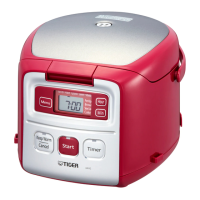
4
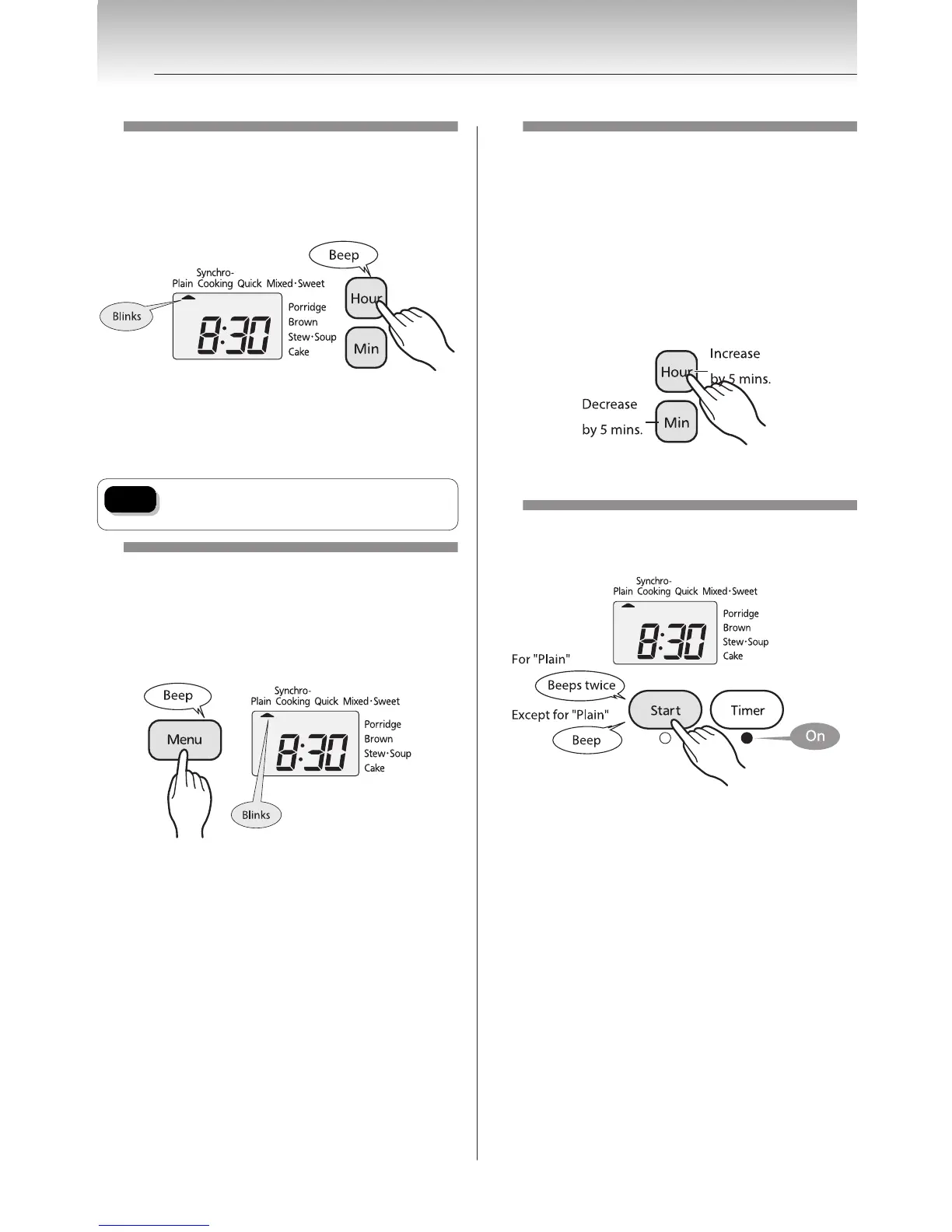
Use the [Hour] and [Min]
keys to set the desired
cooking time.
Ú The time is displayed in a 24-hour format.
y Press the [Hour] key to change the set time in 1-hour
increments. Press the [Min] key to change that time in
10-minute increments.
y Hold down the corresponding key to change the time
more rapidly.
Note
Do not set the timer to more than 12
hours, as it may result in spoiled rice.
5
Press the [Menu] key to
move the ▲ to the desired
menu.
Ú You do not need to press the [Menu] key if the
desired menu is already selected.
6
If you select the "Porridge"
menu, use the [Hour] and
[Min] keys to set the desired
cooking time.
y Each time the [Hour] key is pressed, the set time will
increase by 5 minutes. Each time the [Min] key is
pressed, that time will decrease by 5 minutes.
y The cooking time can be set to any 5-minute
increment between 40 and 90 minutes.
y The default setting is for 60 minutes. Adjust as
desired.
7
Press the [Start] key.
The timer is set.
Ú If you make a mistake or otherwise want to reset the
timer, press the [Keep Warm/Cancel] key and repeat
the procedure from step
3
on p.17.
6
Cooking Using the Timer
18


 To Next Page