Page 35 of 41
Rev: 2024-10-03
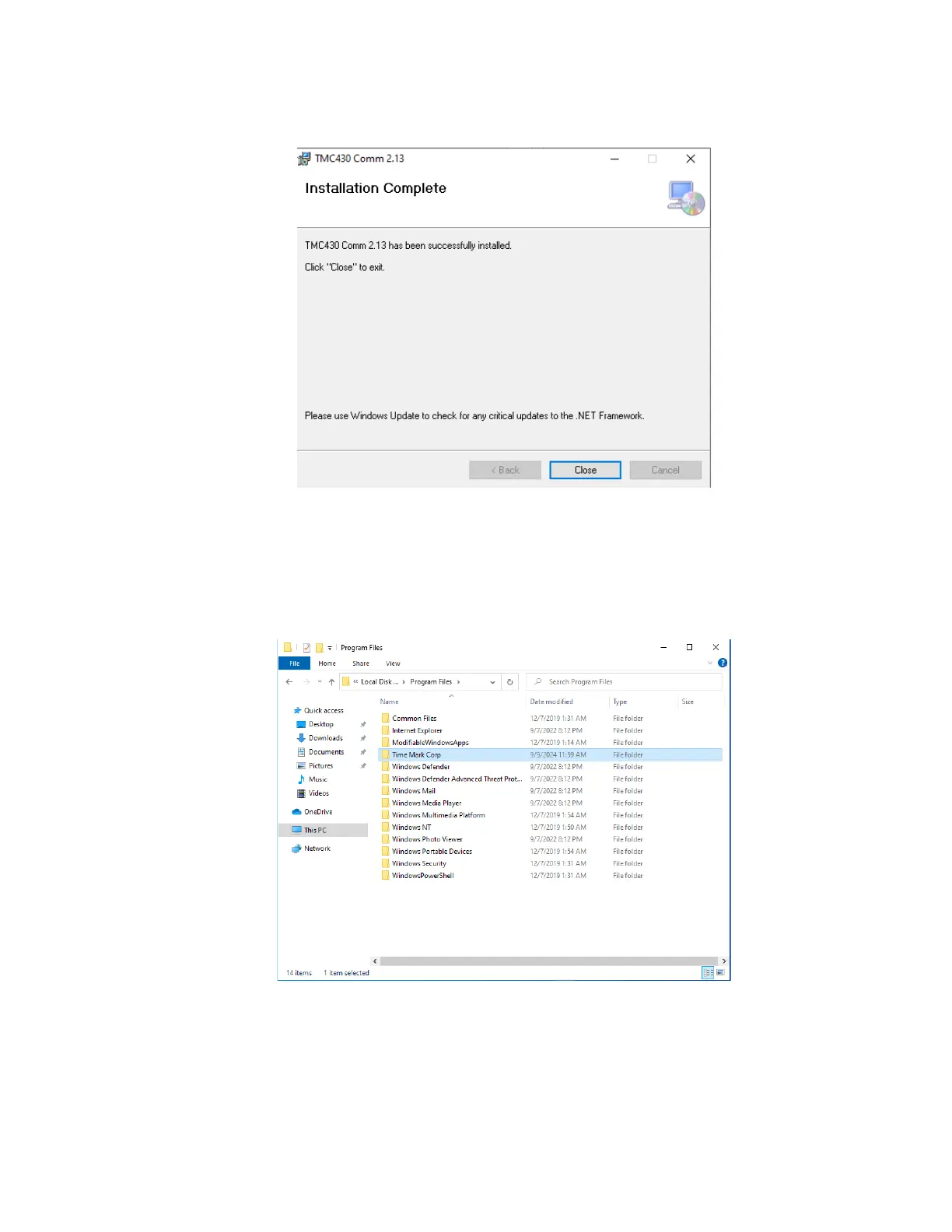
8) When the process completes successfully, click “Close” to finish the installation
Figure 17
9) There should be a new folder created under “Program Files” named “Time Mark
Corp”, each version of the program will be placed in a separate folder under this
main folder. (Note: if you changed the default installation folder, the “Time Mark
Corp” folder will be in whatever folder you chose.)
Figure 18


 To Next Page