Left and Right Chambers – can be set to any
temperature at or between 50° – 75°C
(122°–167°F); each chamber can be used for one
of the following at any one time (preference
depends on your chosen work flow direction):
Q
warming area for various sized base molds (close
lid to keep heat in and dust out)
OR
Q
paraffin bath to keep processed tissue specimens at
the appropriate temperature (close lid to keep heat
in, and dust out, when embedding process is fin-
ished or temporarily stopped).
Transfer Tray – may be used to transfer
processed specimens to the Embedding Module
or may be half-filled with paraffin and then used
as a paraffin bath.
Waste Drawers – catch molten paraffin that drains
through two holes in grooves around hot plate
area.
Cold Spot – cools liquid paraffin at the bottom
of a base mold so tissue can be correctly posi-
tioned.
Hot Plate – ensures that paraffin does not solidi-
fy during embedding process; can be set to any
temperature at or between 50°– 75°C
(122°–167°F); factory set at 62°C (143°F). This
temperature setting is also used for the Forceps
Warmer Holders.
(Optional) Foot Pedal – for hands-free paraffin
dispensing.
Display Adjustment Wheel – controls the con-
trast for the display.
Embedding Module
(BACK PANEL)
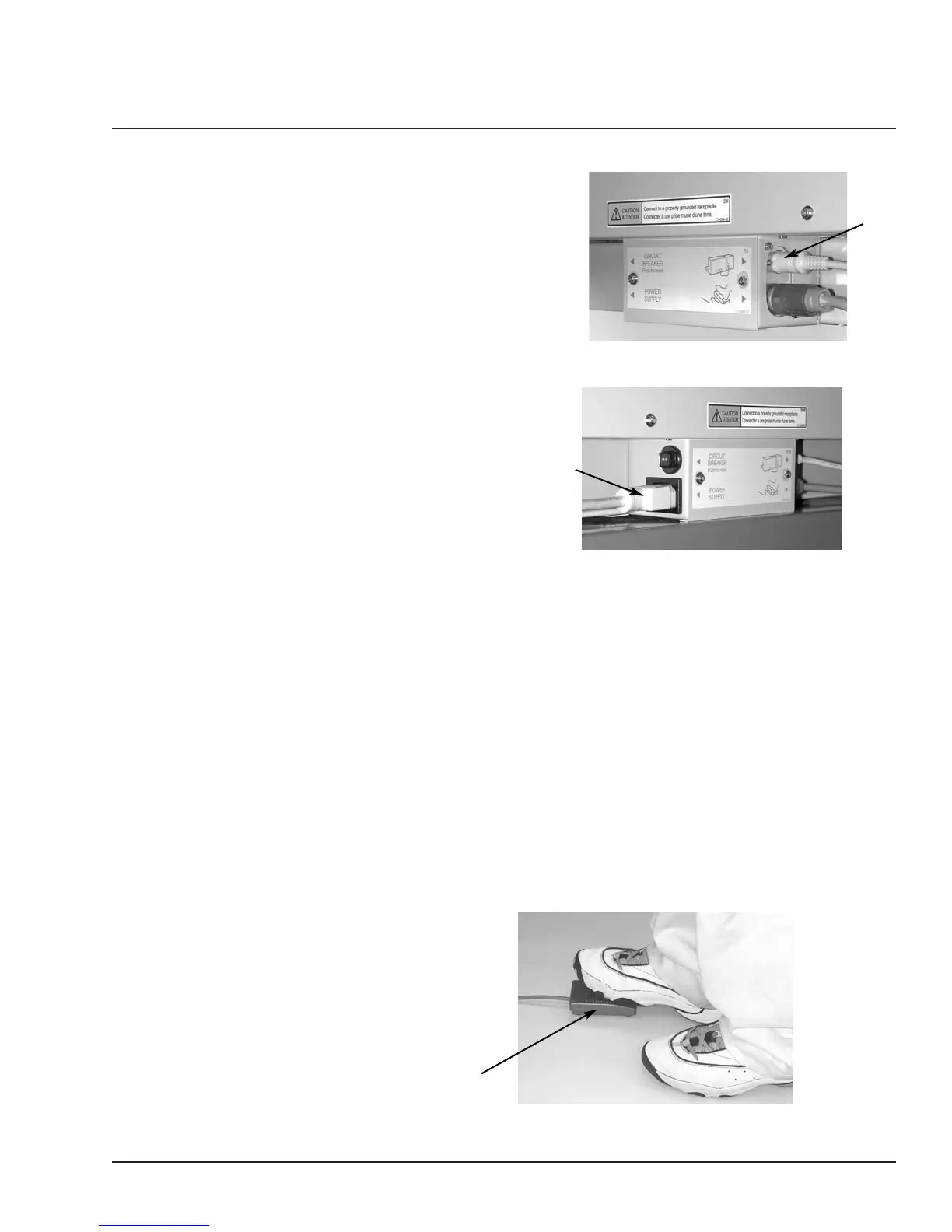
Cryo Module Connector – accepts the plug to
the Cryo Module. The Cryo Module operation is
controlled by the Embedding Module.
Power Cord Connector – accepts the plug for
connecting the power cord to the module.
Revised 07/12/11 2.3


 To Next Page