51
Under Windows connect two CAN devices, installed as COM3 and COM4. Open two
command windows and change to the directory where examples were extracted to
and execute
TestMasterSlave -s COM3 -S 125K -M none -l canfestival_titan.dll
in the first command window and
TestMasterSlave -m COM4 -M 125K -S none -l canfestival_titan.dll
in the second.
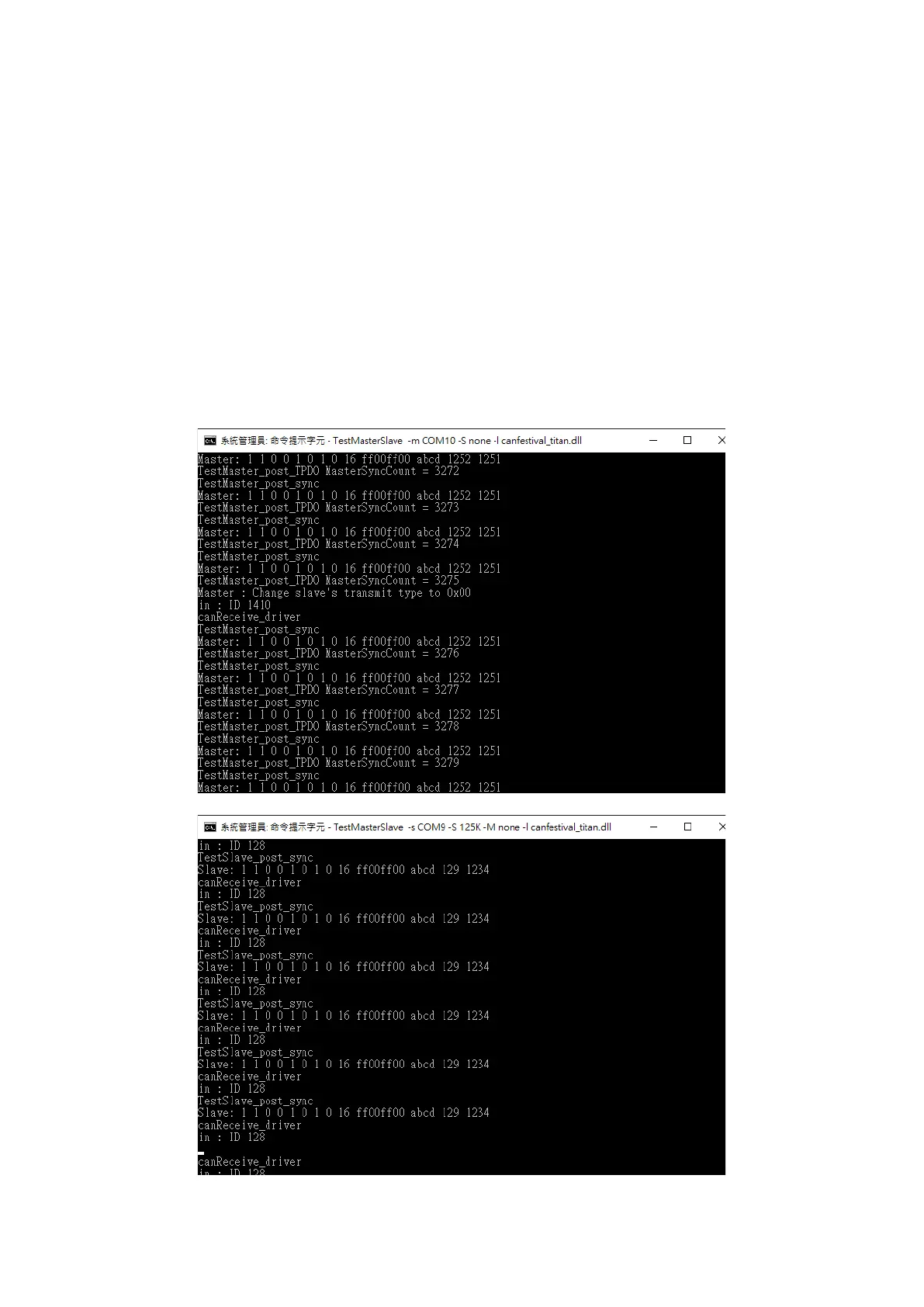
Following pictures shows the output messages of both nodes.
Master:
Slave:


 To Next Page