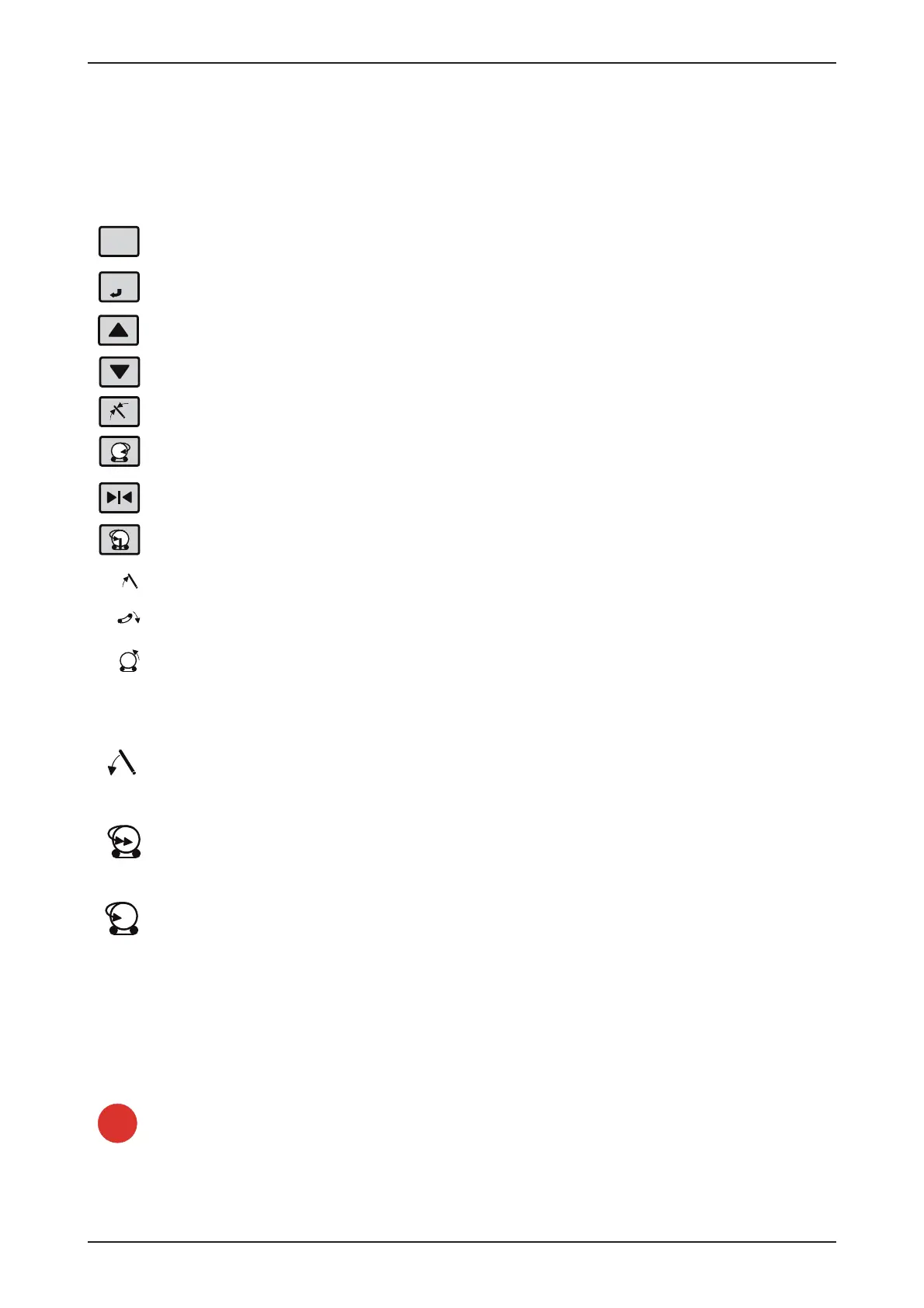
ESC
STOP
START
Tks Operator’s manual
36
Return to the previous level
Confi ramation of choice
Menu scroll up key/increasing values
Menu scroll down key/decreasing values
Set load arm in position
Rotate slow reverse
Set in work ready position. (Load arm work position, tip frame up, turn table in load
position, reset actual cycles and laps).
If auto cycle pressed during NOT wrapping: Rotate to next position (tip position or load
position). If auto cycle pressed during wrapping: Add the extra laps.
Loading arm up
Tip frame down
Tip frame up
Loading arm down
Rotate fast
Rotate slow
I auto cycle pressed during NOT wrapping: Start next step in auto cycle . I auto sycle
pressed during wrapping: Stop wrapping after 2 more laps.
Stop
5.2 Symbols
Overview of keys and switches



 To Next Page