Tks Operator’s manual
39
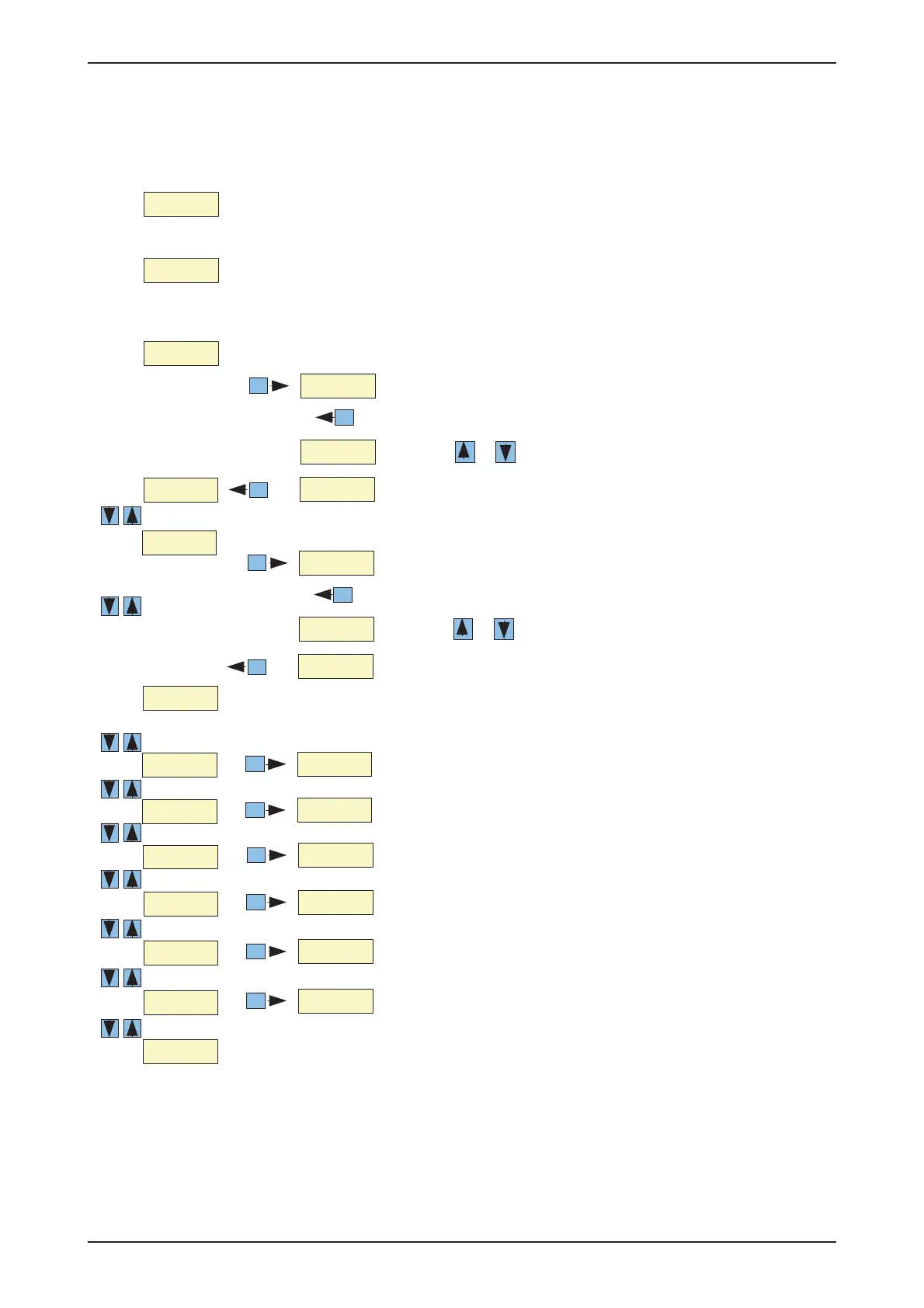
8 Change the wrap parameter
Power up.
Display type (model no.) and versions no.
Wait 2 seconds.
Wait 2 seconds.
Displays the number of actual laps and desired laps .
Esc
Press ENTER for 2 seconds to change desired laps
Press Esc to cancel, or
Press Enter to save the new value.
Press or to change the value
Enter
Enter
MRE
Esc
MRE
Press ENTER for 2 seconds to change job number.
Press Esc to cancel, or
MRE
Press Enter to save the new the number.
MRE
Press or to change the the number
Enter
Enter
MRE
Press ENTER for 3 seconds to clear number of bales .
Enter
Press ENTER for 3 seconds to clear number of bales .
Enter
Press ENTER for 3 seconds to clear number of bales .
Enter
Press ENTER for 3 seconds to clear number of bales .
Enter
Press ENTER for 3 seconds to clear number of bales .
Enter
Press ENTER for 3 seconds to clear number of bales .
Enter
Press ENTER for 3 seconds to clear number of bales .
Enter
Press ENTER for 3 seconds to clear number of bales .
Enter
Press ENTER for 3 seconds to clear number of bales .
Enter
Note: If you start the wrapper the display will automatically
change to show number of actual laps and desired laps .
The total numbers of bales can not be reset.



 To Next Page