Chapter 4: FUNCTIONS
3. ACTIVATION ITEMS
4-6
3. ACTIVATION ITEMS
The VX-2000 has Activation Items, which are Remote Microphone (RM-200X and RM-200XF) function keys,
control inputs, and internal timer.
The VX-2000 system can be operated by assigning broadcast and control patterns to the Activation Items.
Functions other than pattern recall can also be set. Use the PC software to assign the desired functions.
For details, refer to
p. 7-52.
Patterns and functions that can be set for each Activation Item are explained here.
3.1. Remote Microphone Function Keys
Items that can be assigned to the Remote Microphone function keys are shown below. LED indications change
depending on the item.
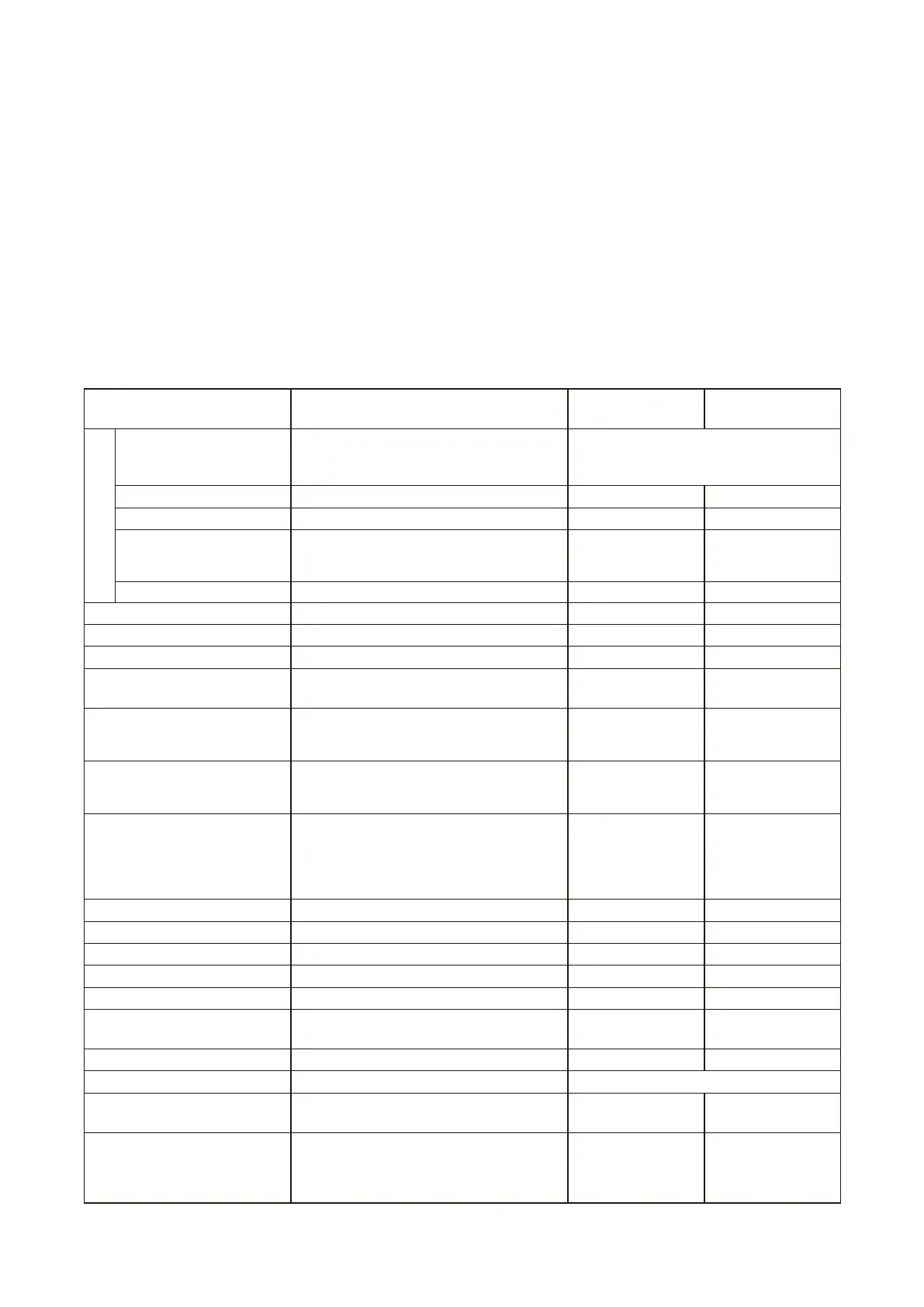
[Table of items assignable to the Function Keys]
*
1
Assigned to the RM-200X unit designated for "Emergency" use and the RM-200XF.
*
2
Available when the VX-2000 Setting Software Version 2.1 or later is installed.
*
3
Available when the VX-2000 Setting Software's Version 3.0 or later is installed.
Item Function
Left-Side LED
Display contents
Right-Side LED
display contents
Emergency
Emergency Activation Activates Emergency mode.
Broadcasts can also be made by recalling
emergency broadcast patterns.
Emergency mode: Button or LED lights.
General-purpose mode: Button or LED
extinguished.
Emergency Alert EV*
1
Recalls the Alert EV message. EV can be used. EV in use.
Emergency Evacuation EV*
1
Recalls the Evacuation EV message. EV can be used. EV in use.
Emergency Reset*
1
Restores the general-purpose broadcast mode.
Broadcasts can also be made by assigning
the Reset EV message.
Unused. Unused.
Silence*
3
The EV message stops. Silencing. Unused.
Base Pattern Change Recalls and broadcasts the base pattern. Unused
Base pattern in use.
Base Pattern End Stops BGM broadcasts. Unused.
Base pattern not in use.
Control Output Interlock
Recalls the control output interlock pattern.
Unused. In progress.
Audio Monitoring Selects zones to monitor by way of the
Remote Microphone monitor speaker.
Unused.
Monitoring in progress.
Volume UP Operation
Changes the assigned pattern volume level.
Volume level increases by 3 dB each time
the key is pressed.
Unused.
Volume increased.
Volume DOWN Operation
Changes the assigned pattern volume level.
Volume level decreases by 3 dB each time
the key is pressed.
Unused. Volume decreased.
Failure Output Reception The buzzer sounds when a failure of the
assigned failure output pattern is detected.
Pressing the key stops the buzzer and
changes the failure detection indicator
fromashingtosteady-onstatus.
Failure detected. Unused.
Failure Output Reset Resets the failure detection indication. Unused. Unused.
Zone Selection Pre-selects the zones. Zone monitoring.
Pre-selection in progress.
All-Zone Selection Pre-selects all zones. Unused.
Pre-selection in progress.
Clear Cancels zone pre-selections. Unused. Unused.
Talk Enables microphone announcements.
Microphone ready for use.
Microphone in use.
General-Purpose EV Message
Recalls and broadcasts the general-purpose
EV message.
EV ready for use. EV in use.
Chime Recalls and broadcasts the built-in chime.
Chime ready for use.
Chime in use.
Lamp Test*
2
Executes the Lamp Test. All indicators light in turn.
Emergency Ack.*
2
Stops the buzzer sound at the time of
emergency broadcast.
Unused. Unused.
Password Lock*
2
Places the Remote Microphone in the
status it cannot be operated without
entering password.
Unused.
Flashing: Standby
for password entry.
Lit: Correct
password entered.



 To Next Page