Chapter 5: OPERATION
3. GENERAL-PURPOSE BROADCAST
5-24
3.2.2. Recalling base patterns from the Remote Microphone
Supposing that the Remote Microphone's keys
and
are set as follows:
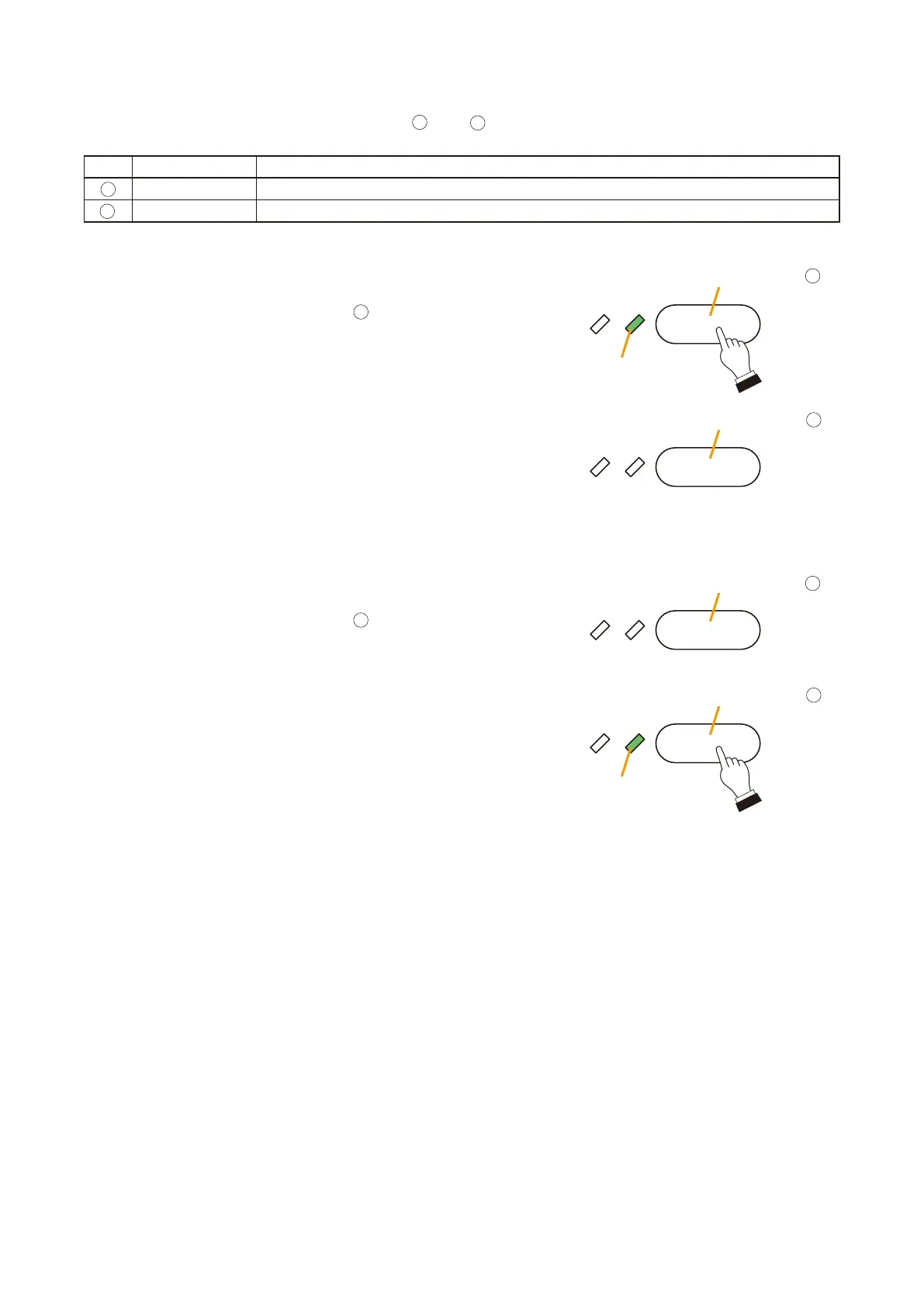
Step 1. Press the BGM Pattern 1 key
to additionally broadcast
BGM 1 to the 1F Conference Room.
The Base Pattern Status LED lights green to indicate that
the "BGM Pattern 1" base pattern is in use.
Step 2. Press the BGM Pattern 2 key
to additionally broadcast
BGM 2 to the 1F Conference Room.
The Base Pattern Status LED for BGM Pattern 1 will
extinguish and that LED for BGM Pattern 2 LED will light
green to indicate that the BGM Pattern 2 base pattern is in
use.
BGM Pattern 1 key
Base Pattern
Status LED
BGM Pattern 2 key
Base Pattern
Status LED
Lights
BGM Pattern 1 key
BGM Pattern 2 key
Lights
16
17
16
17
Notes
• Whenrecallingbasepatternsusingthecontrol input, assign patternstothecontrol input using the same
method used for the Remote Microphone function keys.
• PressingtheBasePatternkeyengagedinaBGMbroadcast(itsBasePatternStatusLEDislighting)willstop
the BGM broadcast.
Key Setting Function
BGM Pattern 1 BGM 1 output to the 1F Conference Room in addition to the originally set zone.
BGM Pattern 2 BGM 2 output to the 1F Conference Room in addition to the originally set zone.



 To Next Page