9
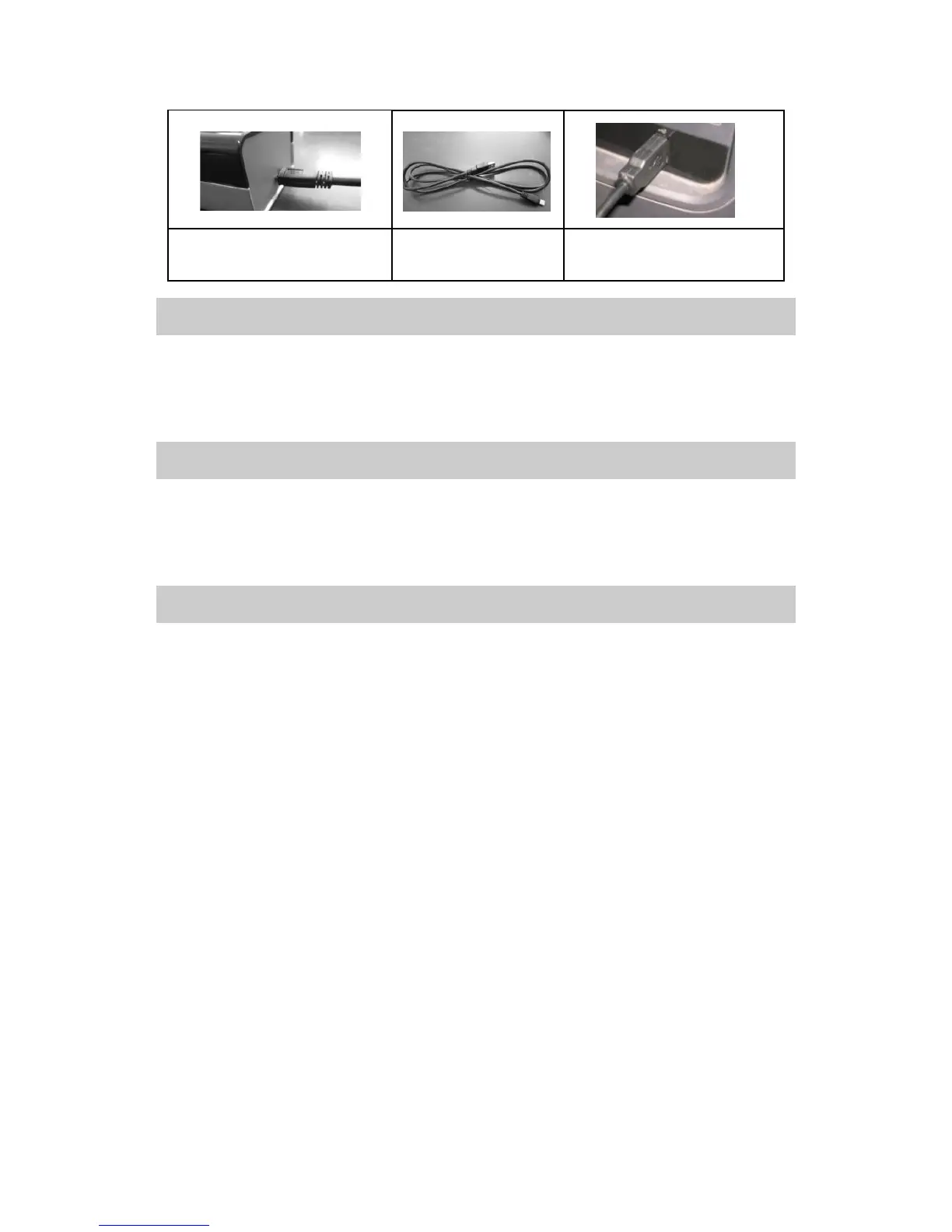
USB Port of Printer USB Cable Connect to Computer
1.6. WIFI Connection
Please read Section 5 to find more details about WIFI connection
settings.
1.7. Connect the Printer to External Power
Using the power adapter provided with the printer to connect the printer
to a nearby electrical outlet, you can charge the printer or its battery.
1.8. Use the Li-ion Battery (Optional )
Connect the Li-ion battery to the power interface to charge your printer.
When the indicator light on the battery shows “Under voltage”, please
charge the battery with power adapter. When the battery is fully charged,
the color of the indicator light will change.
Charge the Li-ion battery immediately after purchase. It takes 3 hours to
charge the battery fully. The printer could print about 250 pages by
using a new and fully-charged battery.
If the printer is connected with battery and battery is being charged,
using the printer at this moment may shorten the service life of the
battery.
For other considerations for using the Li-ion battery, please check the
instructions sent with the battery.


 To Next Page