15
3.The WIFI printing supports two connecting modes: client mode and
Hotspot mode (see Section 5 for details). Click client mode or Hotspot
mode, and the corresponding informations will be shown.
If you have already installed WIFI driver and used WIFI printing, the
informations of user name, password, authentication mode and IP
address will be shown .
If the drive program has not been installed, the window “WIFI print
driver has not been installed” will pop up.
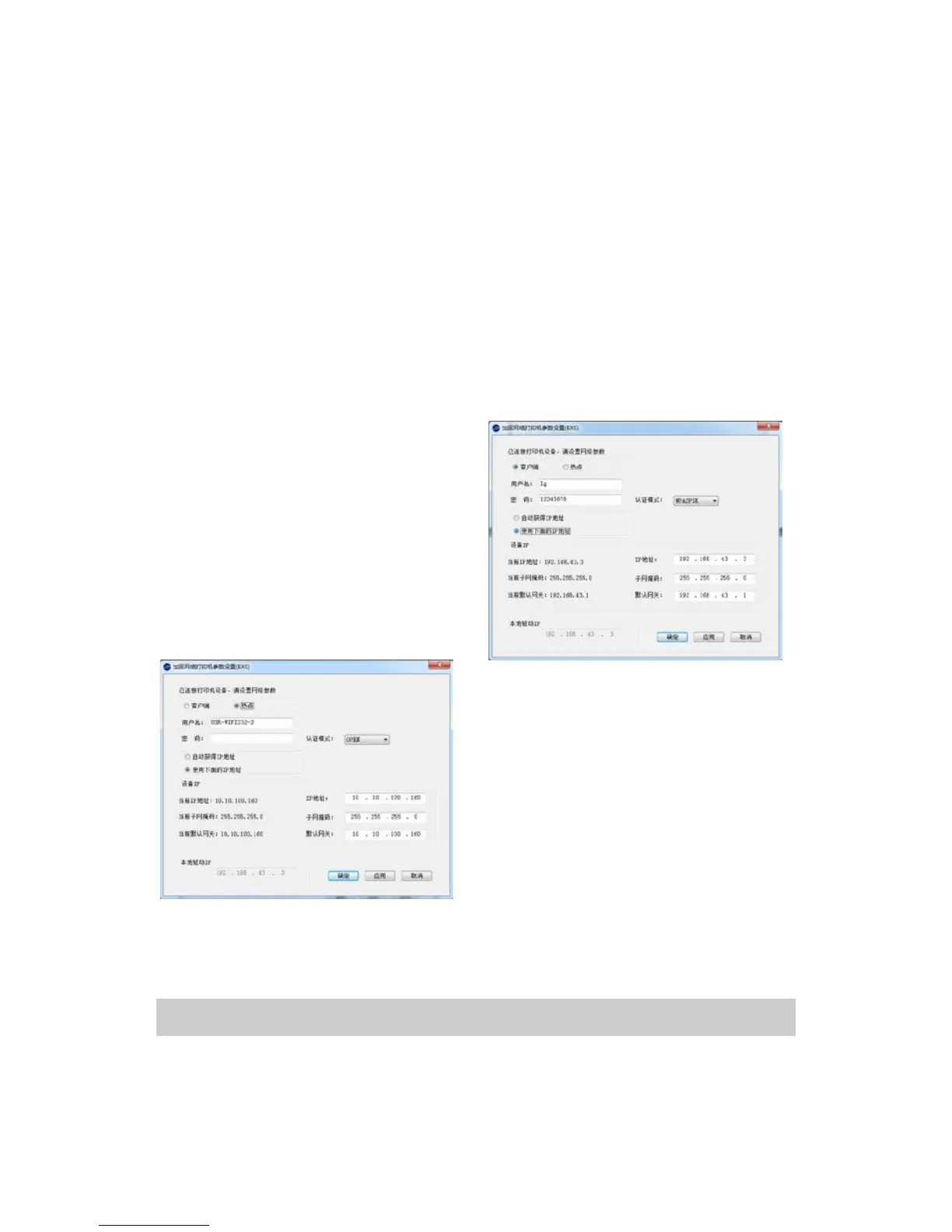
Client mode includes two types:
“Automatically obtain IP address”
and “Use IP address below”. For
the option of “Use IP address
below”, IP address of device can
be changed.
In Hotspot mode, the user name and
password of WIFI network can be
changed.
4. Input configuration information
defined by user and click “Apply”,
and the setting of WIFI print is
completed.
5.Click “Close”to exit.
3.4. Uninstall the Printer Driver
Uninstalling the printer driver needs the administrator account. Please
log on as a user who has the administrator account. Terminate all


 To Next Page