38
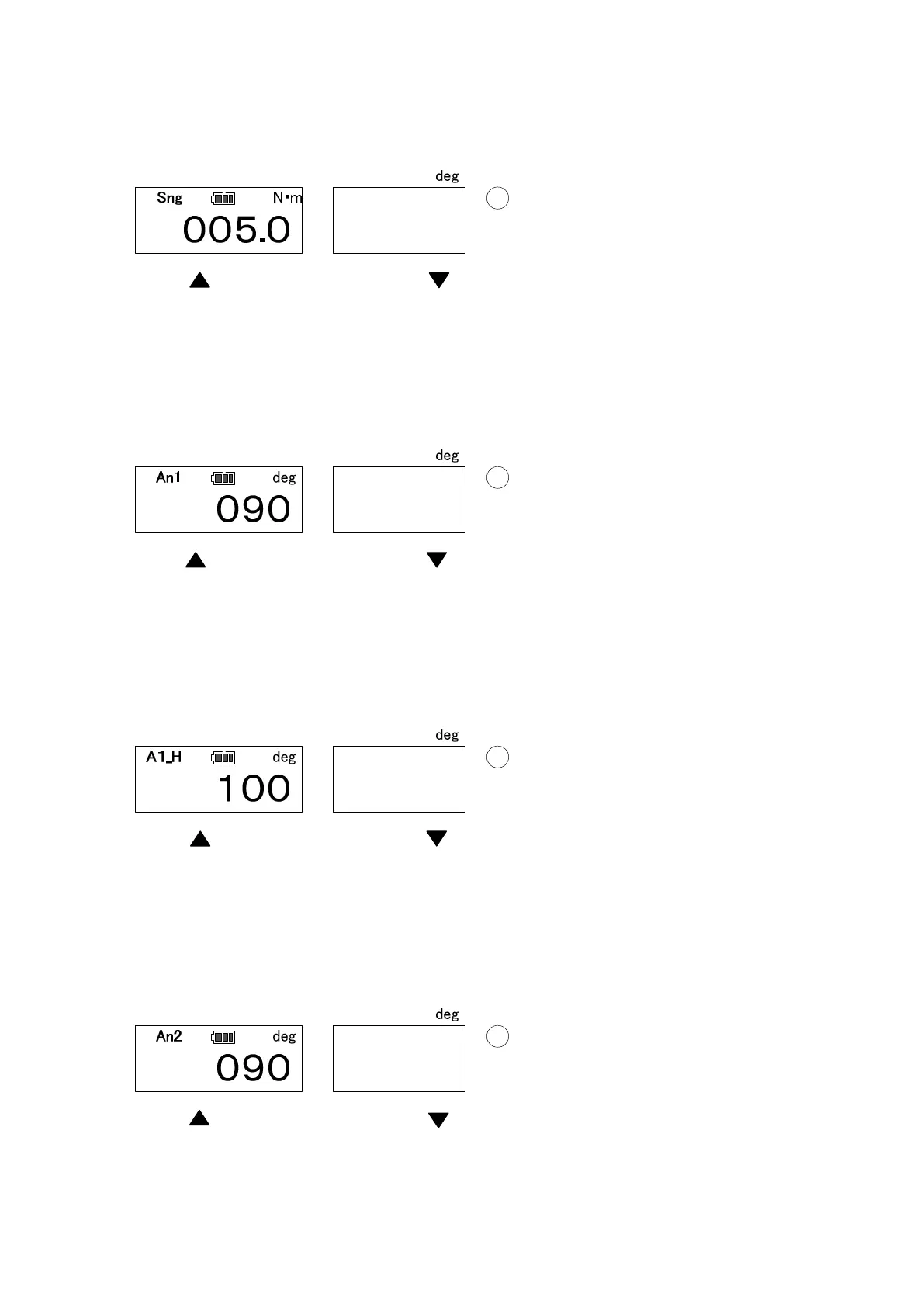
● Snug torque setting (Default: 0)
Set the snug torque. This is the torque from which the angle tightening count starts.
(It is recommended that snug torque should be set at the same as the tightening torque or
lower.)
Use key to select the digit, and key to change the value. Press MEM key to confirm
and proceed to the next.
(Press MD to proceed without saving. Press C key to return to RUN measuring mode).
● 1
st
angle setting (Default: 0)
Set 1
st
tightening angle.
Use key to select the digit, and key to change the value. Press MEM key to confirm
and proceed to the next.
(Press MD to proceed without saving. Press C key to return to RUN measuring mode).
● 1
st
angle upper limit setting (Default: 0)
Set the 1
st
angle tightening upper limit.
Use key to select the digit, and key to change the value. Press MEM key to confirm
and proceed to the next.
(Press MD to proceed without saving. Press C key to return to RUN measuring mode).
● 2
nd
angle setting (Default: 0)
Set the 2
nd
tightening angle.
Use key to select the digit, and key to change the value. Press MEM key to confirm
and proceed to the next.
(Press MD to proceed without saving. Press C key to return to RUN measuring mode).


 To Next Page