EasyManua.ls Logo

Tone Commander 8610 - User Manual

Tone Commander 8610
52 pages
Print Icon
To Next Page IconTo Next Page
Loading...
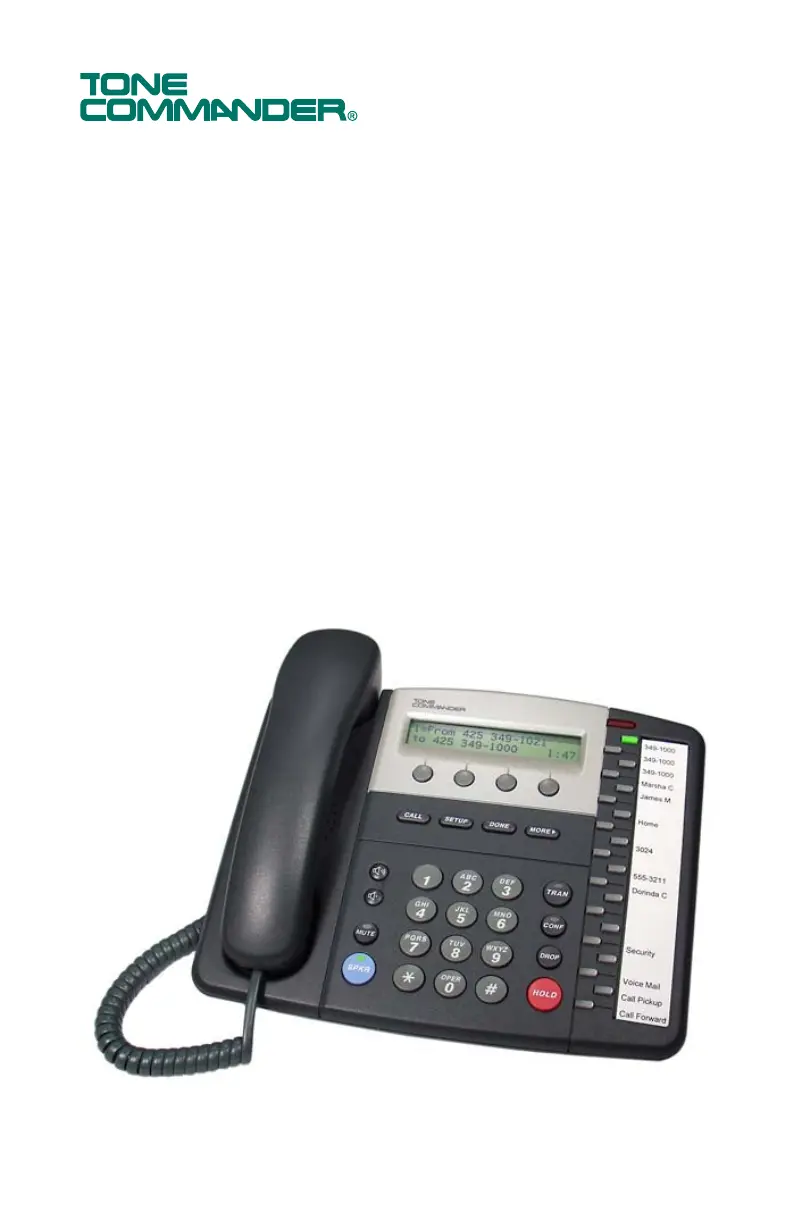
8610 / 8620
ISDN Telephone
User Guide

Other manuals for Tone Commander 8610

Questions and Answers

  • M
    Marc YorkSep 12, 2025
    How to fix Tone Commander Telephone SPID number?
    • K
      kevinsmithSep 12, 2025
      Verify correct SPID number is programmed and that it is not already in use (on a multipoint line). Also, verify that your service provider has not changed SPID formats or area codes on your ISDN line.
  • B
    Brian ThomasSep 14, 2025
    Why do all inbound calls appear on CA1 on my Tone Commander 8610 Telephone?
    • B
      brandi52Sep 14, 2025
      All inbound calls appear on CA1 and outbound calls cannot be made. Select CACH, BASIC, or MERID1 as required by service provisioning.

Summary

Introduction

Controls and Indicators

Operation

Placing and Answering Calls

Procedures for initiating and receiving telephone calls.

Key Phone Features

Using network services, speakerphone, voice announce, and headset functions.

Call Management

Managing active calls including holding, transferring, and conferencing.

Call History and Directories

Accessing and utilizing call logs and the phone's directory.

User Options

Phone Setup and Key Configuration

Setting up phone angle, labeling keys, and configuring programmable functions.

Directory and Call Settings

Managing directory entries and configuring call preferences and time/date.

Ringing and Audio Settings

Customizing ringtones, audio modes, and display contrast.

Security Settings

Setting up security measures like call log password protection.

Appendix B Warranty and Service

Appendix C UL;FCC Statements

Tone Commander 8610 Specifications

General IconGeneral
BrandTone Commander
Model8610
CategoryTelephone
LanguageEnglish

Related product manuals