@ ToolkitRC 2020
10,Power mode setting
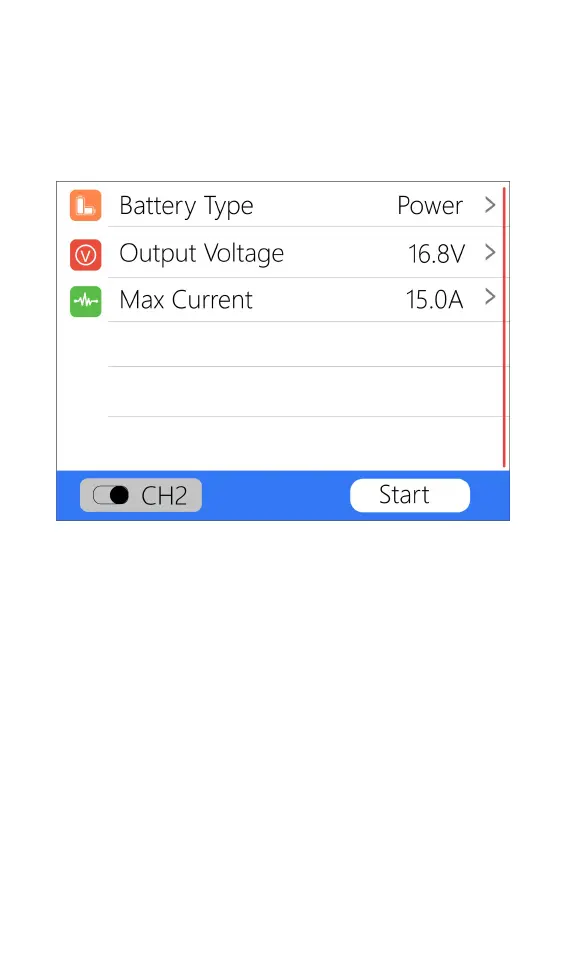
When the battery type is power, the battery setting
interface only has two options: output voltage and
maximum current. As shown below.
Move the cursor to [Output Voltage] and press [OK]
to modify the output voltage. The voltage range is 1V to
28V. Move the cursor to [Max Current] and press [OK] to
modify the maximum current, which is the maximum
current of the output power supply. The range is 0.5A to
15A.
11,Smart battery
When the battery type is smart battery, the battery
settings are only the drone type and maximum current.
As shown below.



 To Next Page